Sign-in keeps looping
Sign in to AgentIntel directly in the same browser first. Restart the connection, complete the required checkbox only if its statement is true for you, and select Allow.
Your market intelligence, ready for your next conversation. Add AgentIntel, connect your account, and ask about your market.
Have your AgentIntel account ready, with an active subscription or trial.
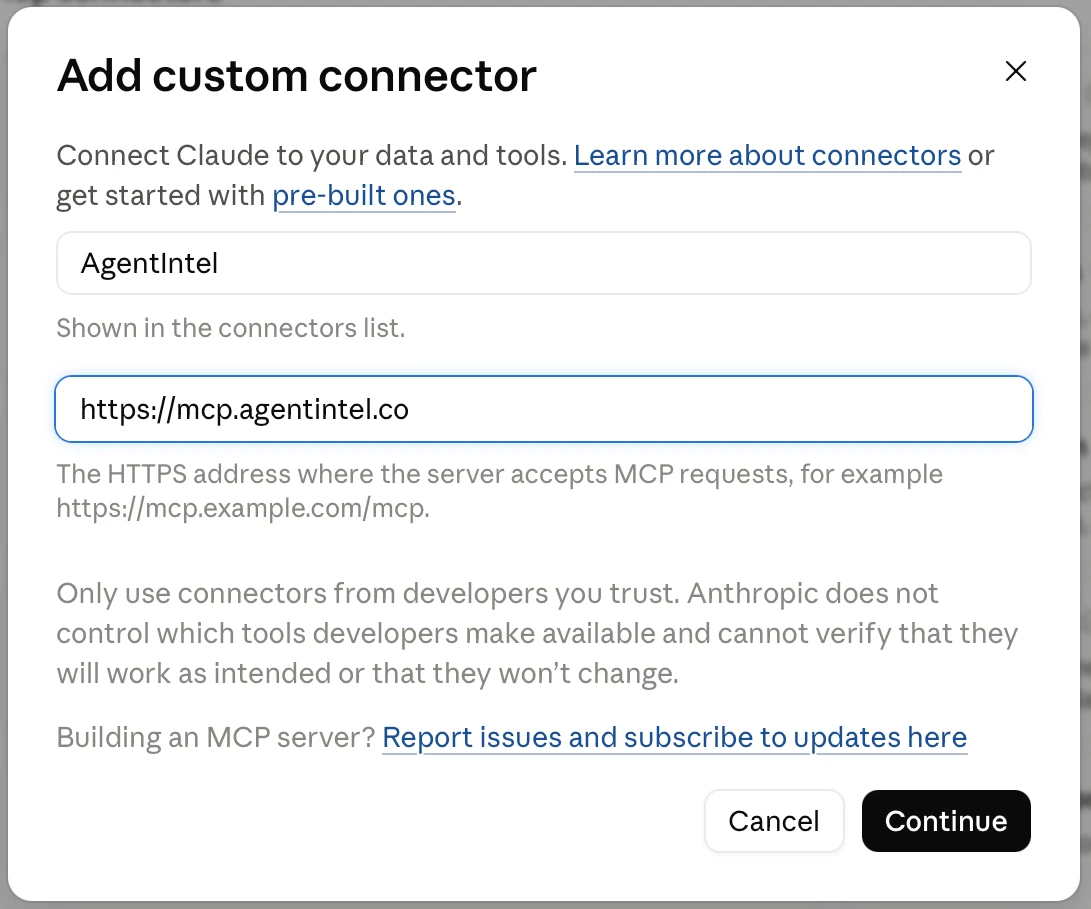
Click Add AgentIntel to Claude to open Add custom connector.
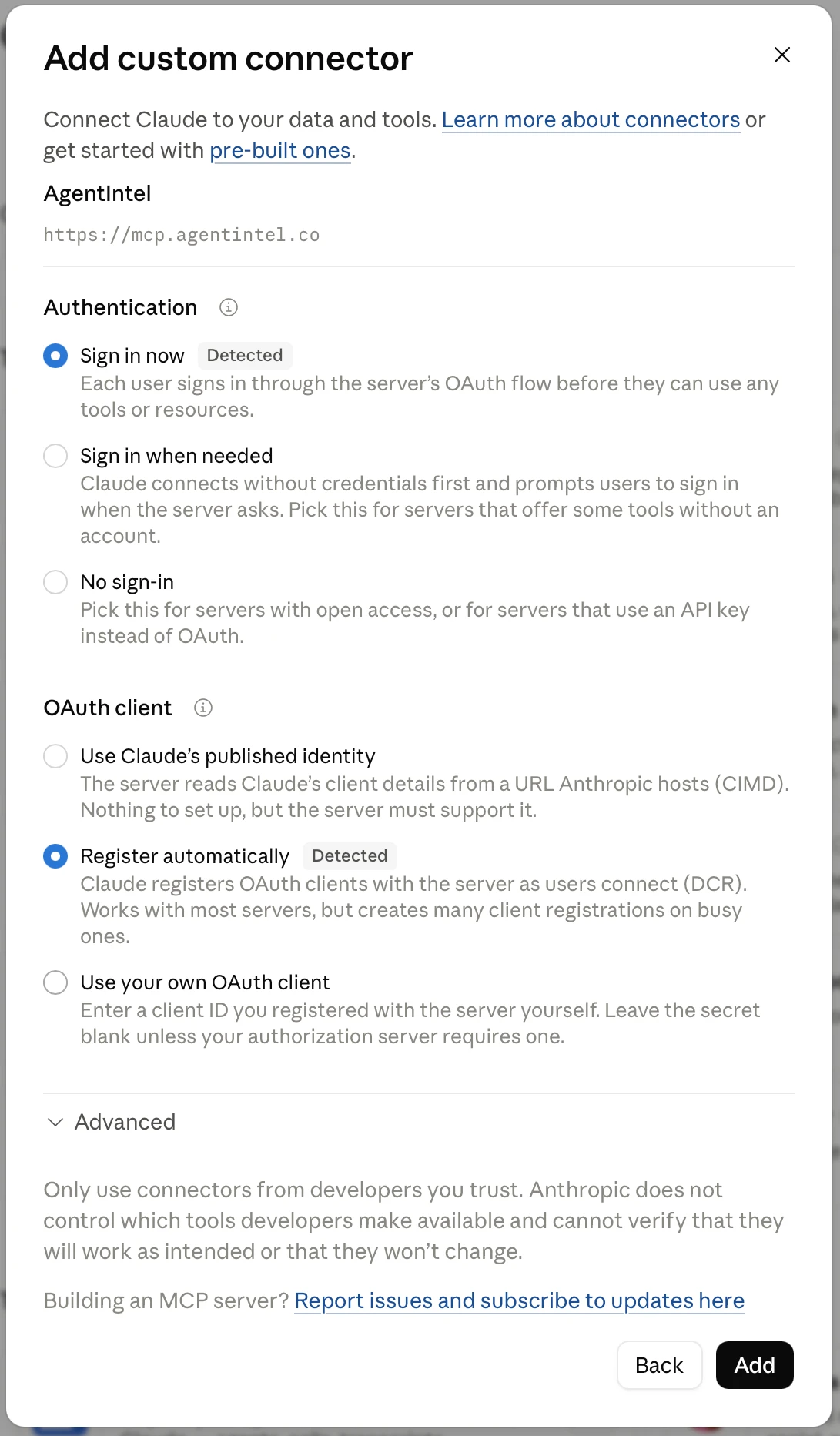
Leave Sign in now and Register automatically selected, then choose Add.
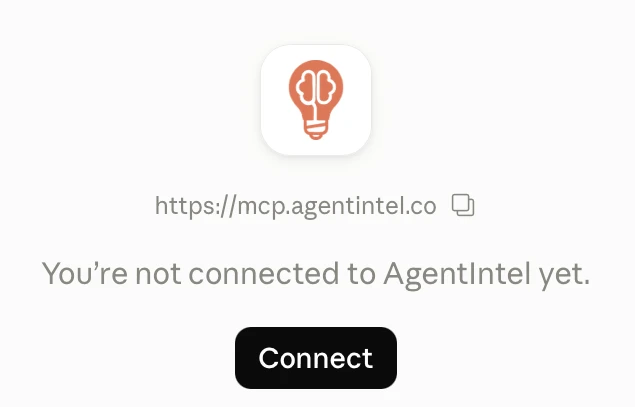
Choose Connect and sign in to AgentIntel with your existing account.
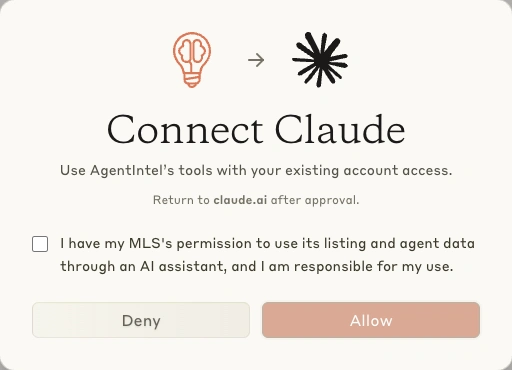
Read the required checkbox and select it only if the statement is true for you, then choose Allow. This is required for every new authorization.
How’s inventory in Barton Hills — build me a report.
Last updated September 16, 2026
Sign in to AgentIntel directly in the same browser first. Restart the connection, complete the required checkbox only if its statement is true for you, and select Allow.
Return to Customize → Connectors and finish connecting AgentIntel. Use the same Claude account and workspace, then select AgentIntel in a new chat.
Listing and agent tools require verified MLS access. Connecting an assistant does not add that access. If your subscription is inactive, manage it on your account page. For upgrade or access issues, contact support.
Manage your accountContact supportIn AgentIntel, open Integrations → Connected apps → Revoke access. Remove the connection in Claude, then follow the steps above to connect again. Each new authorization requires the checkbox again.
Open AgentIntel integrations