Everyone on a team or brokerage account has a role. The account owner is the person whose subscription the team uses. Everyone else is an Agent, an Admin or Both, chosen when they are invited.
Roles
Account owner
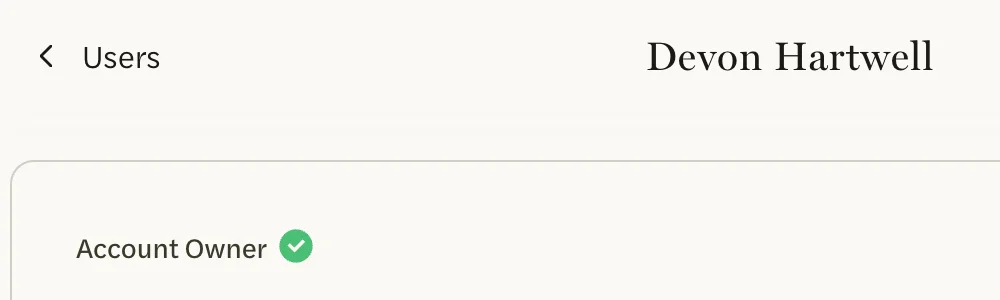
The person whose subscription covers the whole team. The account owner is an admin and an agent at once: they use AgentIntel for their own work and also have the admin area, and they switch between the two with Agent and Admin in the menu that opens from their name. Only the account owner has a Billing tab in Settings. Their page in the admin area says Account Owner, and nobody can change their role or remove them.
Agent
Uses AgentIntel for their own work, from the Dashboard to Reports and Social, on the team’s subscription, with no card or billing of their own. An agent is matched to their MLS profile when they are invited. Agents don’t have the admin area, and their Settings has no Billing tab. Each agent uses one of the team’s seats.
Admin
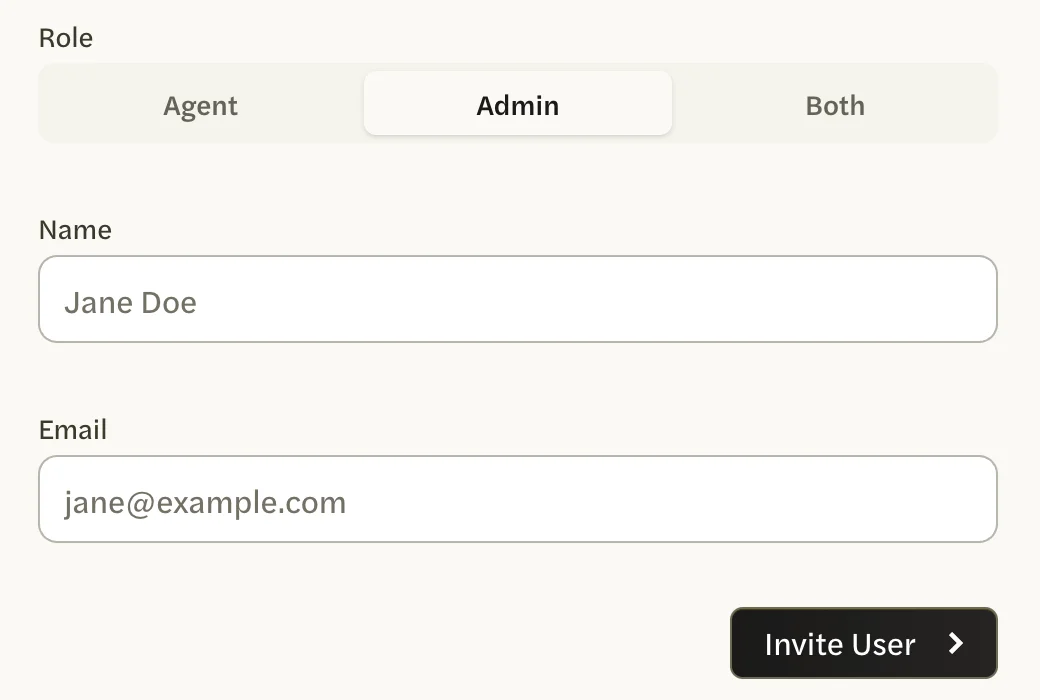
Runs the team without using AgentIntel as an agent. An admin signs straight in to the admin area, where they can invite and remove people, change agents’ roles, view the app as one of the agents and set the team’s branding. An admin has no Dashboard, markets or reports of their own, and no Billing tab. To invite an admin, select Admin under Role before you fill in anything else: the form then hides MLS Agent, because an admin isn’t matched to an MLS profile. Selecting Admin after choosing an agent clears the form and puts it back on Agent.
Both
An admin who is also an agent. They have everything an agent has and everything an admin has, and switch between the two with Agent and Admin in the menu that opens from their name. Someone with Both uses one of the team’s seats, the same as an agent.
Who can do what
- Use AgentIntel as an agent: the account owner, agents and anyone with Both.
- Open the admin area: the account owner, admins and anyone with Both.
- See the Billing tab: the account owner only.
- Be removed: everyone except the account owner. Nobody can remove themselves.
- Have their role changed: agents and anyone with Both. Nobody can change their own role.
Change someone’s role
A new role saves the moment you select it, with no confirmation, so read this first.
Choosing Admin for an agent can’t be switched back. It takes away their agent side of AgentIntel and their link to their MLS profile, and the Role choice disappears from their page. If they should keep working as an agent, choose Both instead.
In the admin area, select Users, then the person’s name.
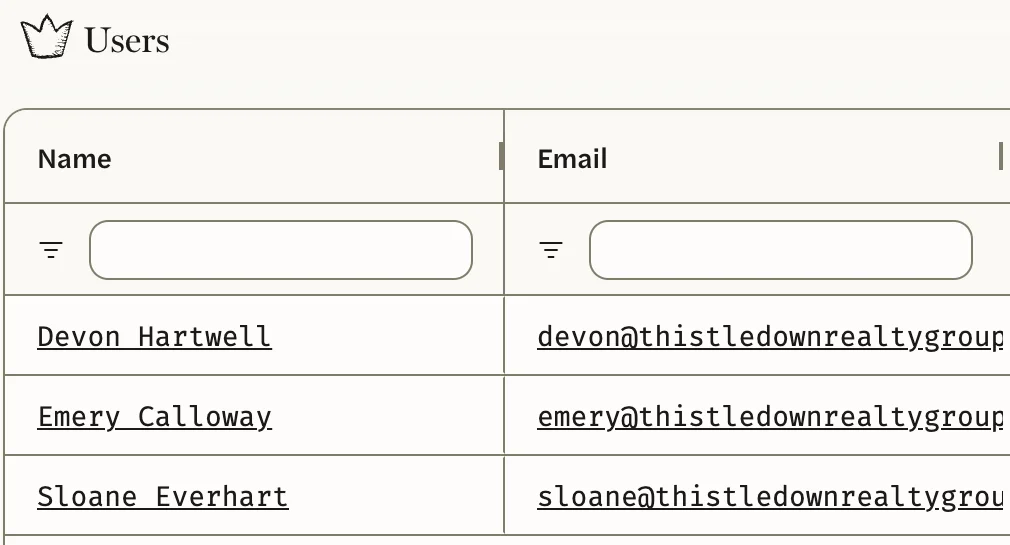
Under Role, select Agent, Admin or Both. The change saves as soon as you select it.
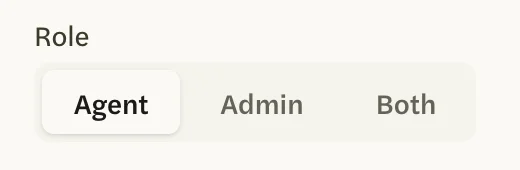
You can switch someone between Agent and Both as often as you like.
Someone with the Admin role has no Role choice on their page.
The only way to make them an agent again is to remove them, and removing an admin deletes their account along with everything they made as an agent: their markets, their reports and report branding, and their social schedules and posts. Links to reports they shared stop working. You can then invite their email address again as Both, which starts a new account.
Only admins and the account owner can change roles. You can’t change your own role or the account owner’s.