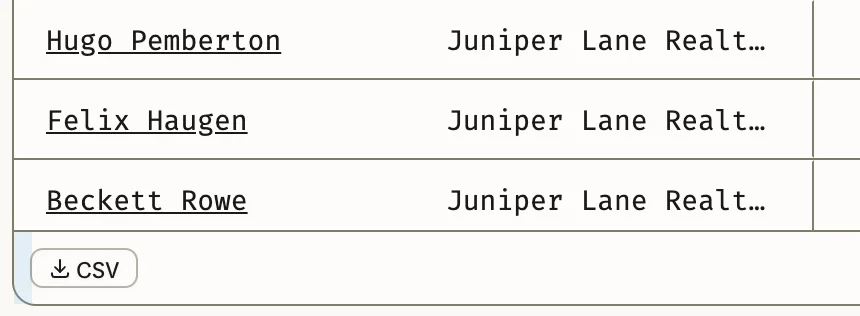
Select CSV at the bottom left of the Agents list to download it as a CSV file, which opens in any spreadsheet app, such as Excel or Google Sheets. The file holds the agents as you see them: the same market, period, filters and order.
Download the list
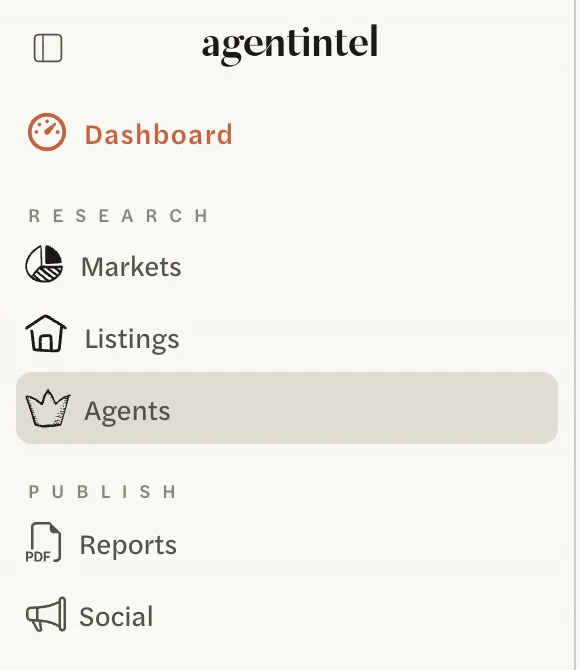
Select Agents in the left menu.
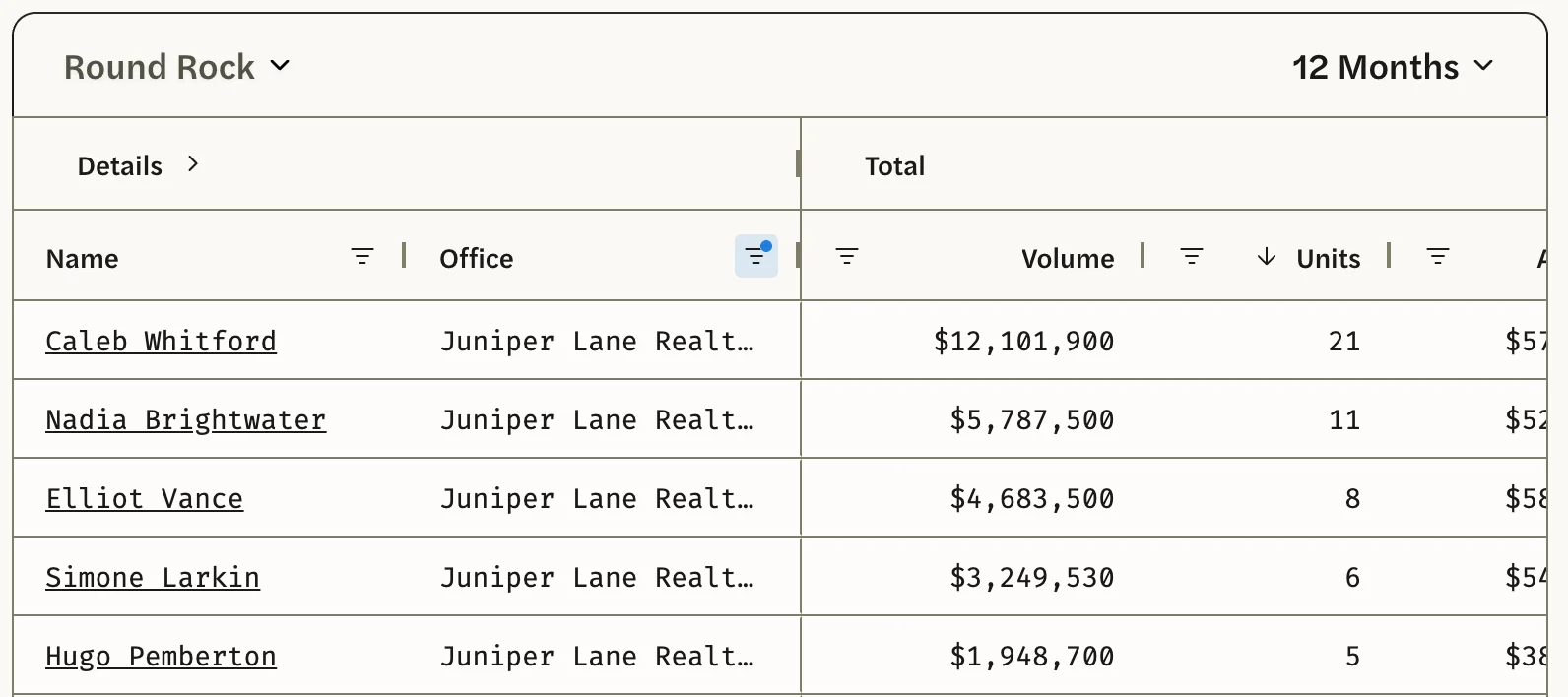
Set up the list: choose the market and the period, and add any sort or filter. See Rank agents in a market and See a brokerage’s agents.
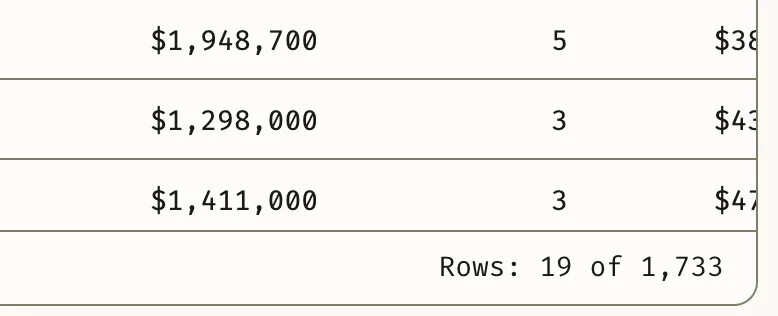
Wait for the list to finish loading, which is when the Rows count at the bottom right of the list stops climbing. A file downloaded before then holds only the agents loaded so far.
Select CSV at the bottom left of the list.
Your browser saves the file with a date in its name, such as 2026-10-06 • agentintel.csv.
What’s in the file
- One row per agent in the list. With a filter on, only the agents that match: when the bottom of the list reads Rows: 24 of 1,741, the file has 24 agents. They’re in the order the list is sorted.
- Every column, including Email, Phone, First Year, DOM, Initial vs Sales Price and Asking vs Sales Price, even if you haven’t opened them on screen.
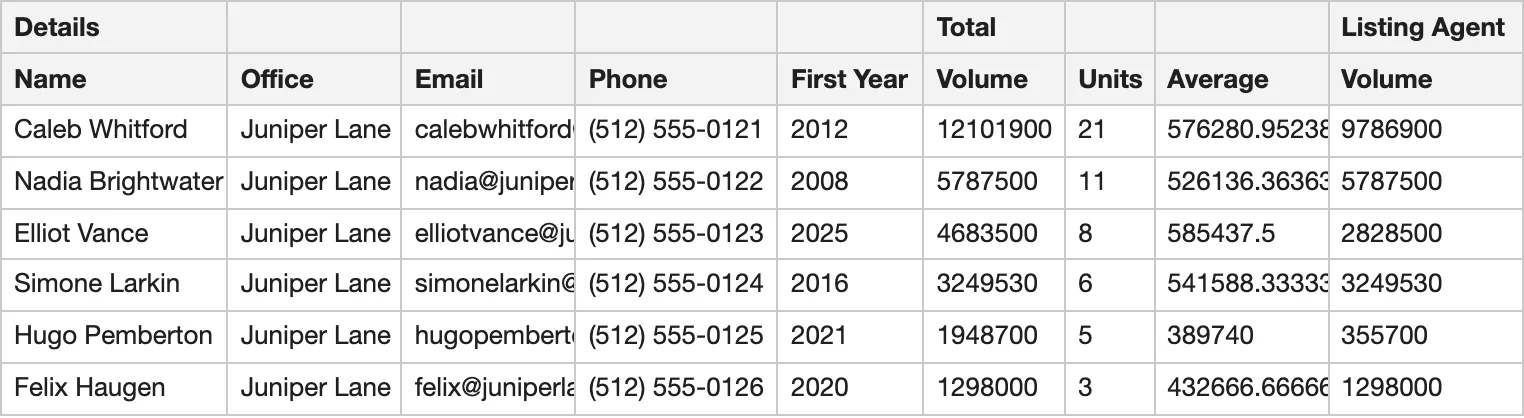
- Two heading rows. The first row names each group, Details, Total, Listing Agent and Buyer’s Agent, above the group’s first column. The second row names the columns. Volume, Units and Average appear in three groups, so use the first row to tell them apart.
- Plain numbers. Dollar amounts have no dollar sign or commas, and averages keep their decimals. Initial vs Sales Price and Asking vs Sales Price are fractions: -0.02 in the file is -2% on screen.
CSV is the only format: there’s no PDF of the list. How production is counted explains what each number means.
Agents needs an MLS Connection. See Connect your MLS.