Agent figures are worked out from your MLS’s own listing records: each listing’s sale price and dates, and the agents your MLS has on each side of it. Most surprises come from what those records say, or from the market, period and property types a figure covers. How production is counted has the full definitions.
Agents isn’t in my left menu
Agents needs an MLS Connection. Without one, it isn’t in the left menu, and the search on your Dashboard reads Search Markets and Listings and doesn’t find agents. See Connect your MLS.
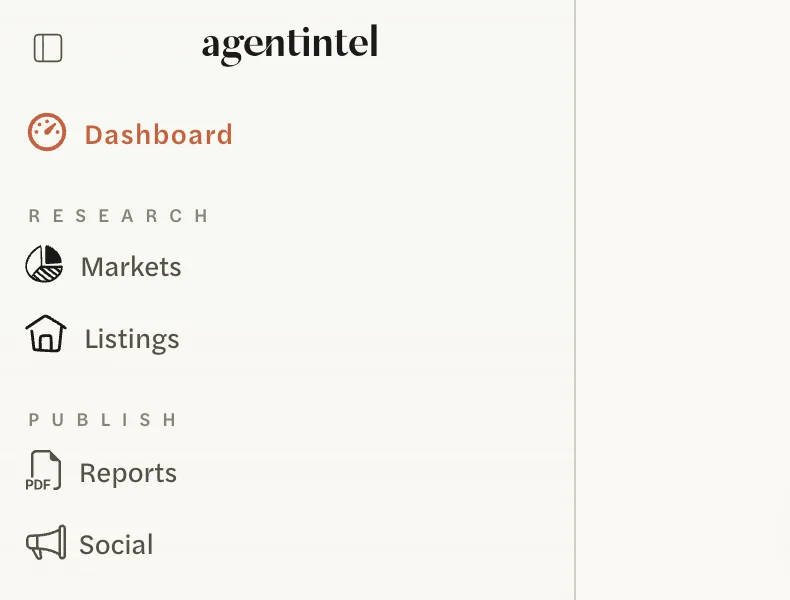

If you have an MLS Connection and still don’t see Agents, agent data isn’t available for your MLS in AgentIntel. Your MLS’s markets and listings work as usual.
I can’t find an agent by name
Select Search Agents at the top of the Agents page and type part of the name. Capitals don’t matter.
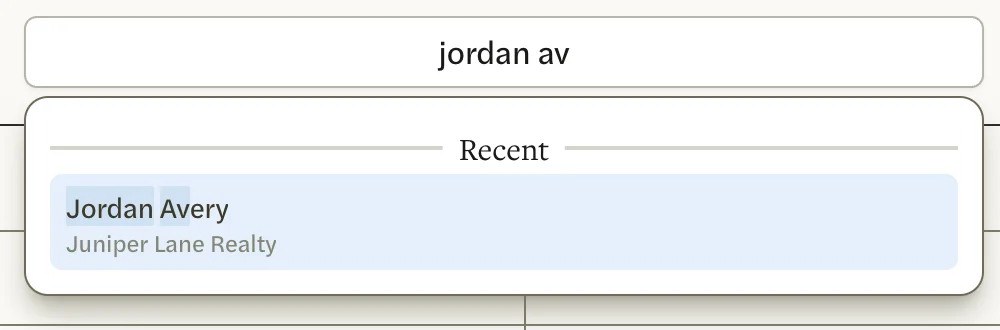
- Type more of the name, as your MLS lists it. Search Agents shows only the first matches, so a common name can leave the agent you want off the list. Type the first and last name. If that finds nothing, try the fuller first name your MLS may have, such as Robert rather than Bob.
- Only your MLS’s agents are searched. Agents who belong only to another MLS can’t be found.
- Only agents your MLS lists as active are found. You can still open the page of an agent who is no longer active from the Cooperating Agent column on a sale they were part of, on another agent’s page.
- Two agents with the same name? Search Agents shows each one’s office under the name. The Dashboard search shows names only.
See Look up an agent.
An agent is missing from the Agents list
An agent appears on the list only when your MLS lists them as active and at an office, and they had at least one sale in the market and period you chose.
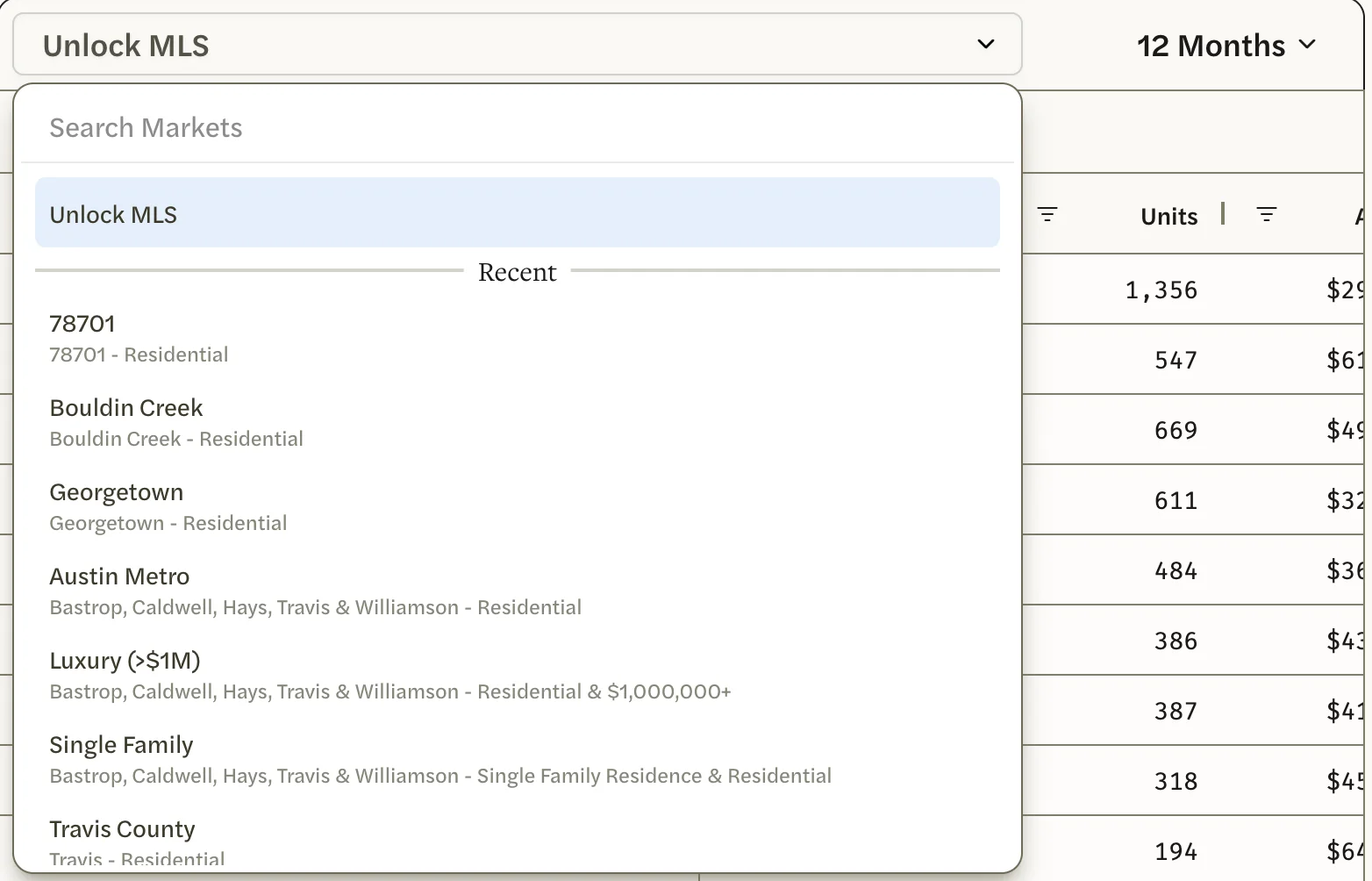
- Choose a longer period or a larger market. See Rank agents in a market.
- Check what they sell. Your MLS’s standard markets cover residential property, so an agent who mostly sells land, farms or commercial property may have no sales the list counts.
- Look them up by name instead. Their page counts every sale in every market. If no brokerage shows under their name in Search Agents, your MLS has them at no office, so they aren’t on the list, but their page still shows what they closed.
An agent’s page and the Agents list show different numbers
They count differently, so for the same agent they rarely match:
- The list counts only sales in the market you chose, and only the kinds of property that market covers. The agent’s page counts every sale.
- The list places a sale by the date it went off the market, usually the day it went under contract. The agent’s page places it by its closing date.
- The list’s Lifetime covers the last 30 years. The page’s covers all your MLS’s records.
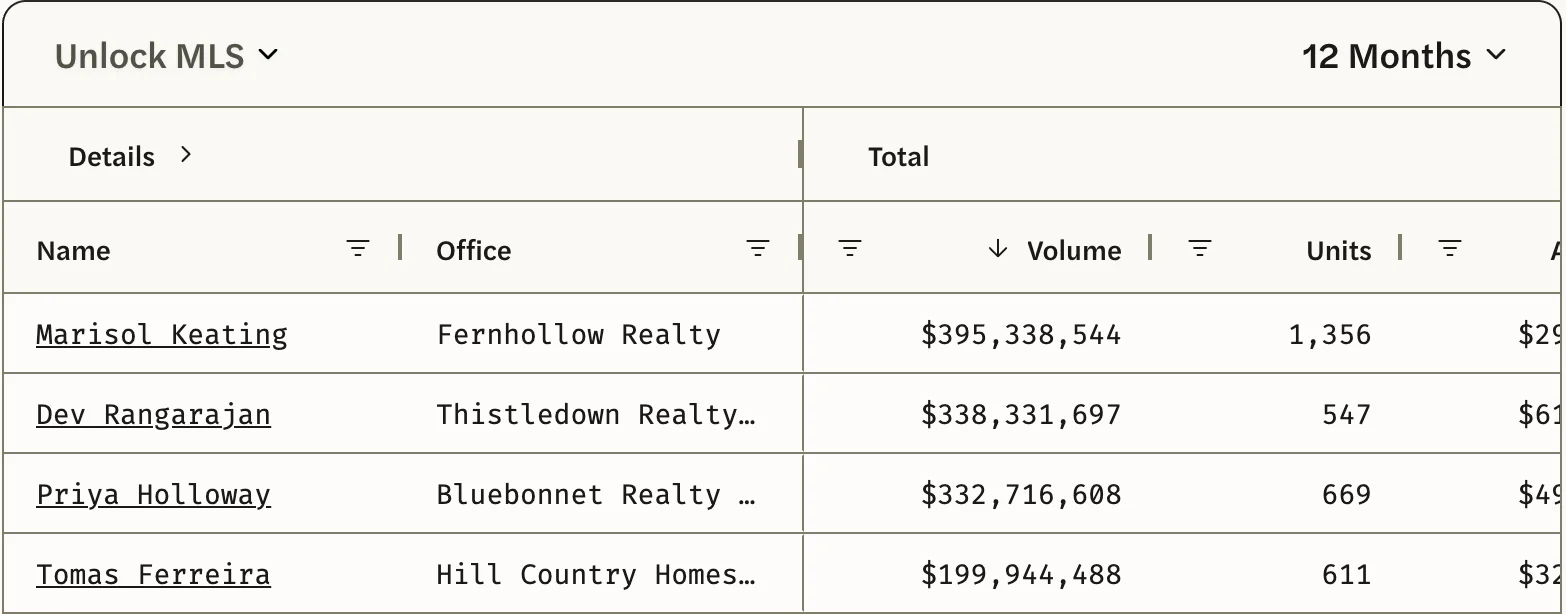
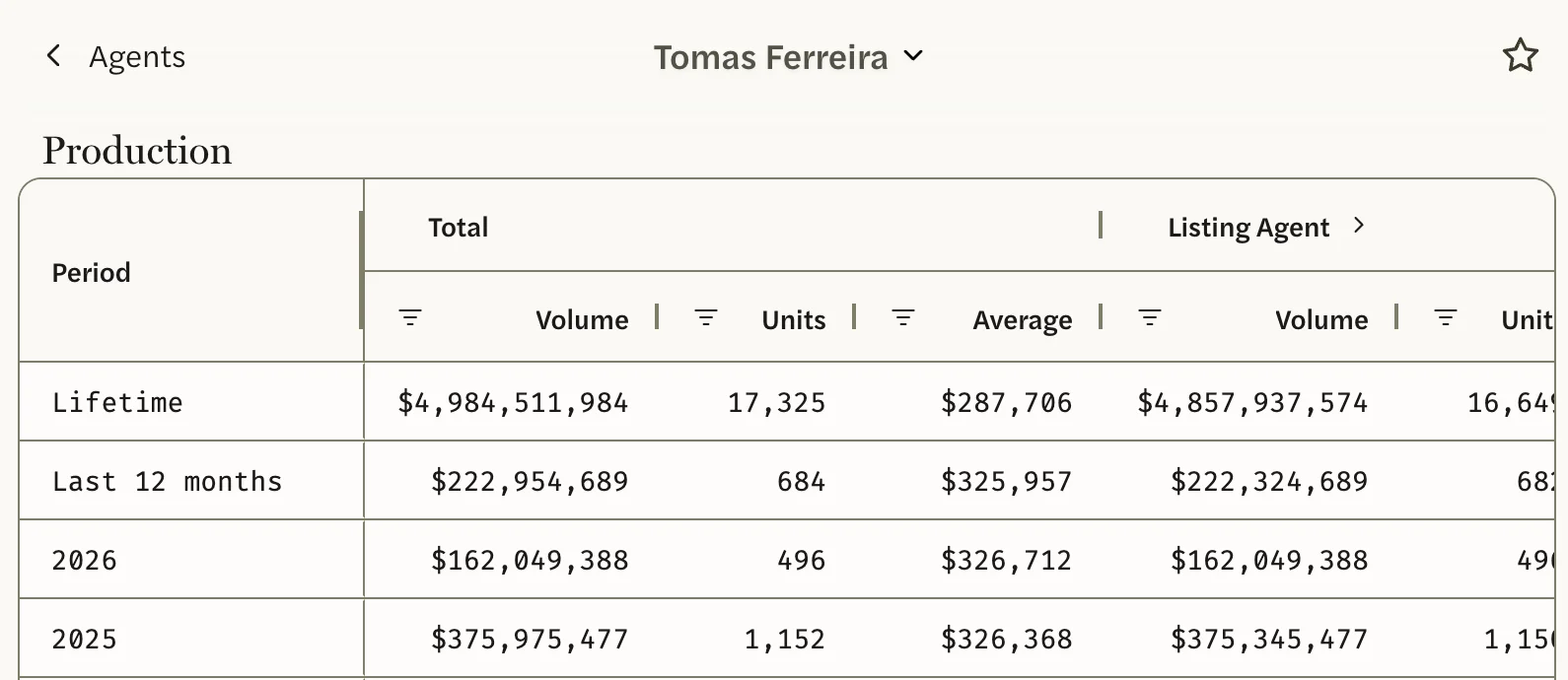
Claude and ChatGPT give the figures on the agent’s page. See The Agents list and an agent’s page.
An agent’s numbers look too high
- Shared sales count in full for each agent. When two agents share a side, such as a listing agent and a co-listing agent, each is credited with one unit and the full sale price.
- One agent on both sides counts twice. When an agent represented both the seller and the buyer, the sale counts as two units and twice the price in their Total.
- Adding agents together counts shared sales more than once. There’s no total for a brokerage. See See a brokerage’s agents.
A sale isn’t counted, or my own numbers look low
Search for the agent’s name, or your own, and scroll to Listings on their page. It shows every listing your MLS has them on.
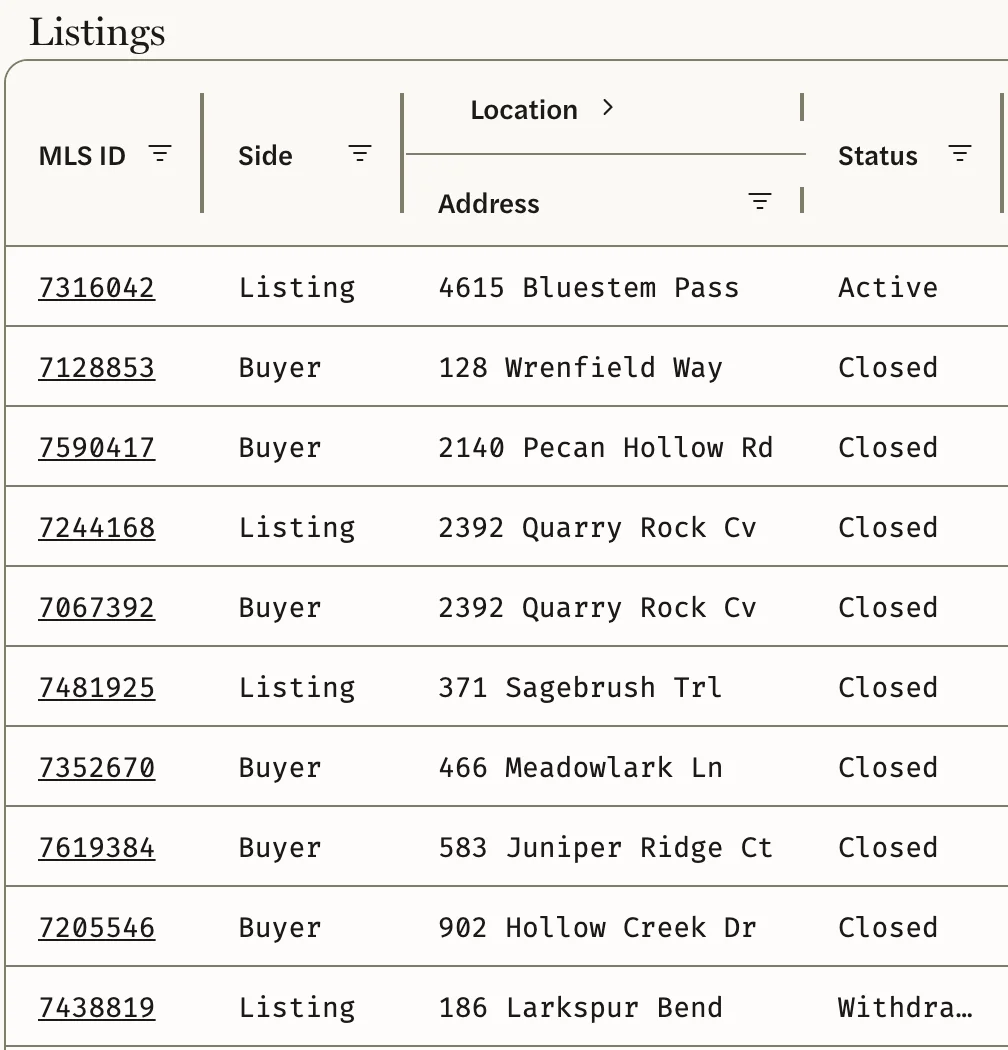
- The sale isn’t in Listings. Your MLS doesn’t have the agent as the listing agent, co-listing agent, buyer’s agent or co-buyer’s agent on it. A sale is counted only for the agents named on it, so a sale recorded under a teammate’s name counts for the teammate.
- It’s in Listings but not counted. A listing counts as a sale once it is closed with a sale price in your MLS. Check its Status.
- It’s counted on the agent’s page but not on the Agents list. It’s outside the market you chose, of a property type that market doesn’t cover, or it went under contract before the period you chose began.
- It closed today. Agent figures are updated once a day, so it shows up the next day.
An agent’s sales from their old brokerage show under their new one
Office is the office your MLS has the agent at now. Their figures include every sale that counts, wherever they worked at the time, so an agent who has moved is listed under their new office with their whole record.
First Year looks wrong
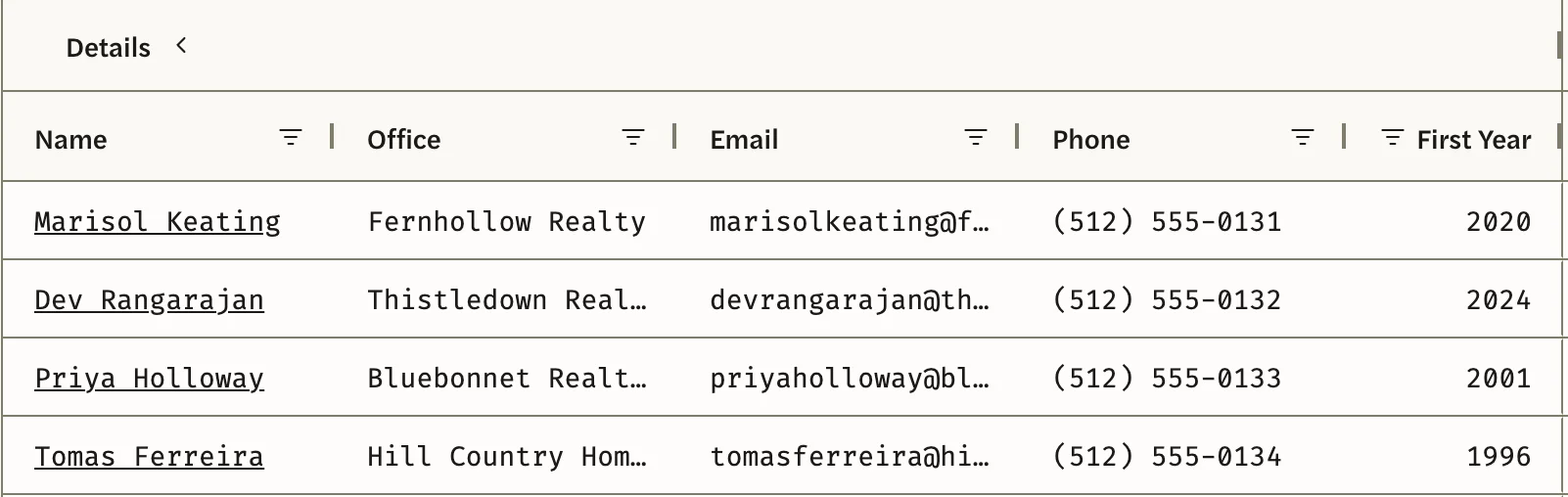
First Year is the year of the agent’s earliest sale in your MLS’s records, in any market and of any property type. It isn’t the year they were licensed. For a long-serving agent it can be the year your MLS’s records begin, and an agent who sold in another MLS first starts from their first sale in yours.
There’s no 10 Years or Lifetime
Your MLS’s records go back less than ten years, so the Agents list offers only the periods those records cover.