Type an agent’s name in Search Agents at the top of the Agents page to open their page. It shows who they’re with, how to reach them, what they’ve closed each year and every listing they’ve been on.
Find an agent
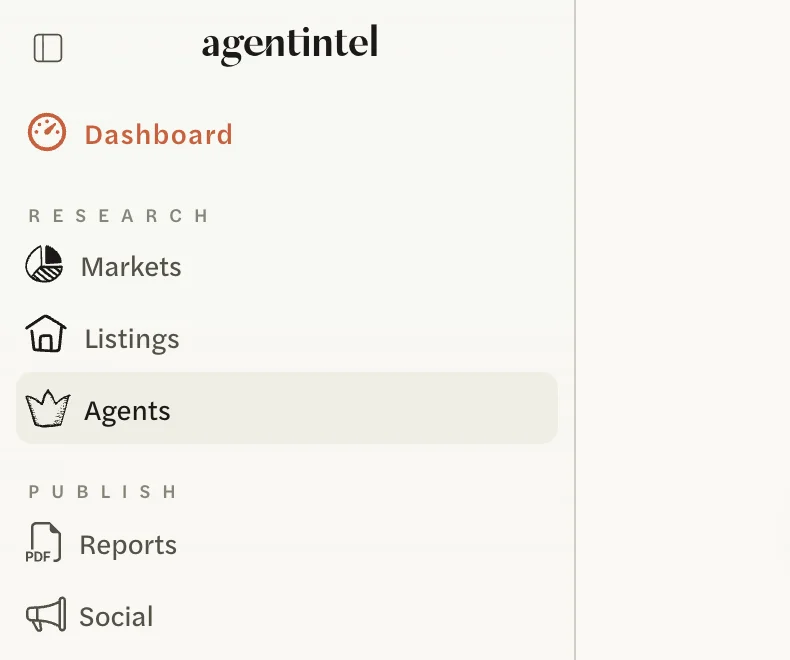
Select Agents in the left menu.
Select Search Agents at the top of the page and type the agent’s name. Agents in your MLS whose names match are listed, each with their office underneath.
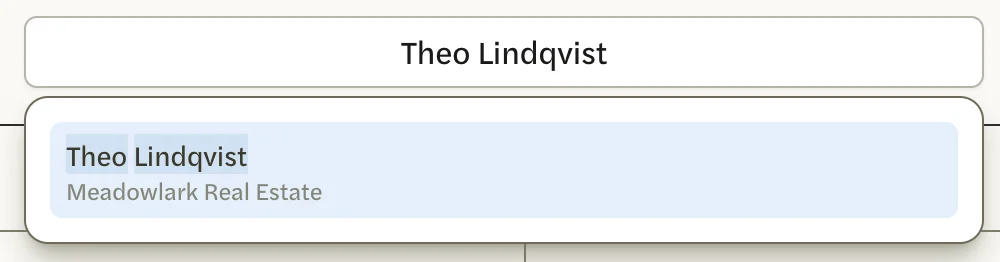
Select the agent.
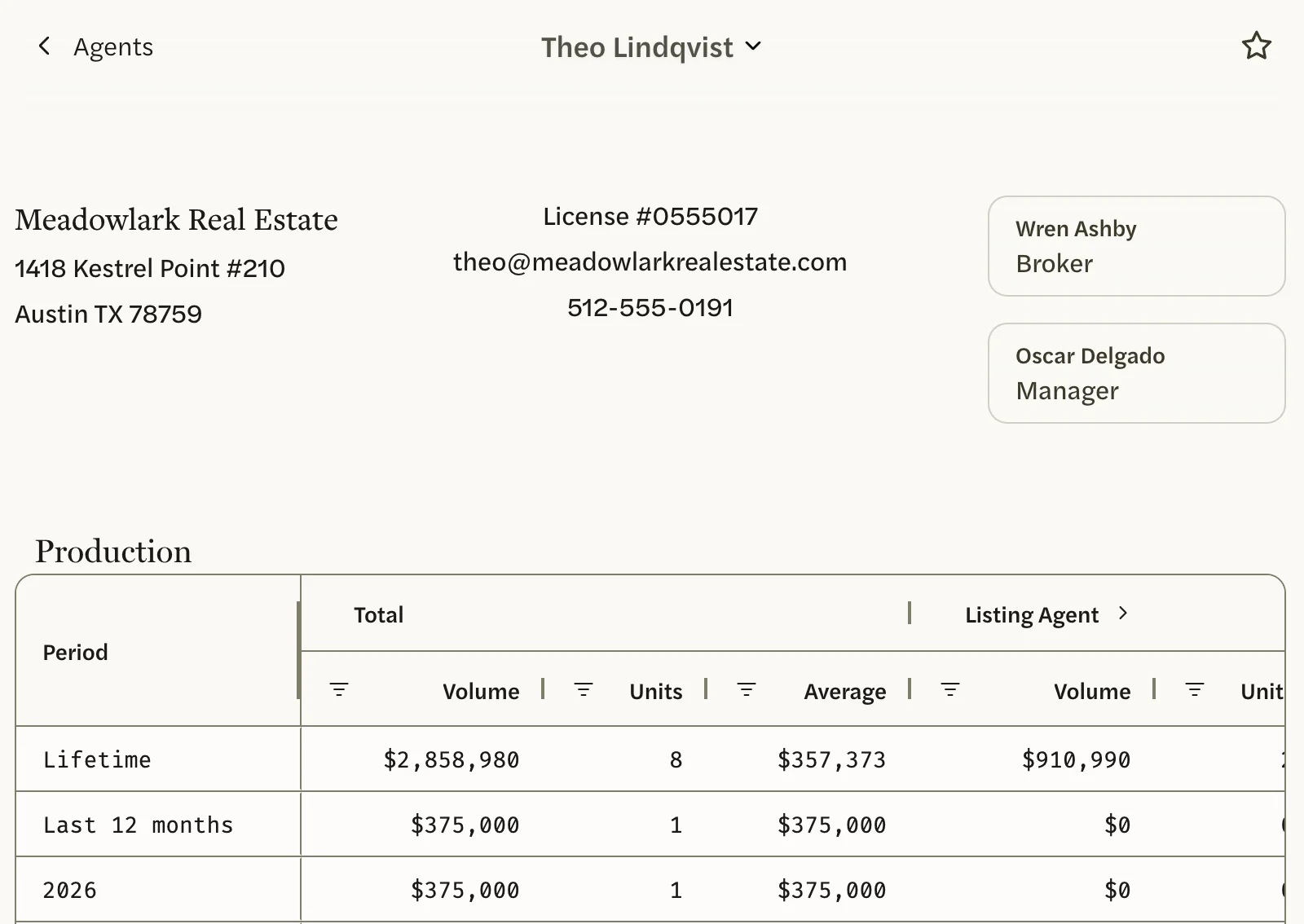
Their page opens, with their office and contact details at the top, then Production and Listings.
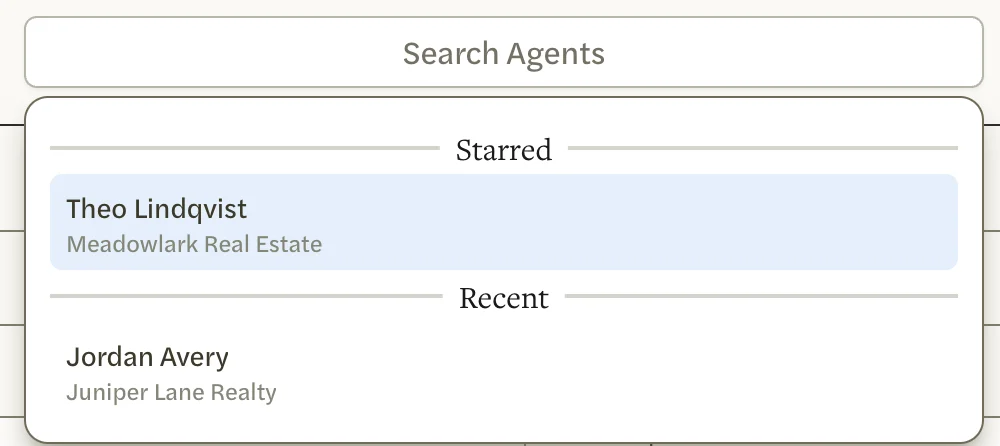
Before you type, Search Agents lists the agents you’ve starred and the ones you’ve opened lately, under Starred and Recent.
There are other ways to reach an agent’s page:
- From your Dashboard. Type the name in the search box under How’s the Market? and select it under Agents. These results show names only, so if two agents share a name, use Search Agents, which shows each one’s office.
- From the Agents list. Select a name. See Rank agents in a market.
- From another agent’s page. Select a name in the Cooperating Agent column of their Listings, or select the agent’s name at the top of the page and type another one.
Agents needs an MLS Connection, and covers only your own MLS’s agents. Without one, Agents isn’t in the left menu and the Dashboard search doesn’t find agents. See Connect your MLS.
What’s on an agent’s page
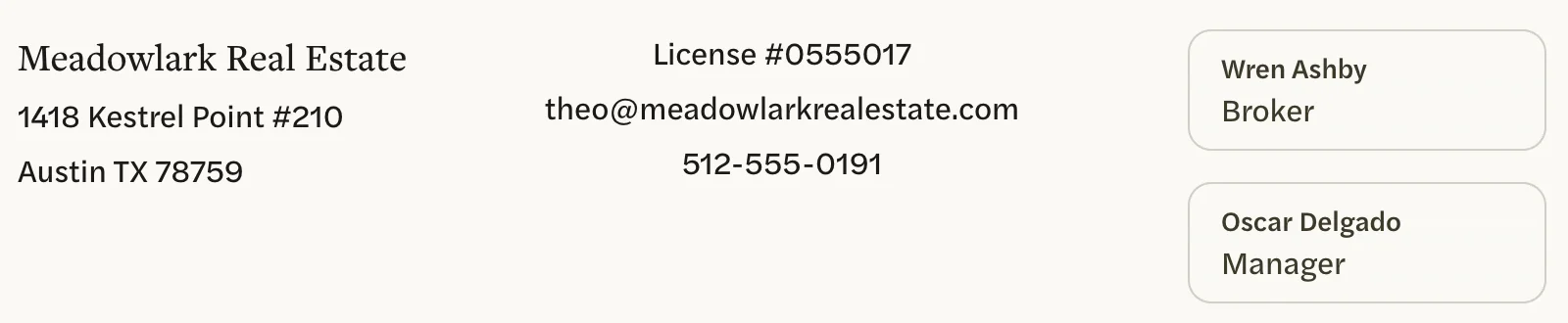
Office and contact details
At the top: the agent’s office and its address, their license number, email and phone, as your MLS has them. If your MLS names the office’s broker or manager, they’re shown too, labeled Broker and Manager; select one to open their page.
Production
What the agent has closed, from every sale your MLS has recorded for them, in any market and of any property type.
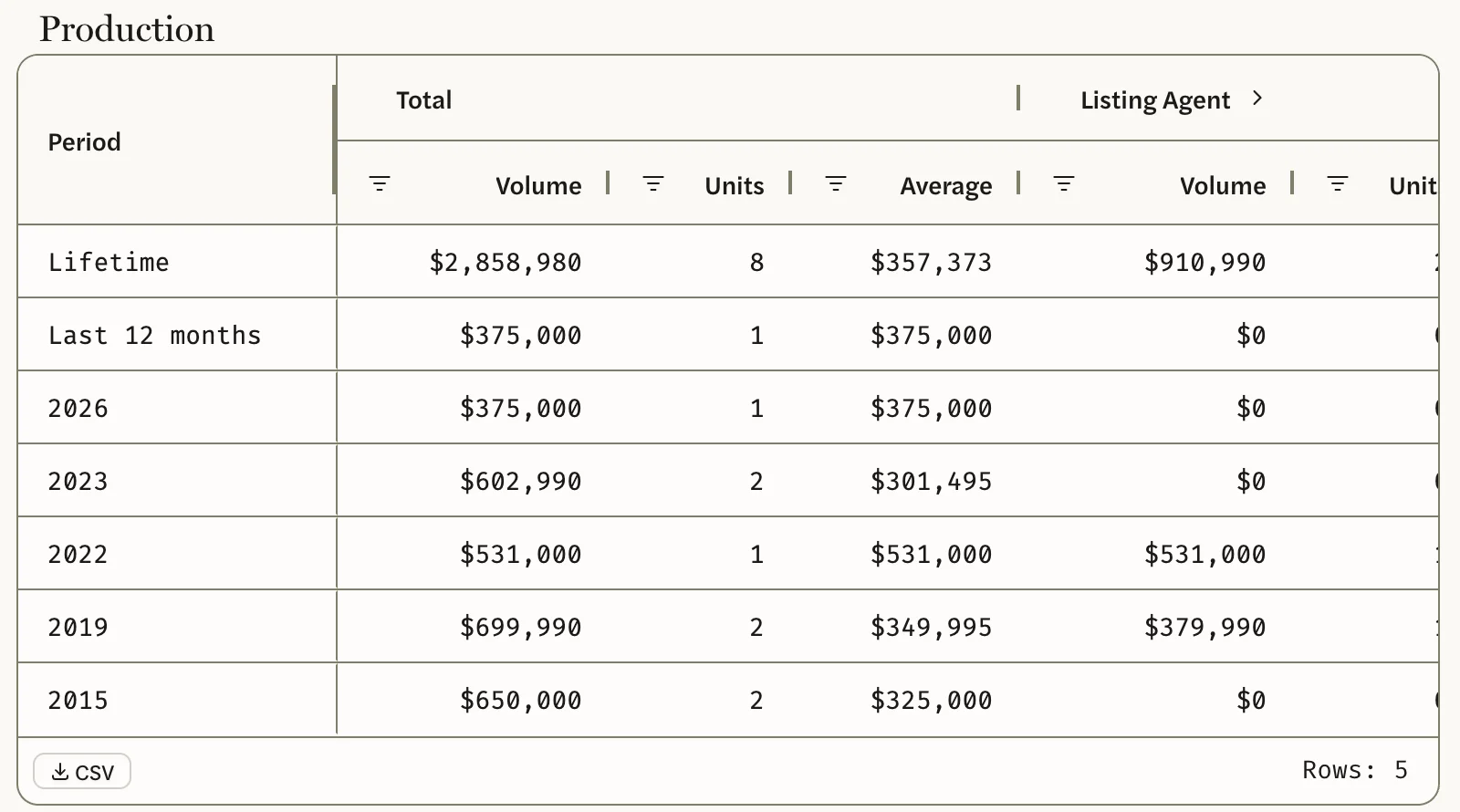
- Lifetime and Last 12 months sit at the top. Below them is one row for each calendar year in which the agent closed a sale, newest first. The current year runs to today.
- Total, Listing Agent and Buyer’s Agent each show Volume, Units and Average: all the agent’s sales, the ones where they represented the seller, and the ones where they represented the buyer.
- Select the arrow beside Listing Agent to add DOM (avg) and Initial vs Sales Price% (avg), and the one beside Buyer’s Agent to add Asking vs Sales Price% (avg).
An agent who hasn’t closed a sale shows $0 and 0. How production is counted explains every number.
Listings
Every listing the agent has been on, for the seller or for the buyer, whatever happened to it: for sale, under contract, sold, expired or withdrawn.
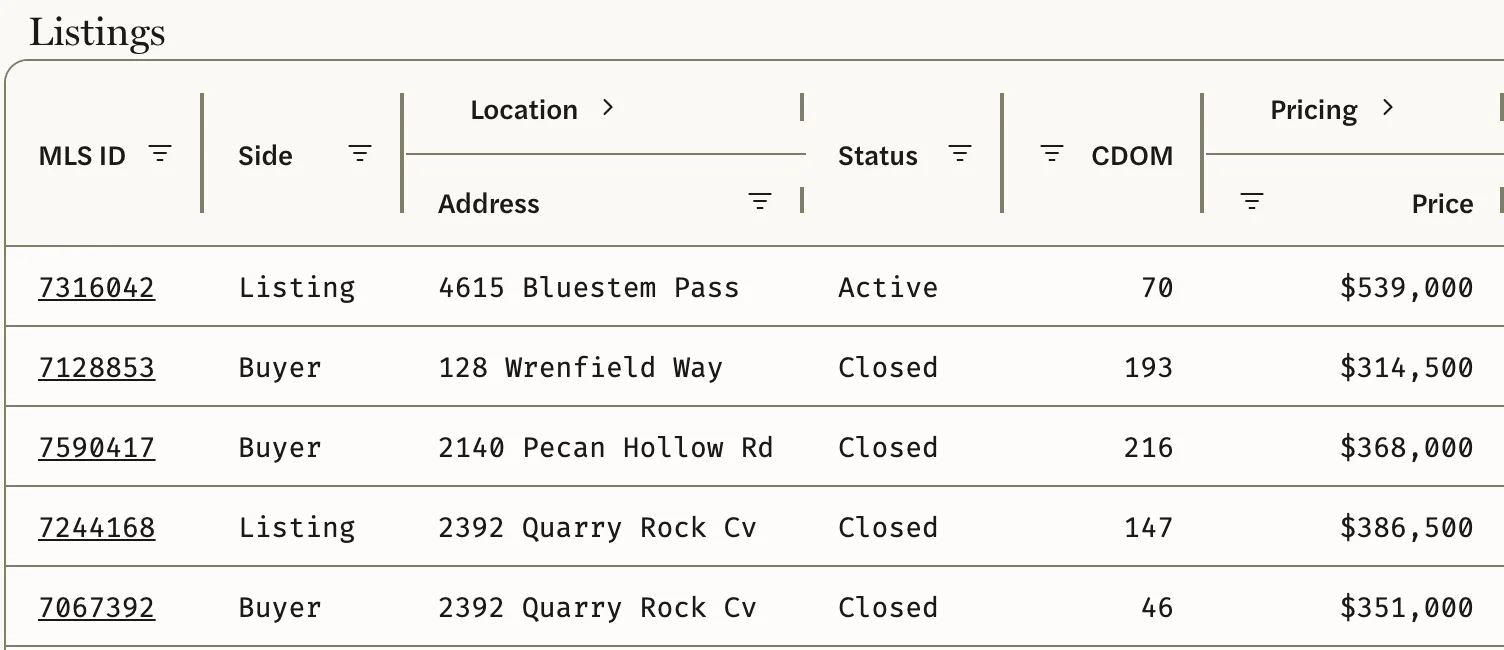
- Side shows Listing where the agent represented the seller and Buyer where they represented the buyer.
- Price is the sale price once a home has sold, and the asking price until then.
- Cooperating Agent is the agent on the other side of the sale. Select the name to open their page.
- The arrows beside Location, Pricing and Dates add columns, such as Subdivision, Original Price, Close Price, Pending and Closed.
- Selecting an MLS ID saves that home under your own Listings, where it stays, and opens it with the markets around it. See My Listings, My Buyers and Pre-MLS.
The list starts with listings that are for sale or under contract, then sales, then the rest, each group in order of street address rather than date. To see the newest first, select the Listed heading twice.
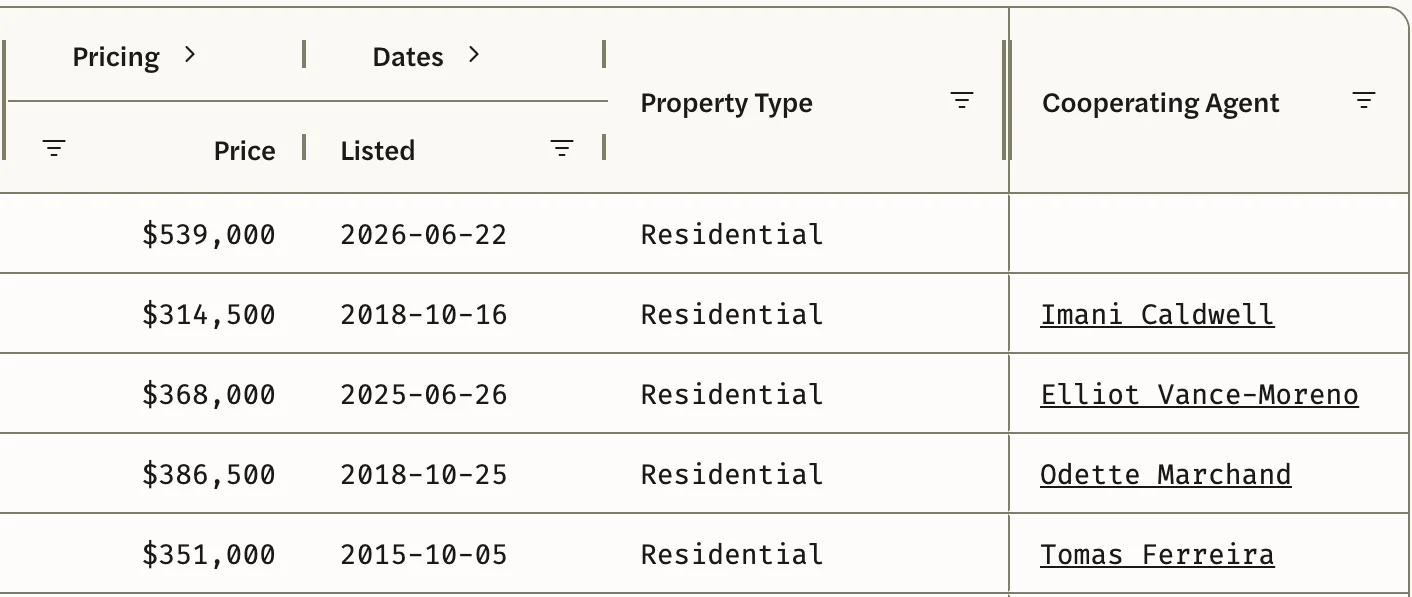
Both tables have filters on their columns, and a CSV button at the bottom left that downloads the table, including the columns you haven’t opened. The file is laid out like the one from the Agents list: see Export agents to CSV.
Go back, or keep an agent handy
- Agents at the top left goes to the Agents list, which opens on your whole MLS over the last 12 Months. To return to the list you came from, with its market, period and filters, use your browser’s back button.
- The star at the top right adds the agent to Starred in the left menu and to the top of Search Agents. Select it again to remove them.
- Agents you open are kept under Recent in Search Agents.

Good to know
- To see your own production, search for your own name.
- Search Agents finds agents your MLS lists as active. An agent who is no longer active can’t be found by name, but you can still open their page from the Cooperating Agent column on a sale they were part of.
- An agent’s page and the Agents list count differently, so their figures for the same agent rarely match. See How production is counted.
- Figures are updated once a day. See Where the data comes from.
- Claude and ChatGPT can look up an agent too, one at a time. See What you can ask.