AgentIntel is a service real estate agents use to make branded market reports for their clients. The email you received links to one prepared for you, with your name and your office’s branding on it. It’s yours to open, download and share with clients. You don’t need an account, and there’s nothing to pay.
The email
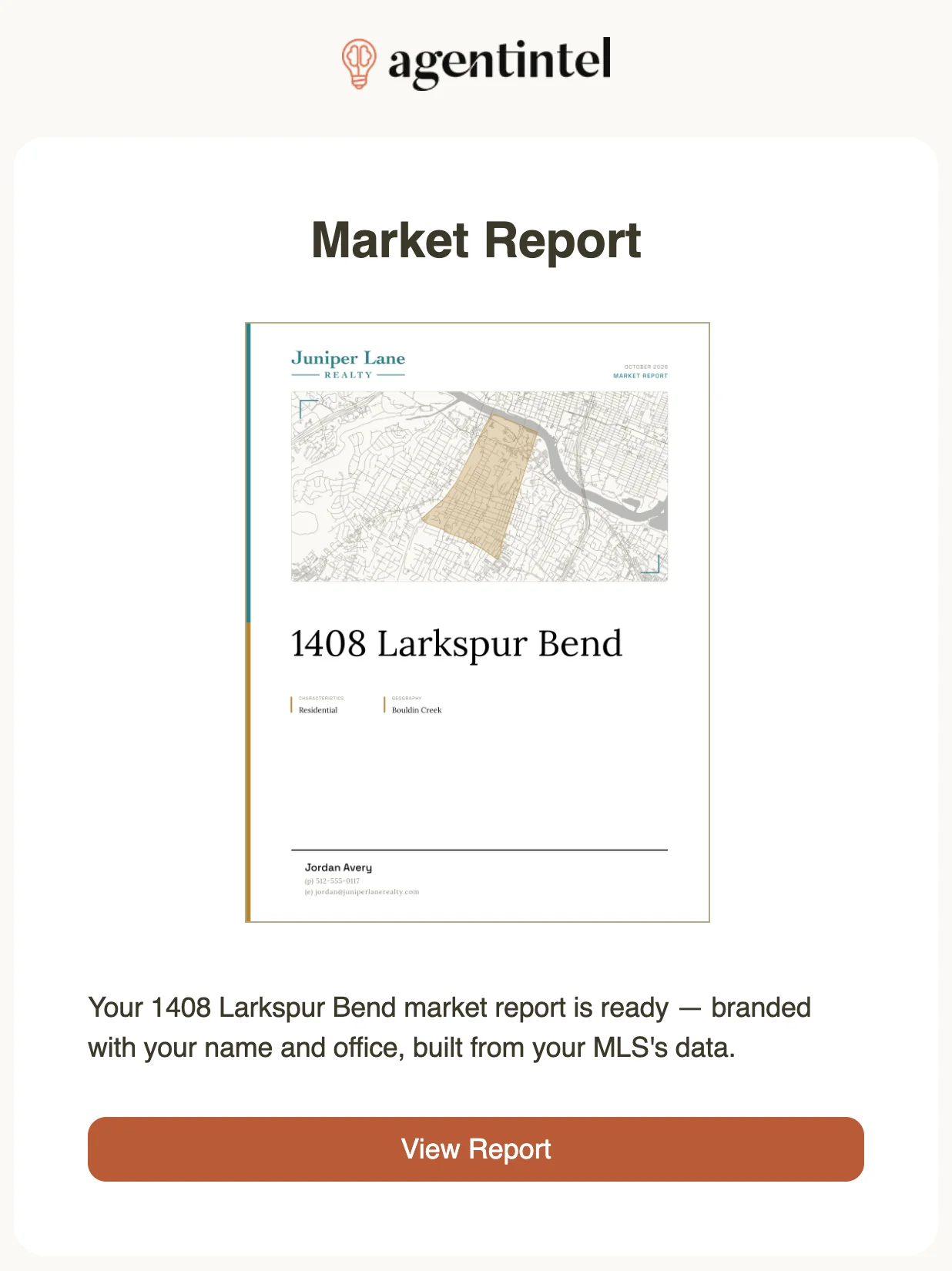
Its subject reads “Your 123 Main St Market Report”, with a street address where 123 Main St is. Below a picture of the report’s cover, select View Report. Your report opens in your browser, on agentintel.co.
What’s in your report
The report is named after the address in the subject line, and covers the local market that address is in, such as its neighborhood, zip code, city or county. The cover lists the area under GEOGRAPHY.
It was prepared for you, so your name, photo and contact details are on the cover and at the bottom of every page, with your office’s name and branding, ready to hand to a client.
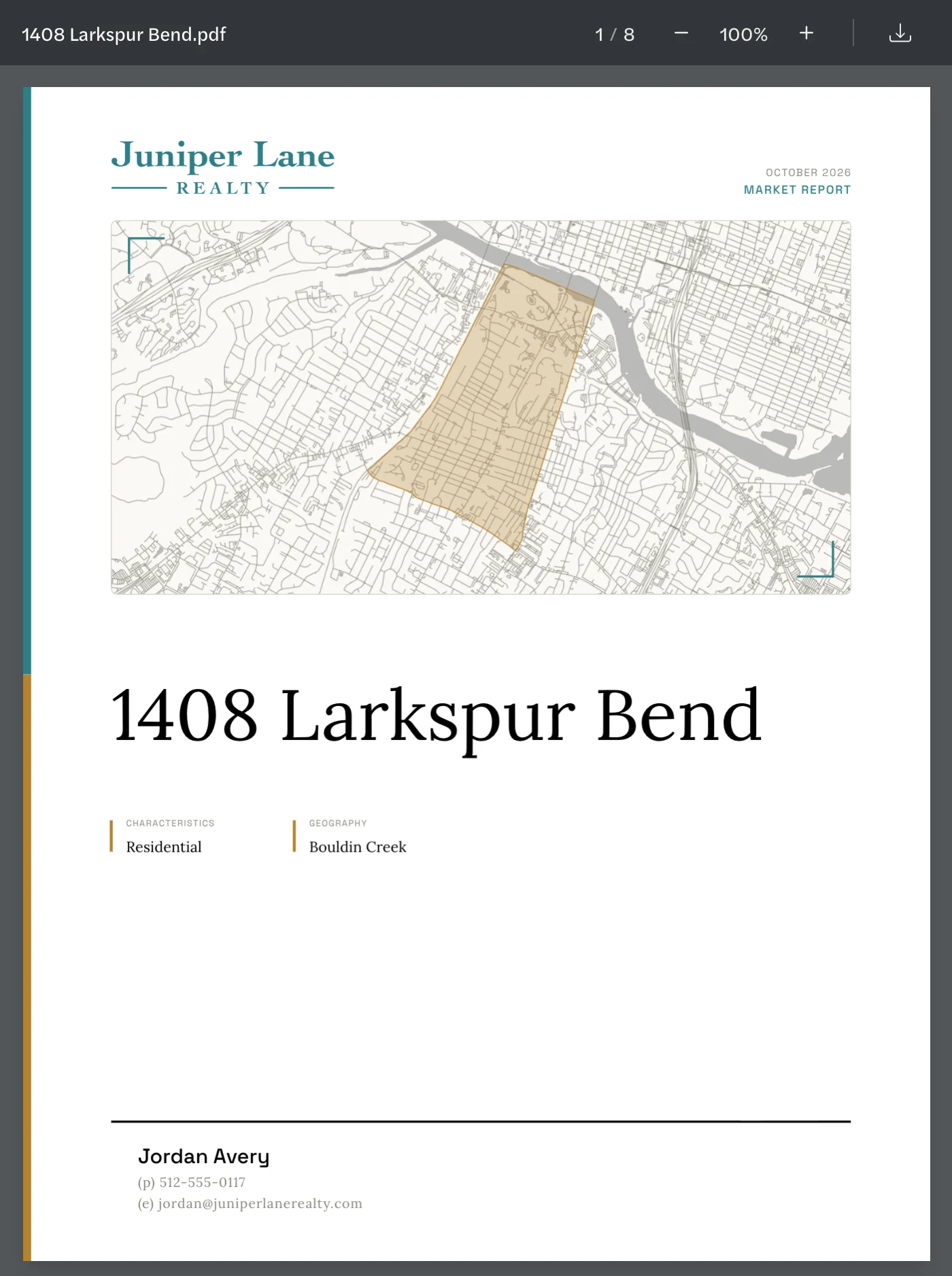
The report has up to eight pages. After the cover, they show how the market is moving: Months of Inventory and listing counts, supply and demand, prices, negotiation and success rates, all calculated from your MLS’s listing data, then local job growth, mortgage interest rates and a table of the key figures. The month and year at the top of each page are when the report was made. For a page-by-page guide, see What’s in a report; for what each figure means, see MLS statistics.
Open, download and share it
- To read it, select View Report in the email. The report opens in a viewer like a PDF reader, where you can scroll through the pages and zoom in and out. It works on a phone too.
- To save the PDF, select the download button, the arrow at the top right of the page.
- To share it with a client, copy the address from your browser’s address bar and send it in an email or a text message. It starts with agentintel.co/reports/. Whoever you send it to can read the report and download the PDF without an account.
Stop these emails
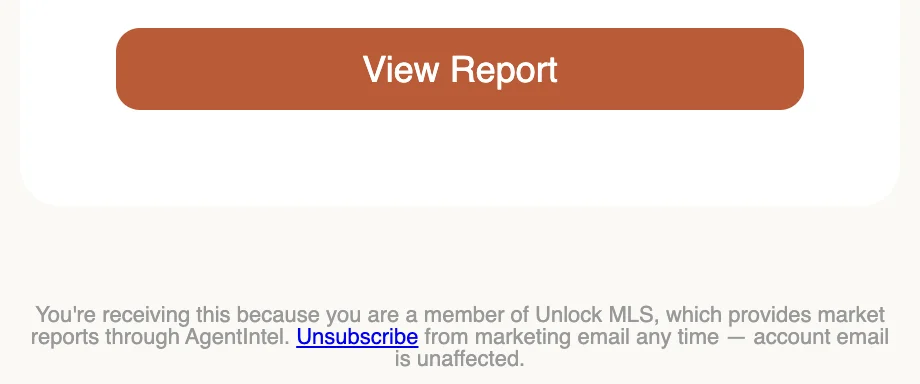
At the bottom of the email, select Unsubscribe.
On the page that opens, select Unsubscribe.
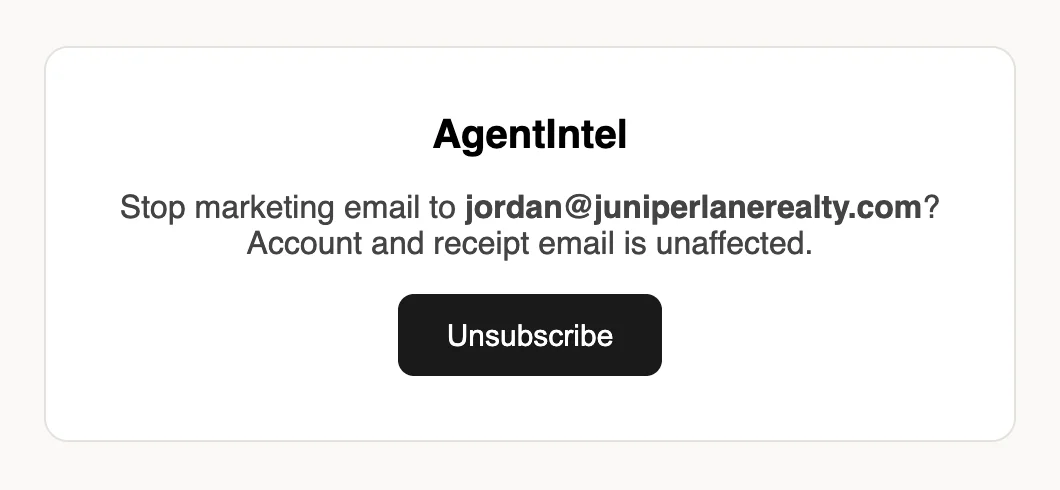
The page then confirms that your email address won’t receive marketing email from AgentIntel, which includes these report emails. You don’t need to sign in. If your email app shows its own unsubscribe button at the top of the message, it does the same thing.
Make reports of your own
If you’d like to make reports like this yourself, you can start a free trial. See Start your free trial.