Sign up with your MLS profile or with your email address, confirm your email, then add a card to start a 15-day free trial. Nothing is charged until the trial ends, and you can cancel before then.
Choose how to sign up
- With your MLS profile. Your plan includes an MLS Connection, so AgentIntel works from your MLS’s own listing data as well as national market data. We email a link to the address your MLS has on file for you, and that address becomes your sign-in email.
- Without your MLS profile. For anyone whose profile isn’t listed, who has no MLS, or who can’t get email at the address their MLS has on file. You sign up with any email address and get national market data. You can connect your MLS later; that also emails a link to the address your MLS has on file for you.
Invited by your brokerage or team? Don’t sign up. Select GET STARTED in your invitation email instead; there’s no card to add and no trial.
Sign up with your MLS profile
Go to app.agentintel.co/signup, or select Start Your Free Trial on agentintel.co. The Start your free trial page opens.
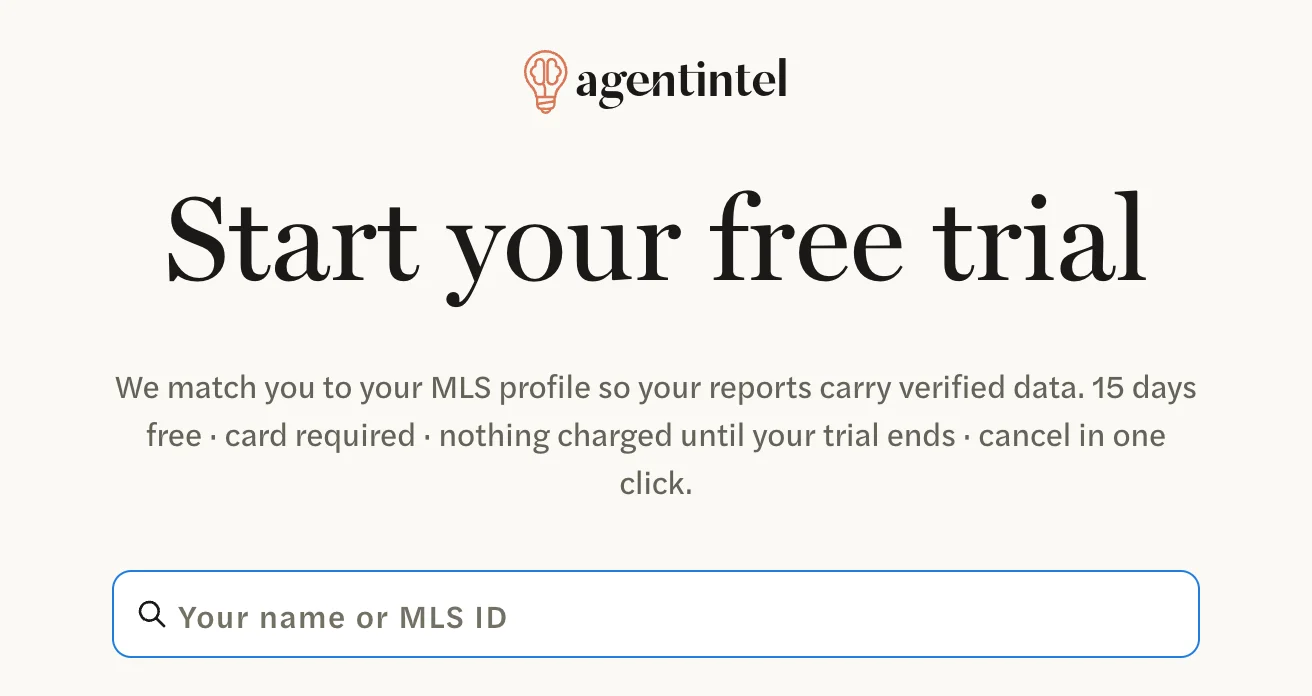
In the search box, enter your name as your MLS has it, or your MLS ID. Matching profiles appear under Select your MLS agent profile, each with its MLS ID, office and MLS.
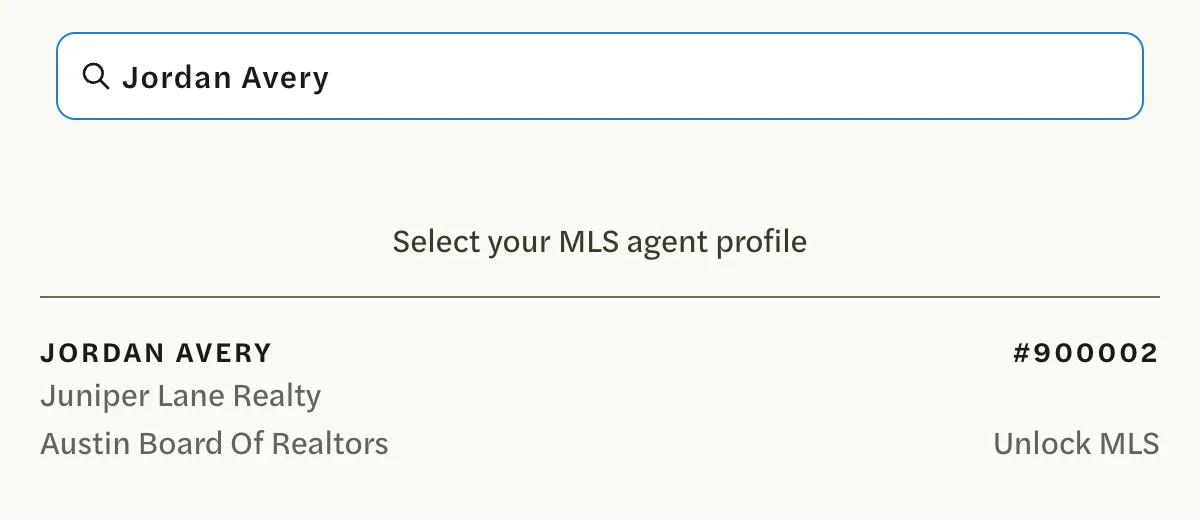
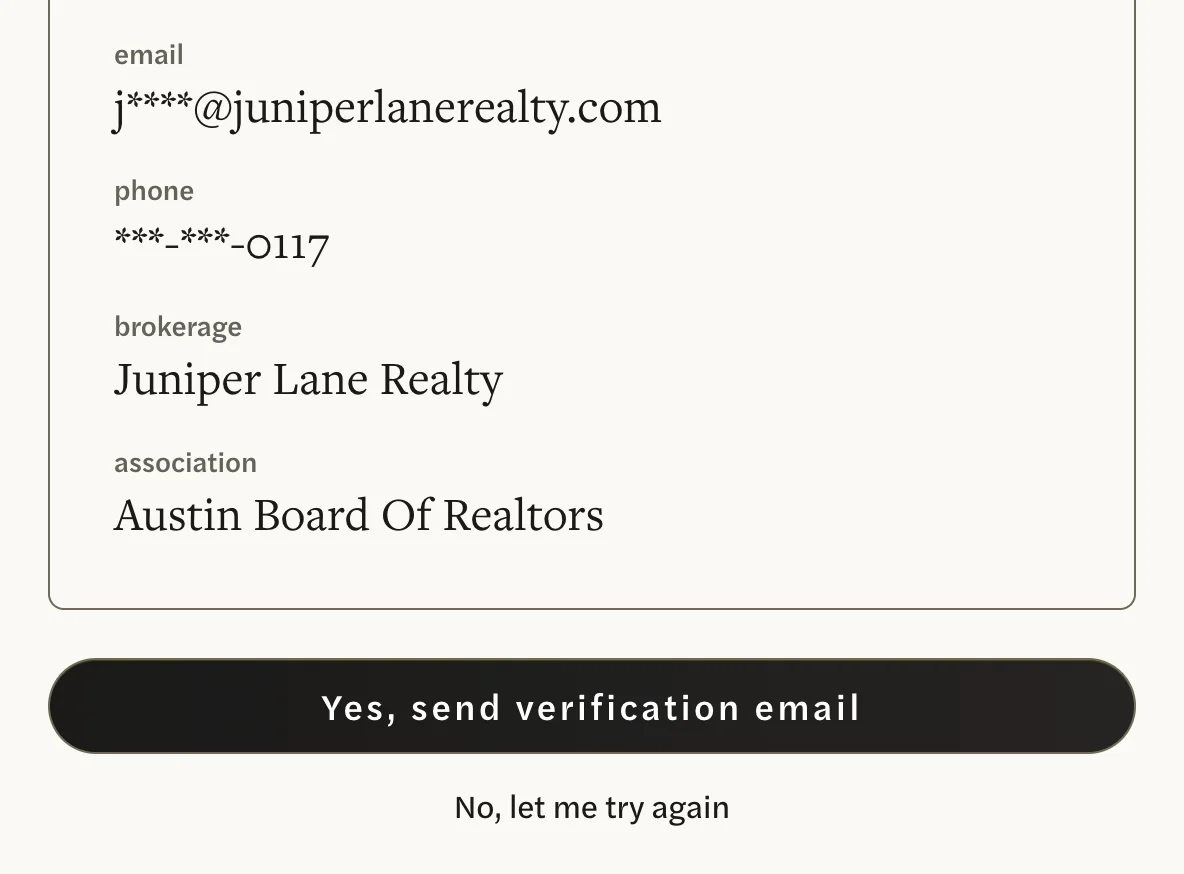
Select your profile. The Is this you? screen shows its name, MLS ID, brokerage and association, with its email address and phone number partly hidden.

The link goes only to the email address shown here, the one your MLS has on file, and you can’t change it on this screen. If you can’t get email there, select No, let me try again, then Sign up without MLS verification. Otherwise select Yes, send verification email.
The page changes to “Check your email” and says We sent your MLS-verified link. Your account uses your MLS’s email address, so sign in with that address from now on.
If your profile isn’t listed, your MLS may not be one AgentIntel covers, your MLS may not show you as an active member, or it may have no email address on file for you. Sign up without your MLS profile instead.
Sign up without your MLS profile
Go to app.agentintel.co/signup.
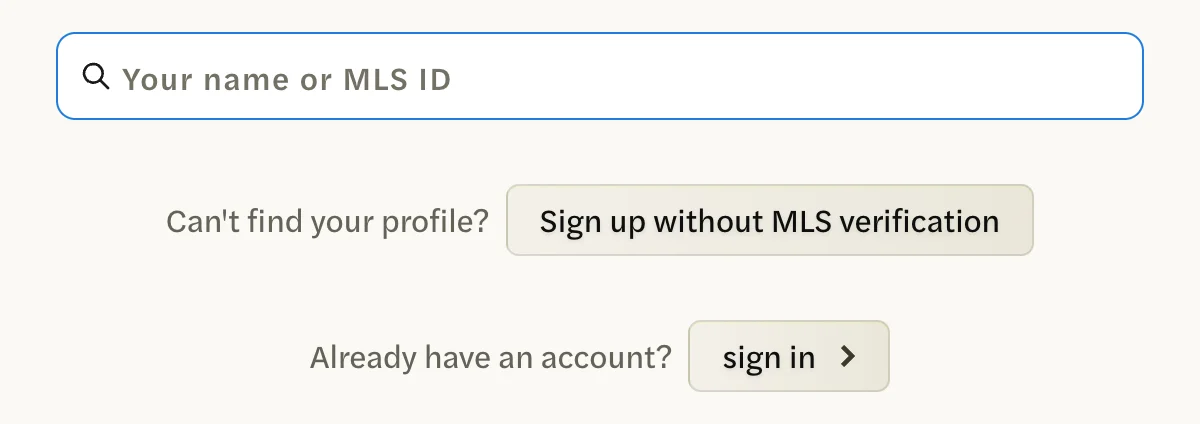
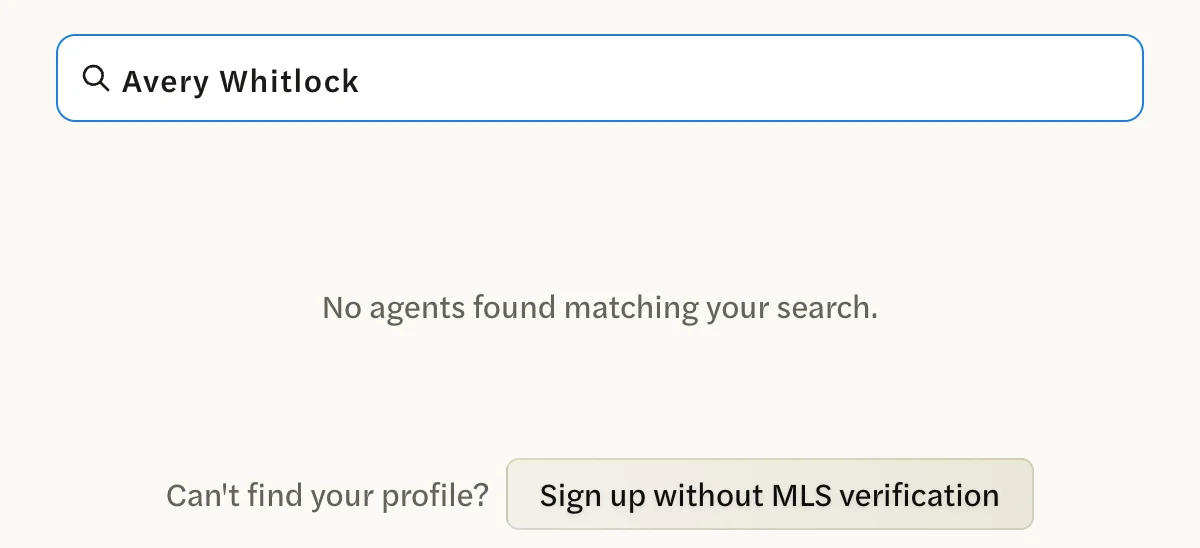
Under the search box, select Sign up without MLS verification. It is there before you search and after.
Under Email, enter your email address, then select Continue.
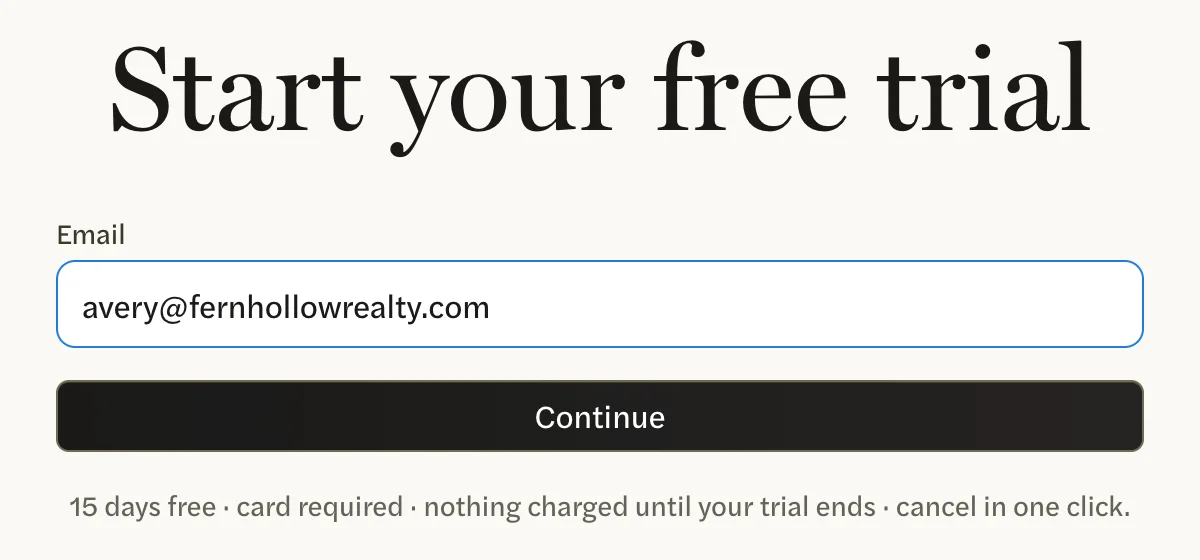

The page changes to “Check your email”, shows your address with part of it hidden, and says We sent your link to get started.
Confirm your email
Open the email from AgentIntel with the subject “You’re in! Welcome to agentintel.”

Select GET STARTED.
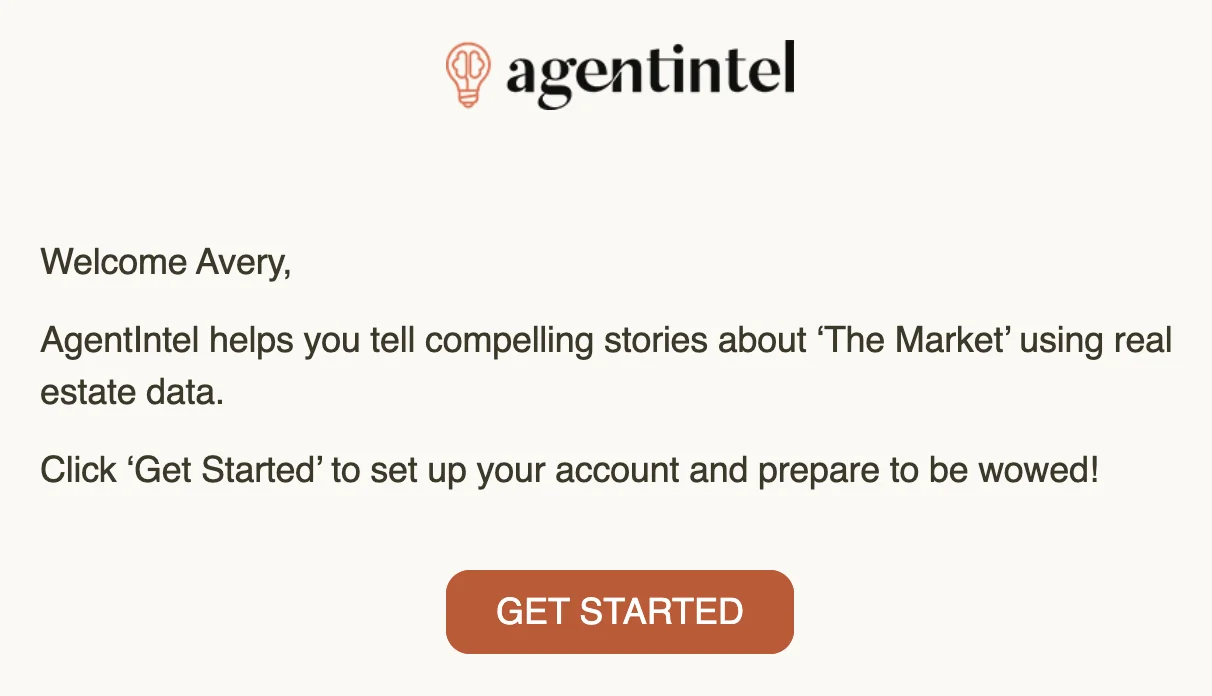
You’re signed in, and a screen opens for adding your card. If you leave before adding one, sign in again at any time and the same screen opens.
If the email doesn’t come, sign up again rather than using the try again link on the “Check your email” screen. Look in your spam or junk folder first, then sign up again the same way you did before. Because your account already exists, we send the welcome email again instead of making a second account. More help is in Didn’t get the email.
Add your card
The screen shows the date of your first charge, the day your trial ends.

Choose Monthly or Annual, and check which one is selected before you go on. When your trial ends, your first charge is for a month or for a whole year to match. You can still switch during the trial; see Switch between monthly and annual.

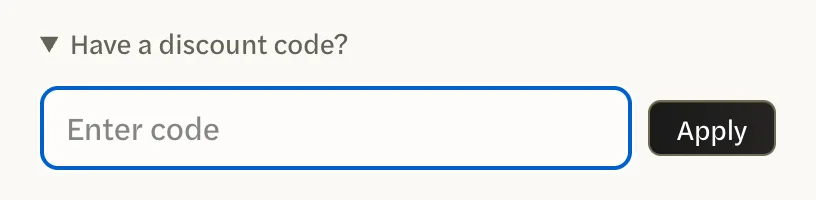
If you have a discount code, select Have a discount code?, enter the code, then select Apply now. Stripe’s checkout page has no place for a code, and a code typed here but not applied is dropped without a message. See Use a promo code.
Select Start your free trial. Continuing means you agree to our Terms of Service and Privacy Policy, linked under the button. A checkout page from Stripe, our payment processor, opens, showing 15 days free and the date your first charge is due.
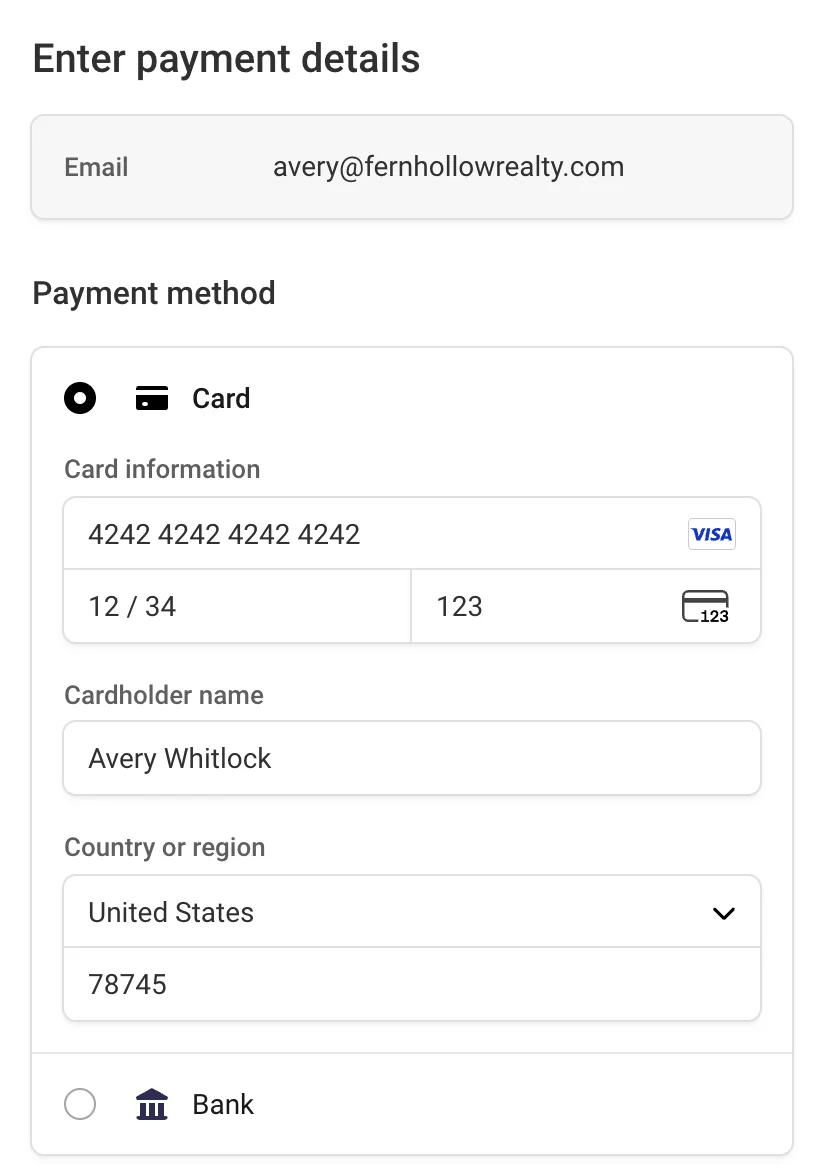
Enter your card details, then select Start trial.
Nothing is charged today. If you signed up with your MLS profile, your Dashboard opens. If you signed up without it, AgentIntel asks three questions first.
Set up your profile
If you signed up without your MLS profile, three questions appear before your Dashboard. They can’t be skipped, and Back returns to the previous one without losing your answers.
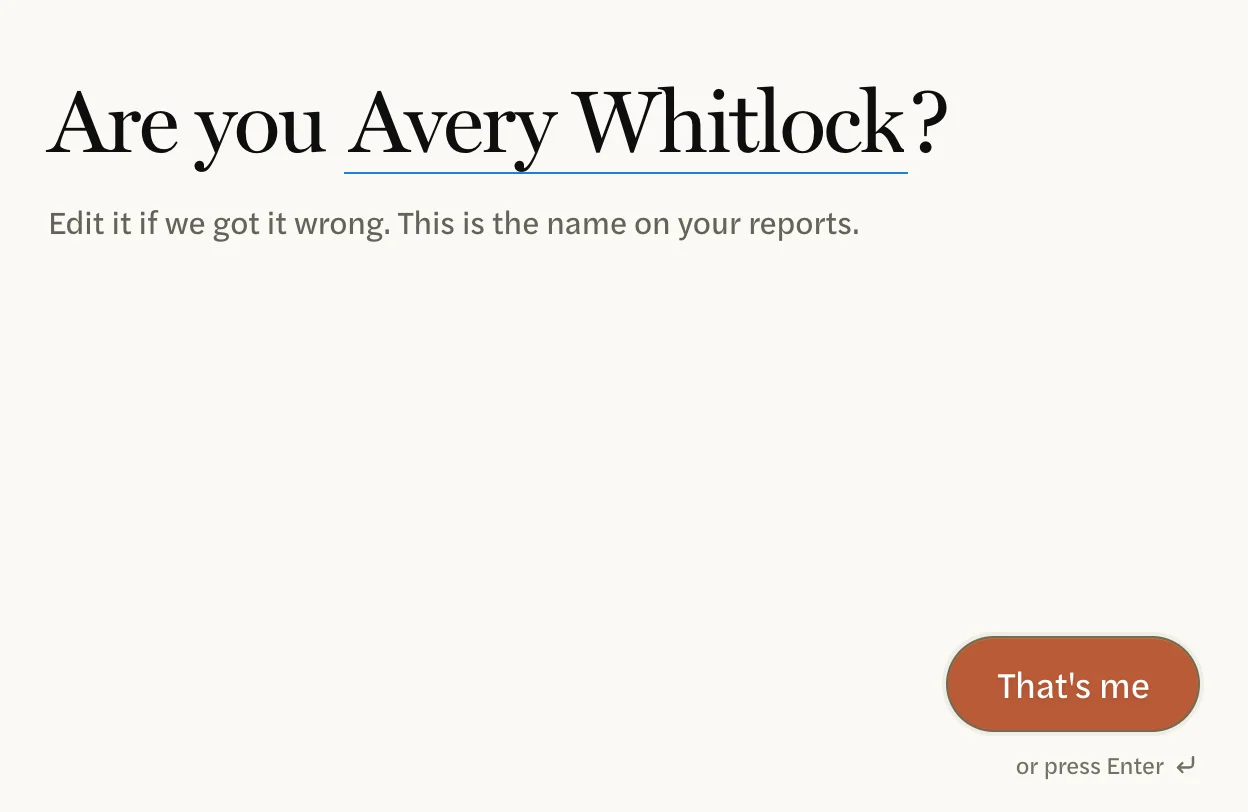
Check your name, then select That’s me. AgentIntel starts from the name on your card; edit it if it’s wrong, because this is the name on your reports. If no name is filled in, type yours and select Continue.
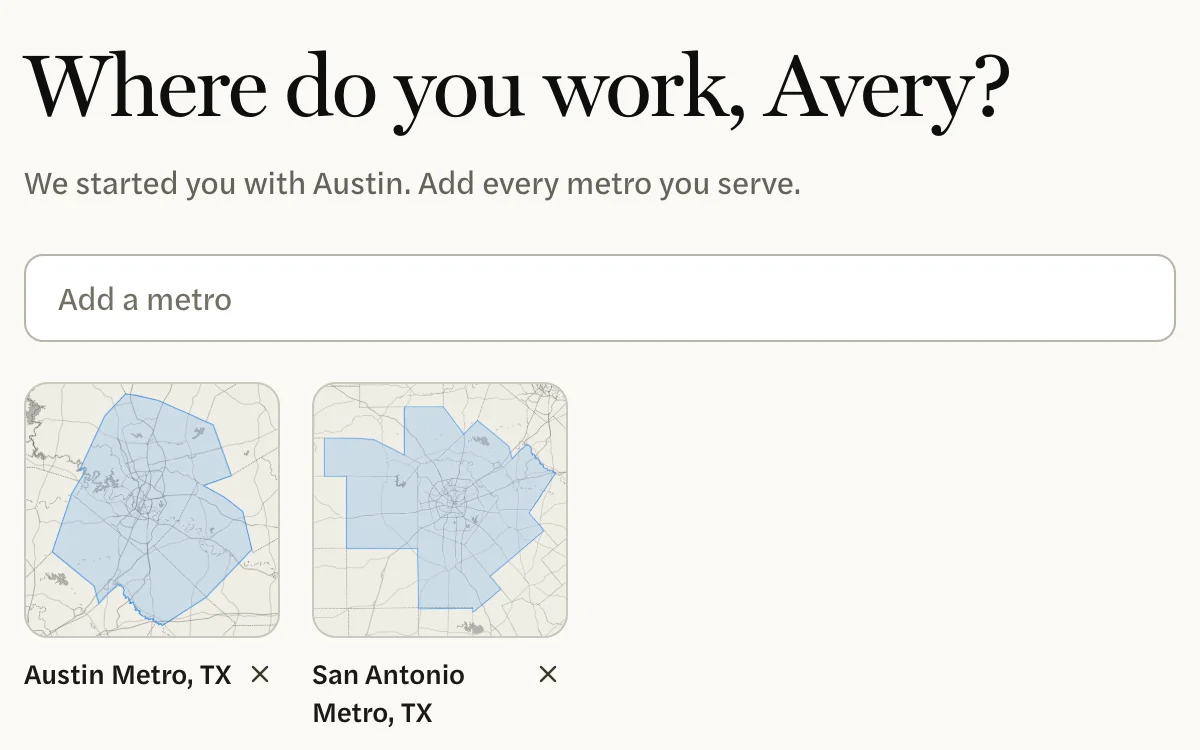
Under Where do you work, add every metro you serve from Add a metro. AgentIntel may have started you with one; select the × beside a metro to remove it. Then select Looks right.
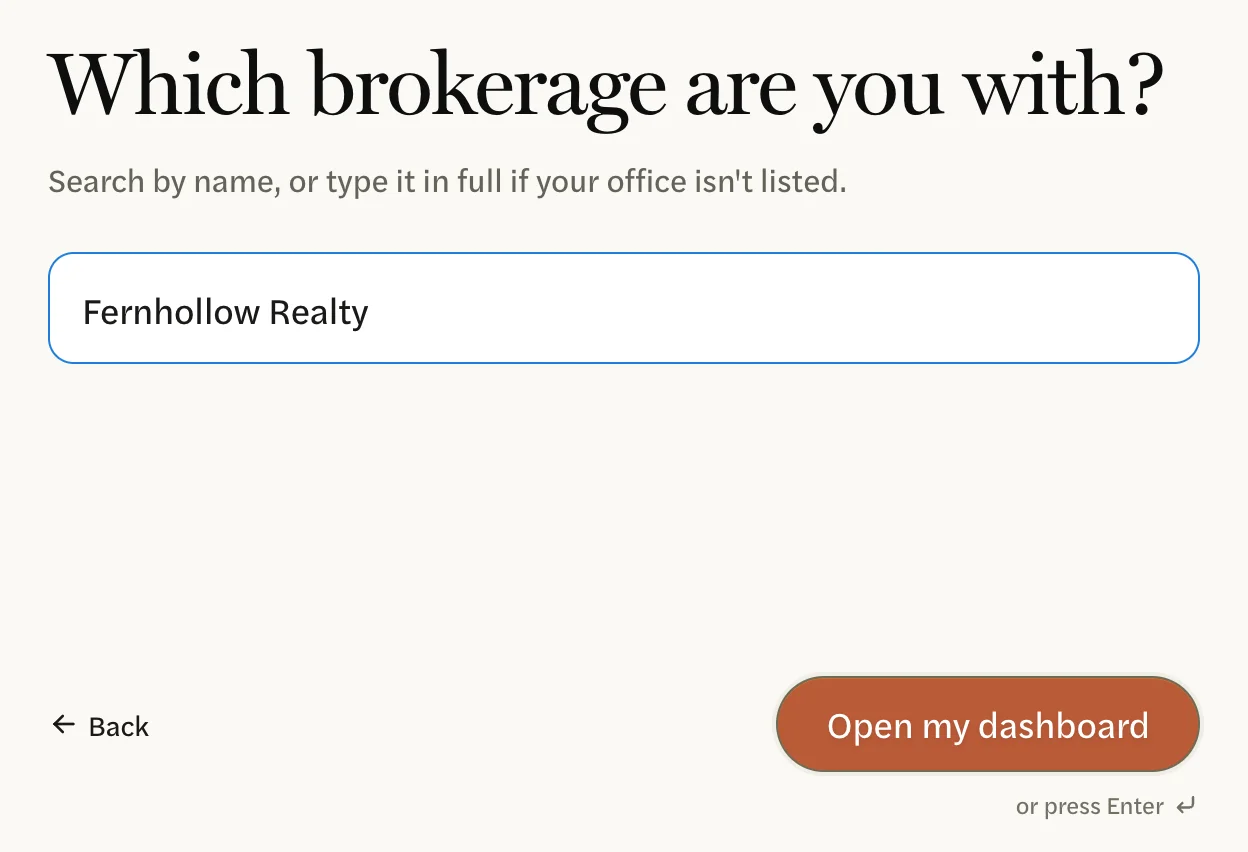
Under Which brokerage are you with?, start typing your brokerage’s name. If your office appears in the list, select it; if not, type the full name. Then select Open my dashboard.
Your Dashboard opens. To change your metros later, see Choose your metros.
What’s next
- Your trial has started. To see when it ends and what happens then, see How the free trial works.
- Check the branding on your reports. See Where your branding came from, then make your first report.
- Signed up without your MLS profile? You can add your MLS’s data at any time; see Connect your MLS.
- Next time, sign in with the email address your account uses; see Sign in. Signing up again with the same email address sends you a sign-in link; it doesn’t make a new account.