Search for a place by name from the Markets page, or scroll the same page to browse the markets for your area. A market is a place, such as a neighborhood, zip code, city, county or metro, with its own page of statistics.
Search for a market
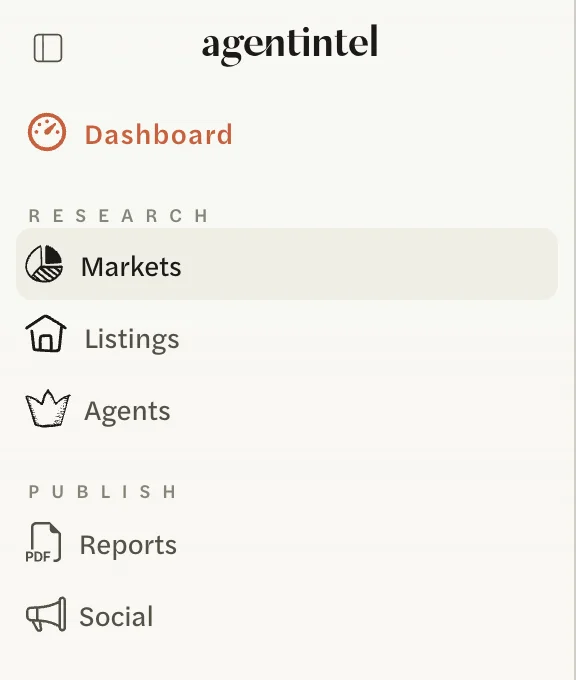
Select Markets in the left menu.
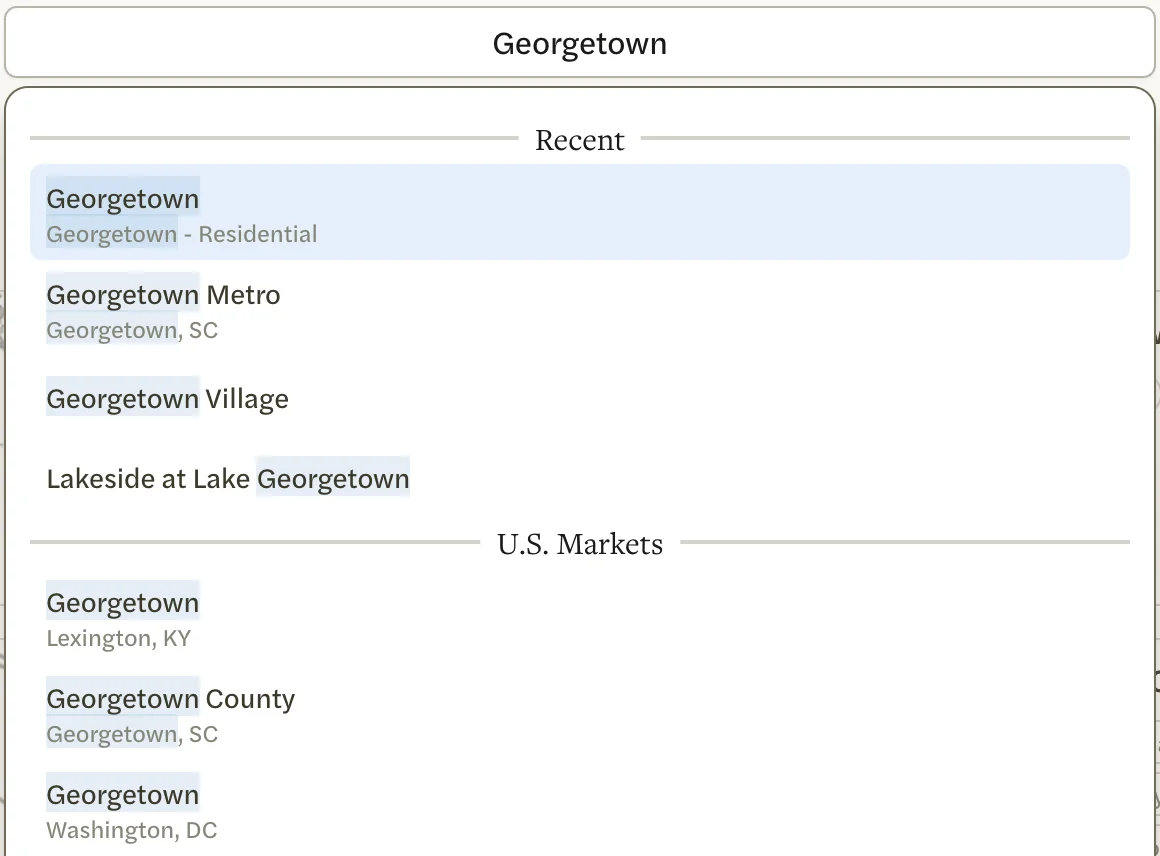
Select Search Markets at the top of the page and type the name of a place. Matching markets you have opened before come first, under Recent. Your MLS’s markets follow, then national markets under U.S. Markets, each with its metro area underneath, because many places share a name.
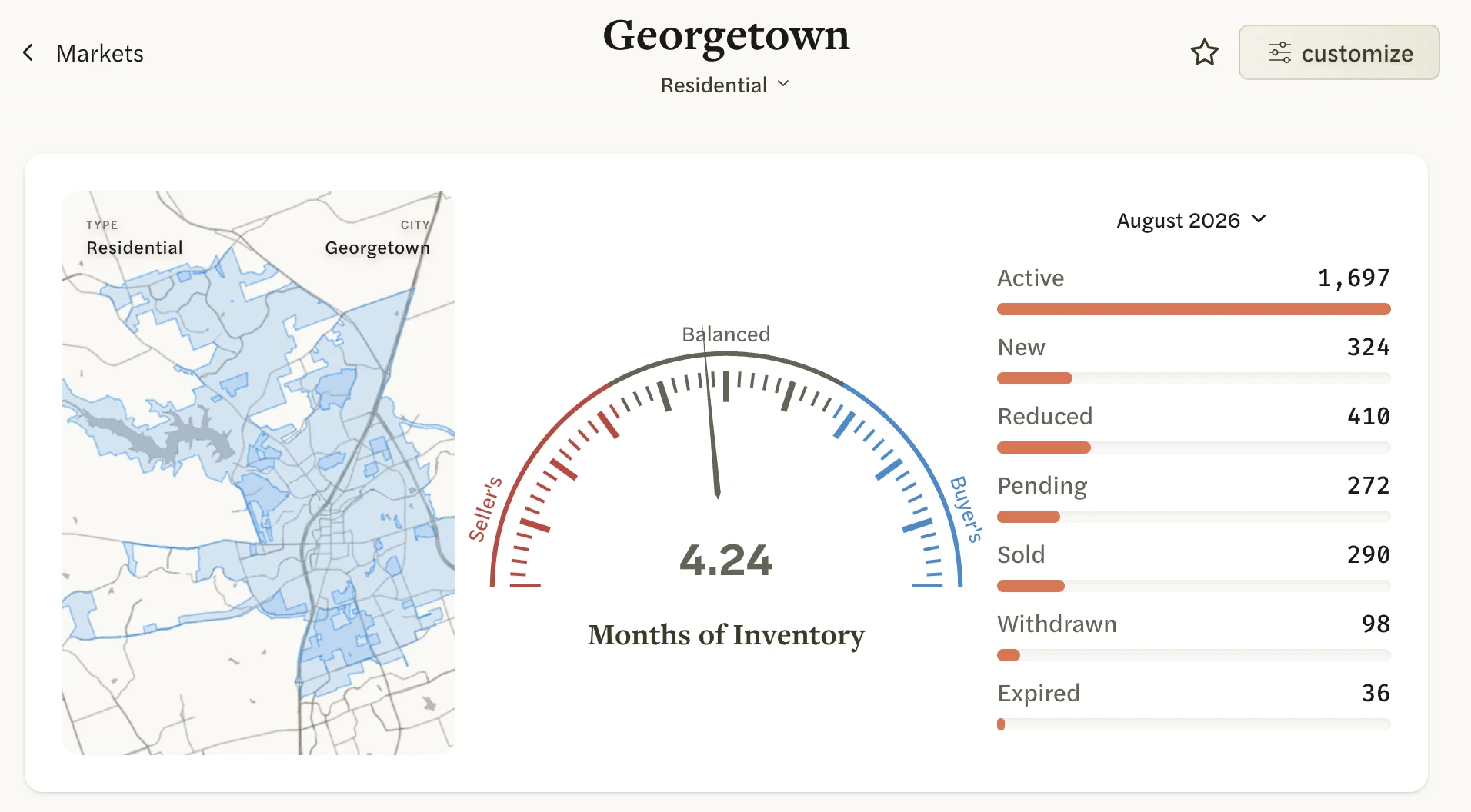
Select a market to open its page.
Before you type, the box lists the markets you have starred and the ones you opened most recently, under Starred and Recent.
You can also search from your Dashboard, the page you land on when you sign in, using the box under How’s the Market?:
- With an MLS Connection, the box reads Search Markets, Agents and Listings, or Search Markets and Listings if agent data isn’t available for your MLS. Results are grouped under MLS Markets, MLS Listings, Agents and U.S. Markets, plus Addresses when you type a street address.
- Without one, the box reads Search Markets and Listings. Results are grouped under U.S. Markets and Addresses.
Under each market’s name, the Dashboard results show a button for each version of that market, such as Residential or Condos. Select one to open that version straight away. For listings and addresses, see Look up a listing or address.
Without an MLS Connection, the markets you find are national ones, listed under U.S. Markets. To add your MLS’s own markets, see Connect your MLS.
Browse your markets
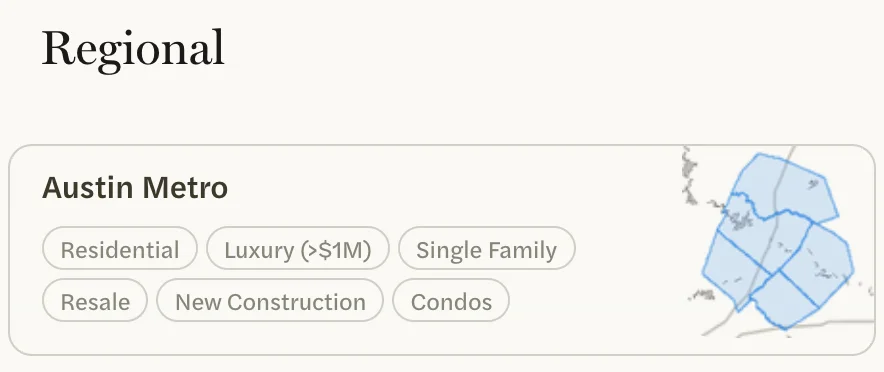
The Markets page lists the markets for your area in five sections: Regional, Neighborhoods, Zipcodes, Cities and Counties. Markets you have starred or opened lately sit above them, with a Recent link to your full history.
Each market shows its name, a small map and a button for each version of it. Select the name to open the market, or a button to open that version.
What the sections hold depends on your account:
- With an MLS Connection, you see your MLS’s markets. Regional holds your metro and the area your whole MLS covers. National markets for any other metros you have chosen follow your MLS’s markets in each section.
- Without one, you see the national markets of the metros you have chosen. Regional holds those metros, each state they reach and the country as a whole.
A custom market you build on one of these areas shows as a button on that area’s card. One drawn on a map, or built from a subdivision, a school or several areas, isn’t in any of the five sections. Find it in the row of starred and recent markets at the top, on the Recent page, or with Search Markets.
To change which metros appear, see Choose your metros.
If a place doesn’t appear
- Too few sales. A market from your MLS is listed only when it had at least 30 closings in the last 12 months. A national market needs 30 sales in a year and five years of history. A version of a national market, such as Townhouse, needs the same.
- Your MLS covers it. With an MLS Connection, U.S. Markets leaves out places your MLS already covers, and you see your MLS’s market for that place instead.
- It isn’t a standard area. A subdivision, a school zone or a shape you draw yourself can be built as a custom market. See Create a custom market.
For more, see Troubleshooting markets. To learn what the page you opened shows, see Read a market page.