Client Watch is a weekly email that gives you a reason to call a client. It lists the buyers you represented whose home-purchase anniversary falls in the week ahead, and your active listings, each with one number from the home’s market that you can pass along. It arrives on Tuesday mornings, and only in weeks when there is something to list.
Who gets it
Client Watch goes to the email address on your account when all of these are true:
- You have an MLS Connection. The listings and buyers come from what your MLS records under the MLS ID you connected with. See Connect your MLS.
- Your subscription or free trial is active. The email stops when your access ends and starts again when you resubscribe.
- The Client Watch switch is on in Settings under Notifications. It is on for every new account.
- There is something to list that week. No anniversaries and no active listings means no email that Tuesday.
On a team, each agent gets their own Client Watch, built from the listings their MLS records them on. An admin who isn’t also an agent has no MLS profile, so there is nothing to send them. See Roles on a team.
When it arrives
Tuesday mornings, around 7 a.m. Central Time, at most once a week. You can’t choose another day or get it more often.
What’s in it
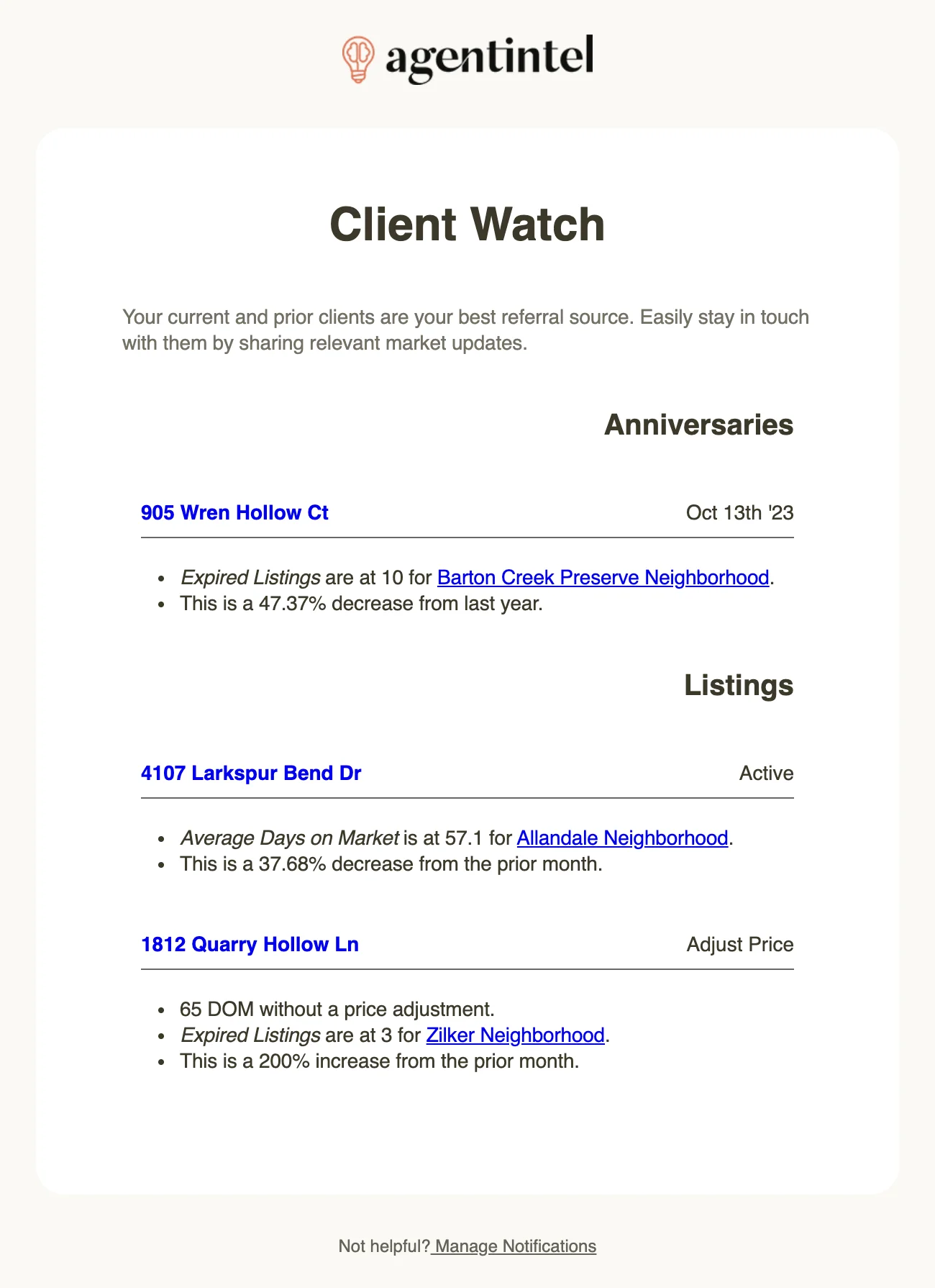
The subject line names the first home in the email and counts the rest, such as “Client Watch: 905 Wren Hollow Ct & 2 others”. Inside, the homes come in two groups.
Anniversaries
Homes you helped a client buy: your MLS names you as the buyer’s agent or co-buyer’s agent, and the closing date lands between the day of the email and the following Tuesday in some earlier year. The first five anniversaries are covered, soonest first. Each home shows its closing date on the right, such as Oct 13th ‘23, and beneath it one statistic from the home’s market: the one that changed most for the better over the last 12 months compared with the 12 months before, with the change given as a percentage.
Listings
Your active residential listings: your MLS names you as the listing agent or co-listing agent, and the listing’s status is Active. The one listed longest comes first. On the right, each shows Active, or Adjust Price when the listing has gone a while without a price change: three weeks without one during its first six weeks on the market, and six weeks without one after that.
- An Active listing shows the statistic that changed most for the better last month compared with the month before.
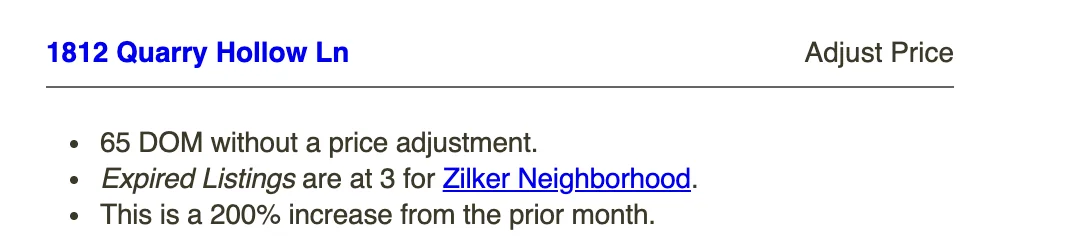
- An Adjust Price listing first shows its days on market and how long since the price last changed, such as “65 DOM without a price adjustment.” Its statistic is the one that changed most for the worse last month, so you have a number to bring to the conversation about price.
The market and the statistic
The market is the smallest of your markets that the home falls in with at least 30 closings in the last 12 months, usually a neighborhood or a zip code. Your custom markets count too. A home that doesn’t fall in any such market is listed with its address and status only.
The statistic is picked from Median Sales Price, Median Price Per Sqft, Average Days on Market, Median Days on Market, Success Rate, Appreciation, Months of Inventory, New Listings, All Active Listings, Pending Listings, Total Sales, Expired Listings and Withdrawn Listings. For what each one means, see MLS statistics.
Links in the email
Select an address to open the home in AgentIntel. Select the market’s name to open the home on that market’s tab, where you can generate a report or create a post if the client wants more than one number.
What it doesn’t cover
- Homes you added yourself under Pre-MLS, and listings you detached from your MLS. See My Listings, My Buyers and Pre-MLS.
- Leases, land and commercial listings. Only residential sale listings are included.
- Your pending and sold listings. A listing drops out of the email once it is no longer active.
- Anniversaries past the fifth.
Turn it off or on
Sign in at app.agentintel.co.
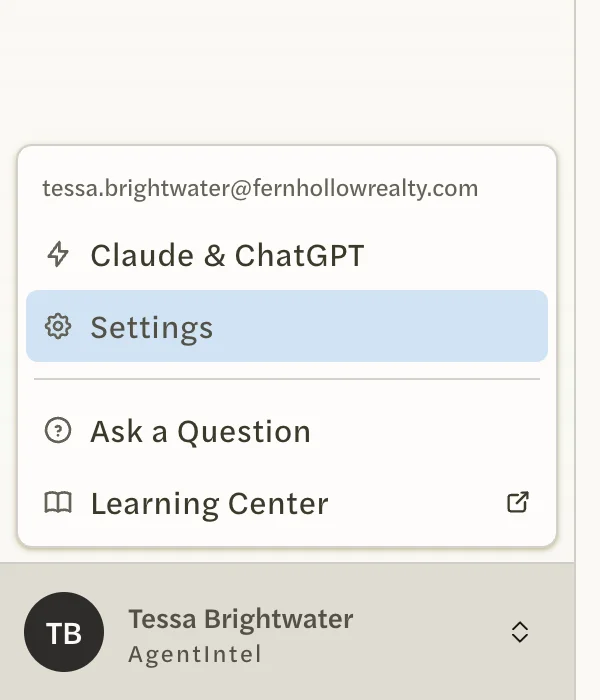
Select your name at the bottom of the left menu, then Settings.
Open the Notifications tab.
Select the Client Watch switch to turn it off, or select it again to turn it back on.
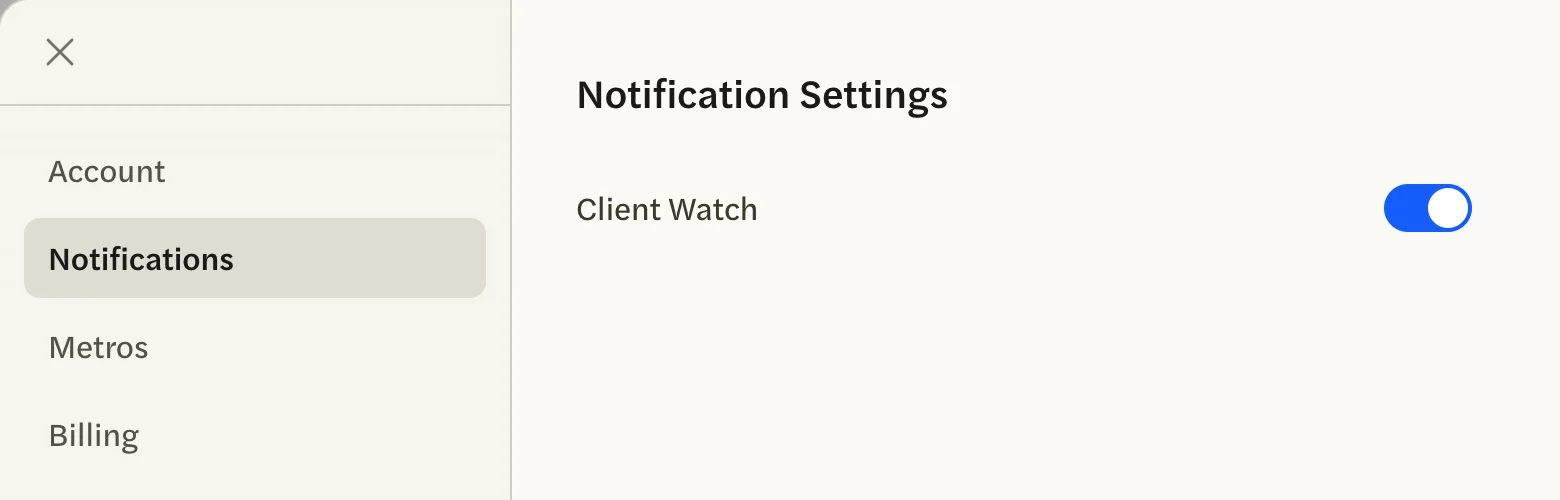
The switch saves as soon as you select it. There is no Save button and no message; the switch stays where you left it. Turned off, the email stops with next Tuesday’s. Turned back on, it resumes on the next Tuesday that has something to list.
Client Watch is the only email with a switch. For the rest, see Stop or change emails.
If it doesn’t arrive
- There was nothing to list that week. This is the usual reason. The email is sent only when you have an active listing or an anniversary in the week ahead.
- The switch is off. Check Settings under Notifications.
- Your MLS Connection isn’t verified yet, or your subscription has ended. See Connect your MLS and Undo a cancellation or resubscribe.
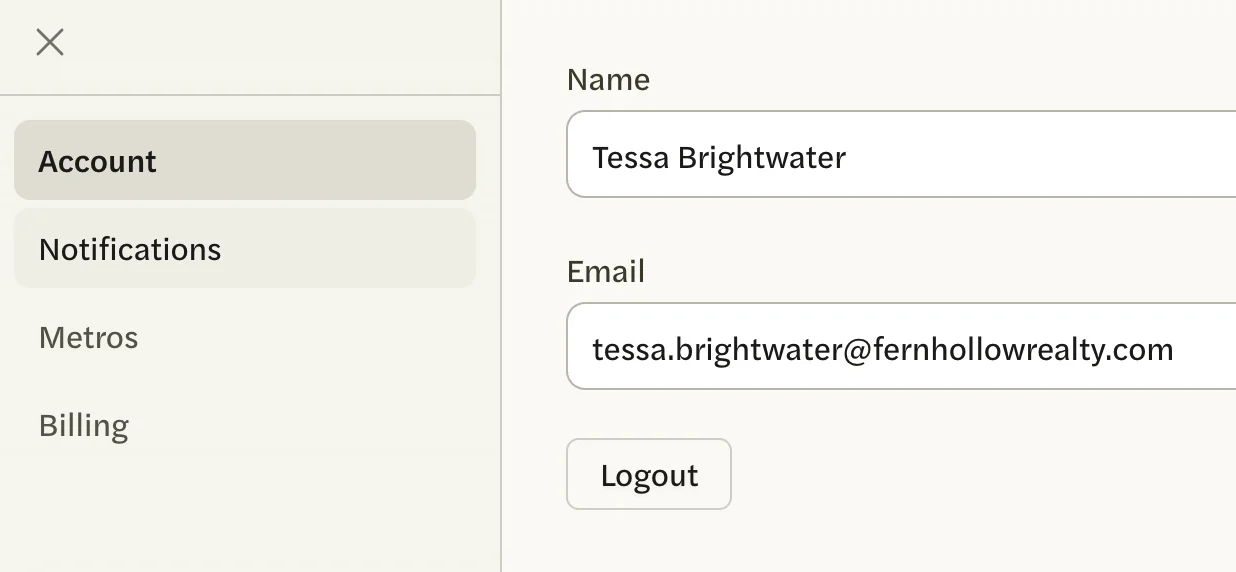
- It went somewhere else. It is sent to the email address under Settings, on the Account tab. Check that address and its spam folder.