You can cancel at any time from your billing settings. Canceling stops the next charge; you keep full access until the end of the period you have already paid for, or until the end of your free trial.
Cancel
Sign in at app.agentintel.co.
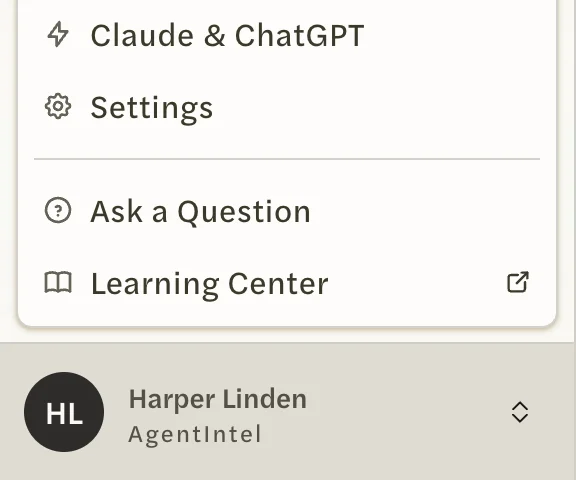
Select your name at the bottom of the left menu, then Settings.
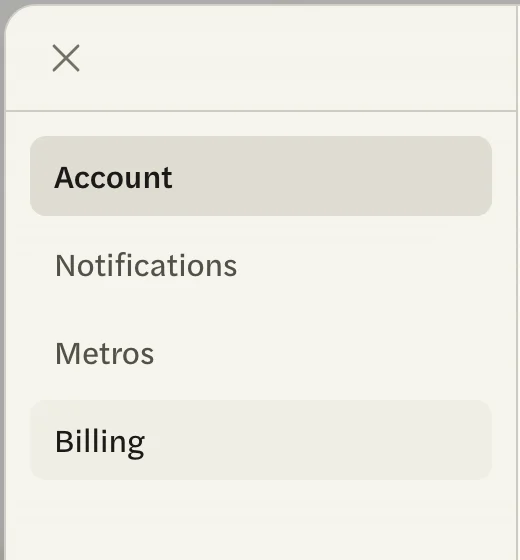
Open the Billing tab.
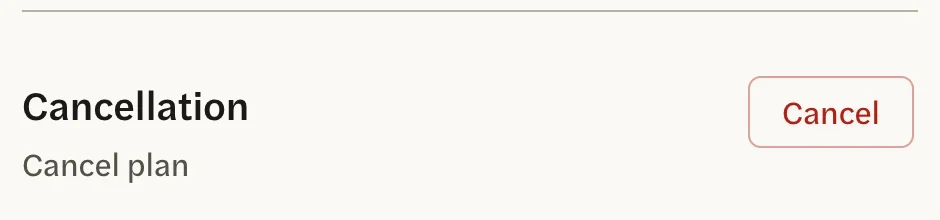
Under Cancellation, select Cancel. A page from Stripe, our payment processor, opens.
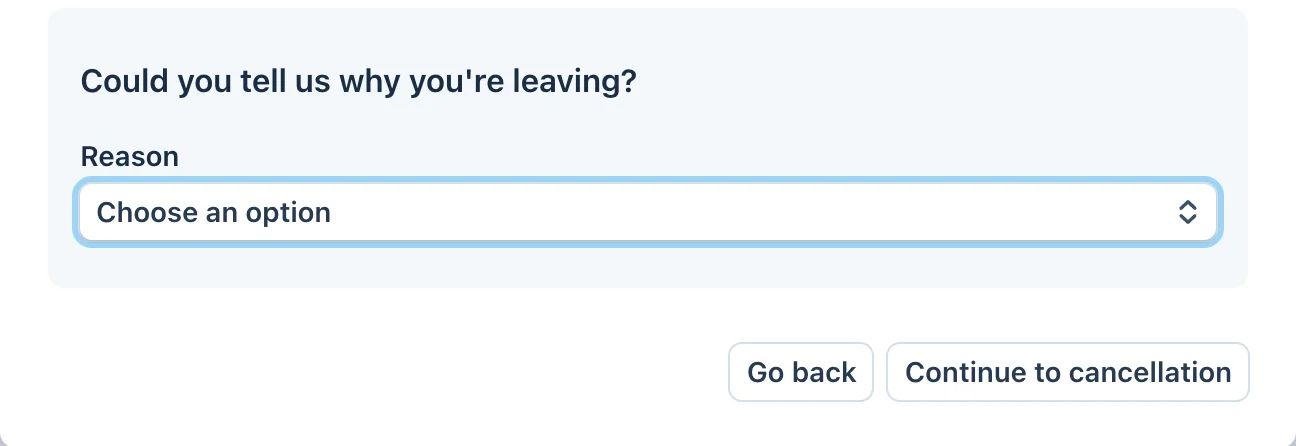
Choose a reason if you want to, then select Continue to cancellation. The reason is optional.
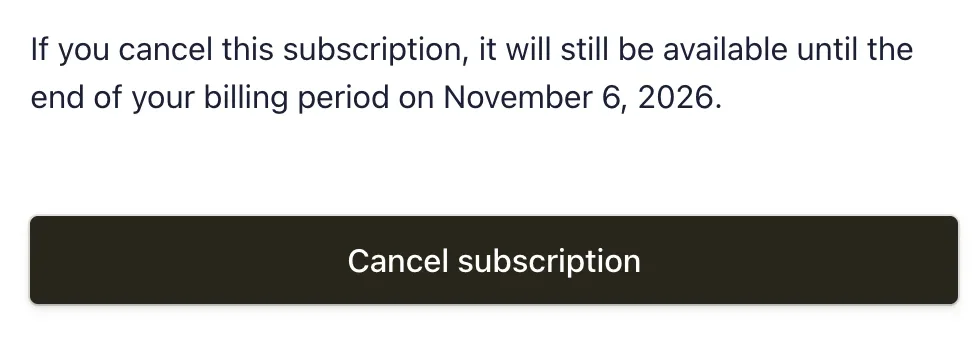
Check the date your access ends, then select Cancel subscription.
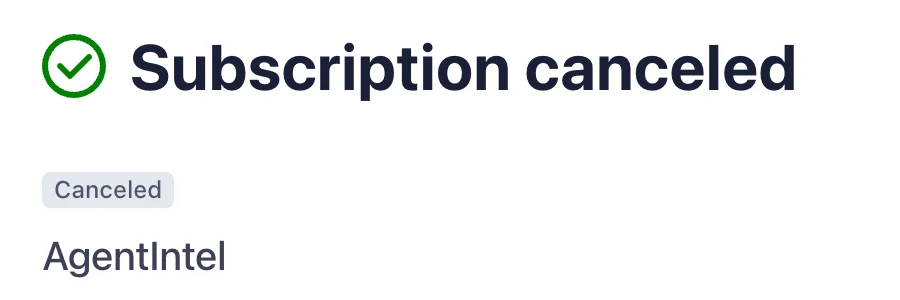
Stripe confirms the cancellation. Select the return link on that page to come back to AgentIntel.
A banner at the top of AgentIntel now shows the date your access ends.

On a team or brokerage account, only the account owner has a Billing tab. If you don’t see it, ask your account owner to make the change.
What happens after you cancel
- You keep access until the end date. A monthly plan runs to the end of the month you paid for, an annual plan to the end of the year, and a free trial to its last day.
- You are not charged again. Canceling during a free trial means you are never charged.
- Nothing is deleted. Your markets, reports, branding and settings stay with your account and are waiting if you come back.
- Links to reports you have shared keep working.
- Scheduled social posts stop once your access ends, and a connected Claude or ChatGPT stops returning AgentIntel data.
Changed your mind?
Until the end date, select Reactivate in the banner, then Reactivate again on the screen that opens. The same button is in Settings under Billing. Your plan carries on as before, with the same renewal date and no charge today.
After the end date, sign in and select Subscribe to start a new subscription.