Search your email for “agentintel”, including your spam or junk folder and any Promotions or Updates tab. The sign-in email comes from AgentIntel, at an agentintel.co address, with the subject “Secure link to log in to agentintel.” If it isn’t there, find what you’re seeing below.
The Sign In page says “not found”
No account uses that address, so nothing was sent.
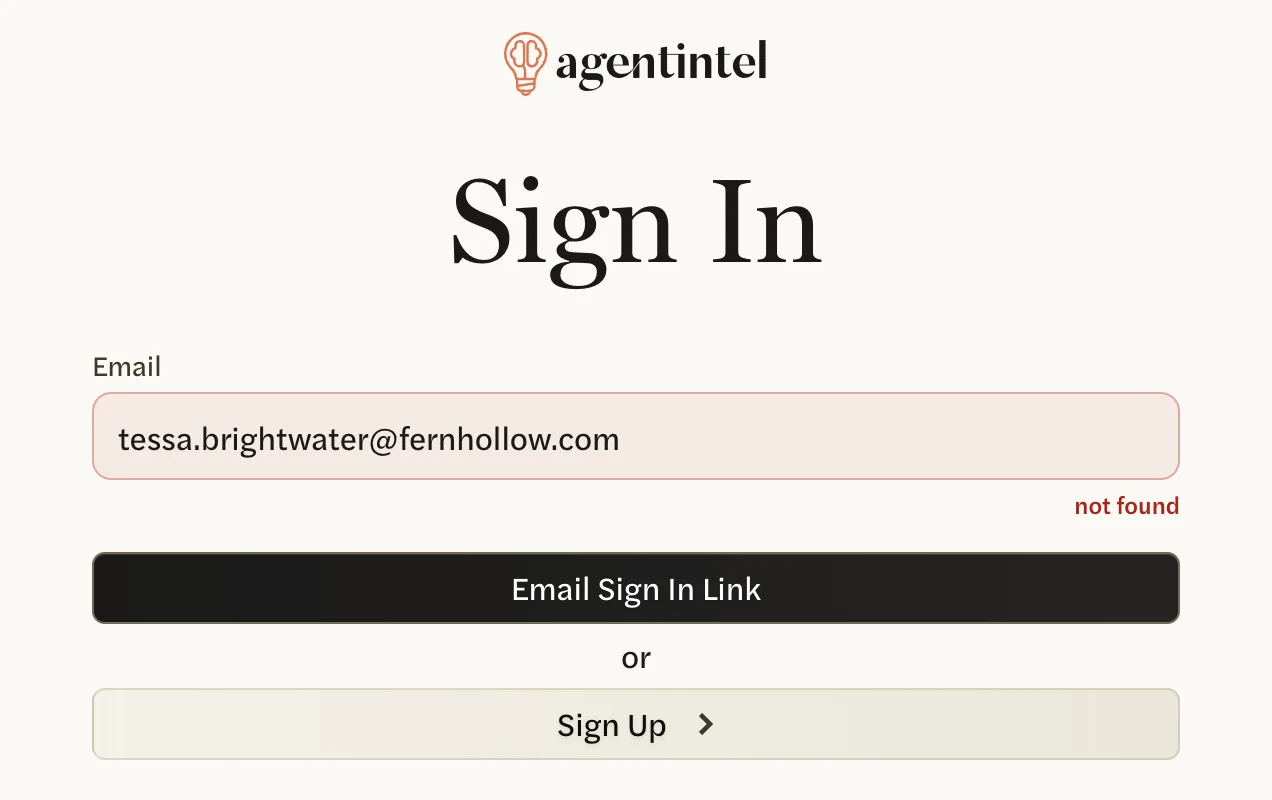
- Check the spelling.
- Try the other addresses you use. If you signed up by choosing your MLS profile, your account was set up with the email address your MLS has on file for you.
- If you changed your email address in AgentIntel, keep signing in with the old one until you have selected the link in the confirmation email sent to the new one.
Don’t select Sign Up to get in with another address: that starts a separate account, without your markets, reports or subscription. If you already have, log out of it at app.agentintel.co/signout, then sign in with your original address.
It said “Check your email”, but nothing came
That page appears only for an address that has an account, and it shows the address the link went to, with part of it hidden. Make sure you are looking in that inbox.

- Look in spam or junk and any Promotions or Updates tab, and search for “agentintel”.
- On a work address, your company’s email filter may be holding it. Ask whoever manages your email to release it and to allow email from agentintel.co.
- Ask for another link: select try again on that page, enter your address and select Email Sign In Link. Asking again doesn’t stop earlier links working, so use whichever email arrives first.
The link says it expired, or just opens the Sign In page
Selecting the link brings you back to the Sign In page instead of signing you in. A message, Sign in link expired. Please request a new one., shows at the top right for a few seconds, so you may only see the empty Sign In page.
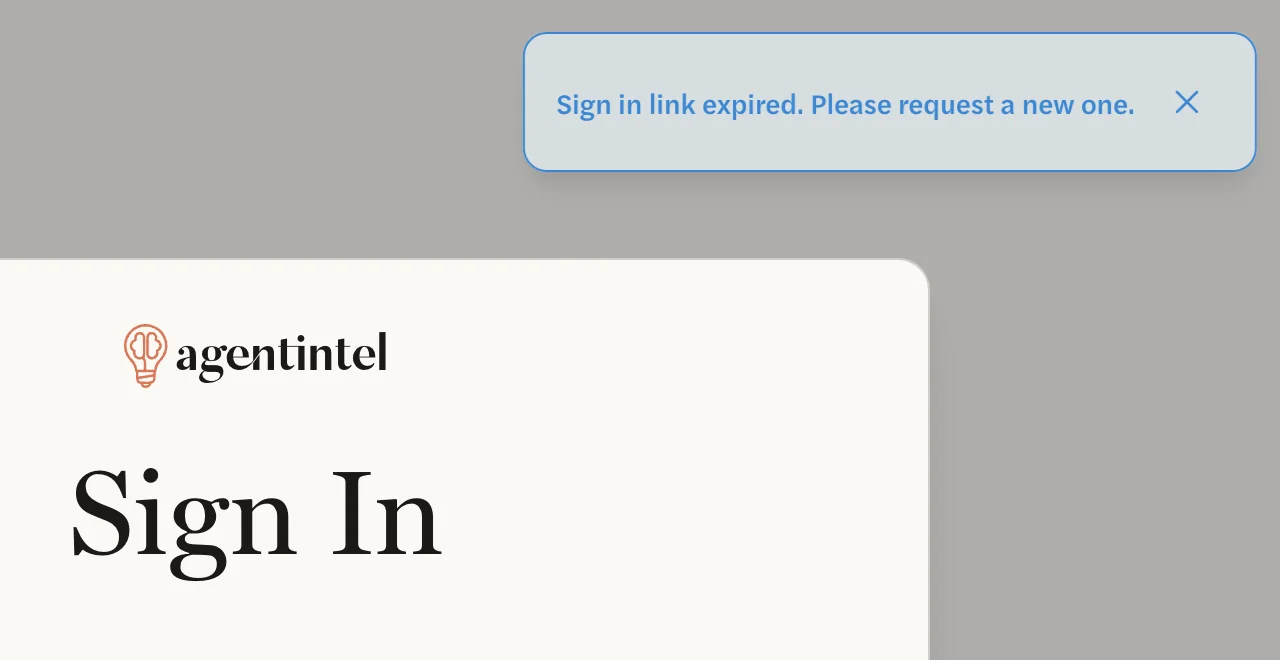
A sign-in link lasts 24 hours from when you asked for it. You see the same message if only part of the link was opened, for example when it was copied by hand. Request a new link and select the button in the email within 24 hours.
Opening a link a second time is fine while it lasts, and so is opening an older link after asking for a newer one.
Every new link says it expired
If you have never selected GET STARTED in the welcome email we sent when you signed up, do that now. Its subject is “You’re in! Welcome to agentintel.” and its button has no time limit. Selecting it finishes setting up your account and signs you in.

- Invited by your brokerage or team? The GET STARTED button is in your invitation email, whose subject starts “You’re in!” and names your brokerage. Your admin can send it again: see What the agent receives.
- Can’t find the welcome email? On the Sign In page, select Sign Up and sign up again the way you did before, with the same MLS profile or email address. Because your account already exists, we send the welcome email again instead of making a new account.
I’m signed in, but not where I wanted to be
You are signed in only in the browser where the link opened. On a phone, some email apps open links in a built-in browser of their own. Copy the link from the email into the browser you want to use.
If you were connecting Claude or ChatGPT, see Troubleshooting Claude and ChatGPT.
Still nothing
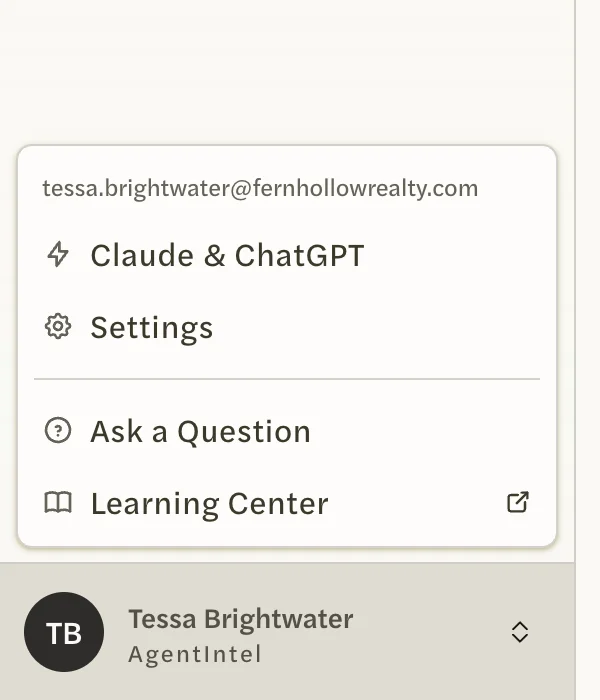
- If you are signed in to AgentIntel on another device, select your name at the bottom of the left menu there. The address at the top of the menu is the one your account uses.
- Add agentintel.co to your contacts or safe senders, then ask for a new link.