Your first AgentIntel subscription starts with a 15-day free trial. You add a card when you sign up, nothing is charged during the trial, and your first charge comes on the day it ends, unless you cancel before then. To sign up, see Start your free trial.
What the trial includes
The trial gives you the same access as a paid subscription to the plan you chose.
- Signed up with your MLS profile: your MLS Connection is part of the trial.
- Signed up without it: national market data. You can connect your MLS during the trial; it stays free until the trial ends and is then billed with your plan.
Invited by your brokerage or team? Your account is covered by your team’s subscription, so you have no trial and nothing to pay.
Your card and your first charge
- A card is required to start. You enter it on Stripe’s checkout page when you sign up, and nothing is charged then. Your Invoices list in billing settings shows a $0.00 invoice for that day.
- The first charge is on the day your trial ends, 15 days after you started it. The screen where you add your card shows the date, and so does Stripe’s checkout page.
- It’s for a month or a year, whichever you chose when you signed up. Your plan then renews every month or every year from that day.
- You can switch between monthly and annual during the trial, and the switch applies right away. See Switch between monthly and annual.
- A discount code’s months count from the day you start the trial, not from your first charge. See Use a promo code.
See when your trial ends
Sign in at app.agentintel.co.
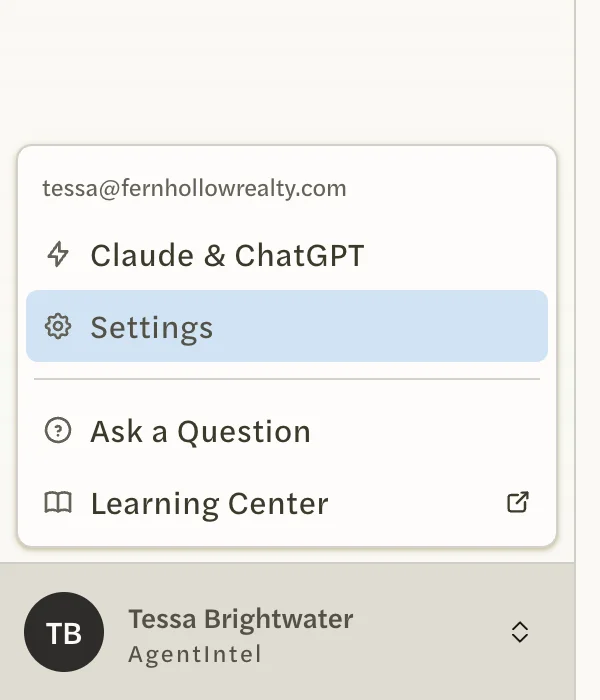
Select your name at the bottom of the left menu, then Settings.
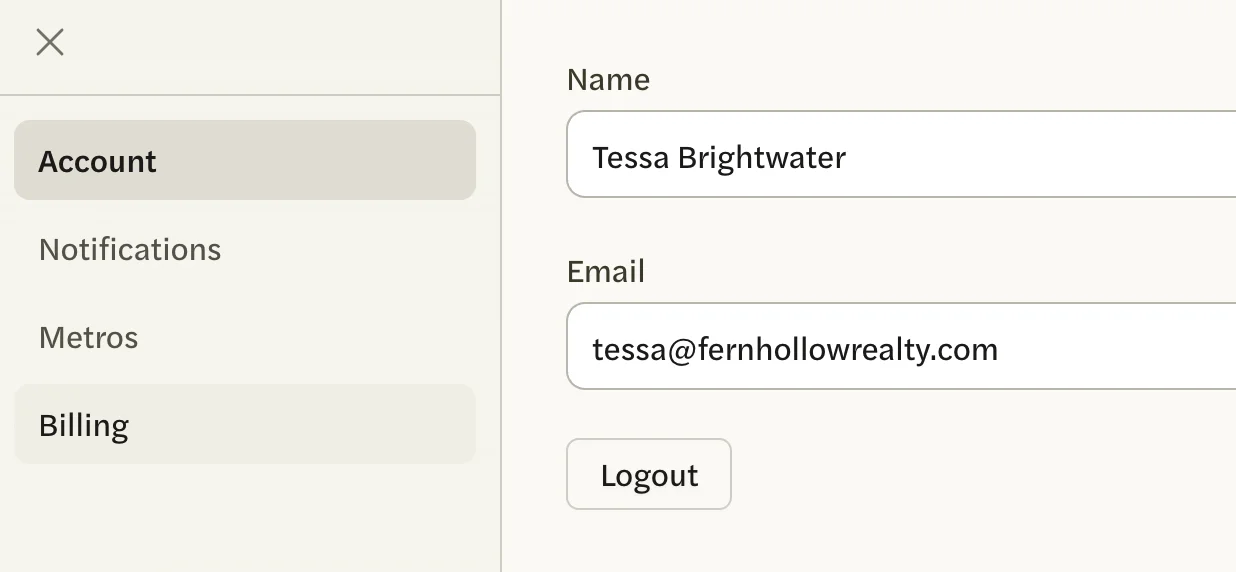
Open the Billing tab.
The top of the tab says Your trial ends on and the date. Further down, the Trial section says the same and that your subscription starts automatically when the trial ends.

Emails during the trial
- Tips for getting started: up to three emails, the day you start, about three days in and about a week in. They are marketing email, so the Unsubscribe link at the bottom of any of them stops them. See Stop or change emails.
- “Your trial ends soon”: about three days before your trial ends, with the end date and a Manage Billing button that opens your billing settings. It is an account email, so it comes even if you have unsubscribed from marketing email.
If you cancel during the trial
You can cancel at any time from the Billing tab; see Cancel your subscription. You keep full access until the last day of your trial and are never charged. A banner shows the date your access ends, with a Reactivate button.

If you change your mind before that date, select Reactivate. Your trial carries on, and your first charge is on the same day as before.
When the trial ends
- If you haven’t canceled, your card is charged and your subscription carries on. There’s nothing to do.
- If the charge is declined, AgentIntel shows a Payment failed screen in place of your pages until it is paid. See Payment failed.
- If you canceled, your access ends. Your markets, reports and settings are kept, and you can subscribe again at any time.
One trial per account
The free trial comes only with your account’s first subscription. If you cancel and subscribe again later, there’s no second trial: you’re charged when you subscribe.