You can turn off two kinds of email from AgentIntel: the weekly Client Watch email, in your settings, and our marketing email, with the Unsubscribe link at the bottom of each one. Emails about your account, and about the reports and posts you make, can’t be turned off.
Turn Client Watch on or off
Client Watch is a weekly email for subscribers with an MLS Connection. It lists the coming week’s home-purchase anniversaries for buyers you represented, and your active listings, each with numbers from its market that you can share with your clients. It is only sent in weeks when there is something to list. For what it lists, who gets it and when it arrives, see The Client Watch email.
Sign in at app.agentintel.co.
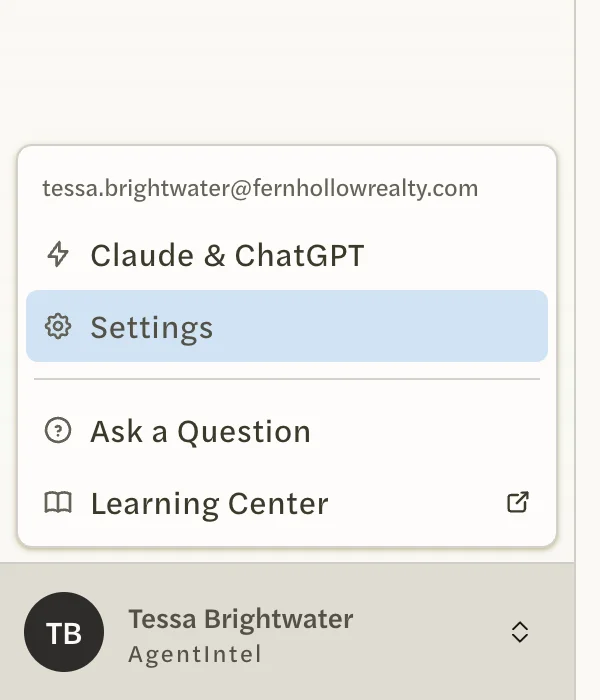
Select your name at the bottom of the left menu, then Settings.
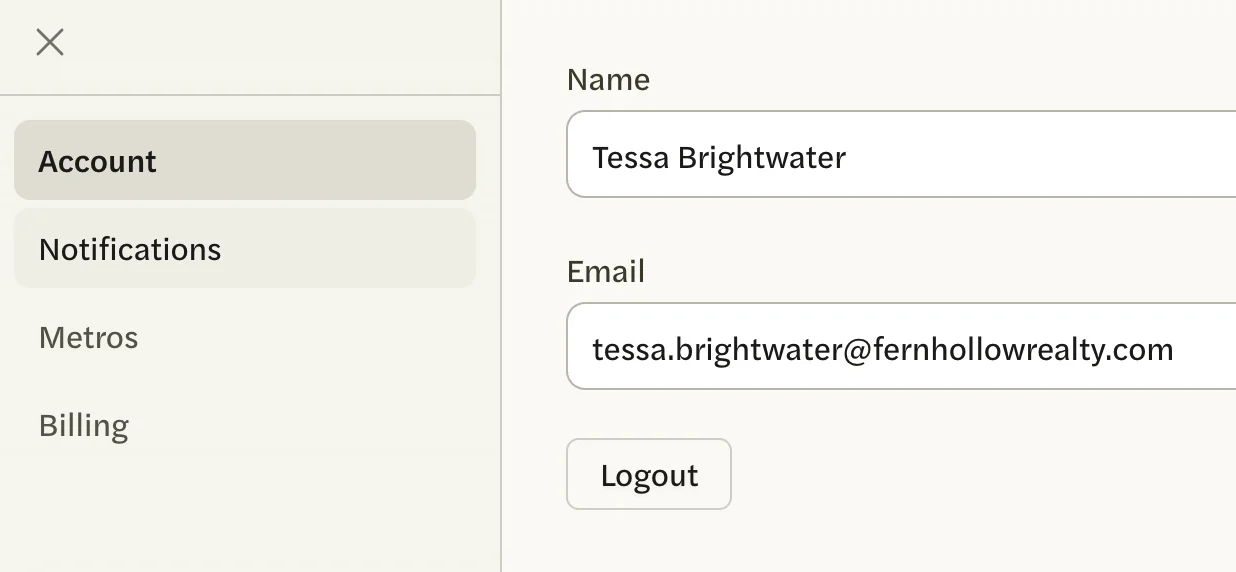
Open the Notifications tab.
Select the Client Watch switch to turn it off, or select it again to turn it back on.
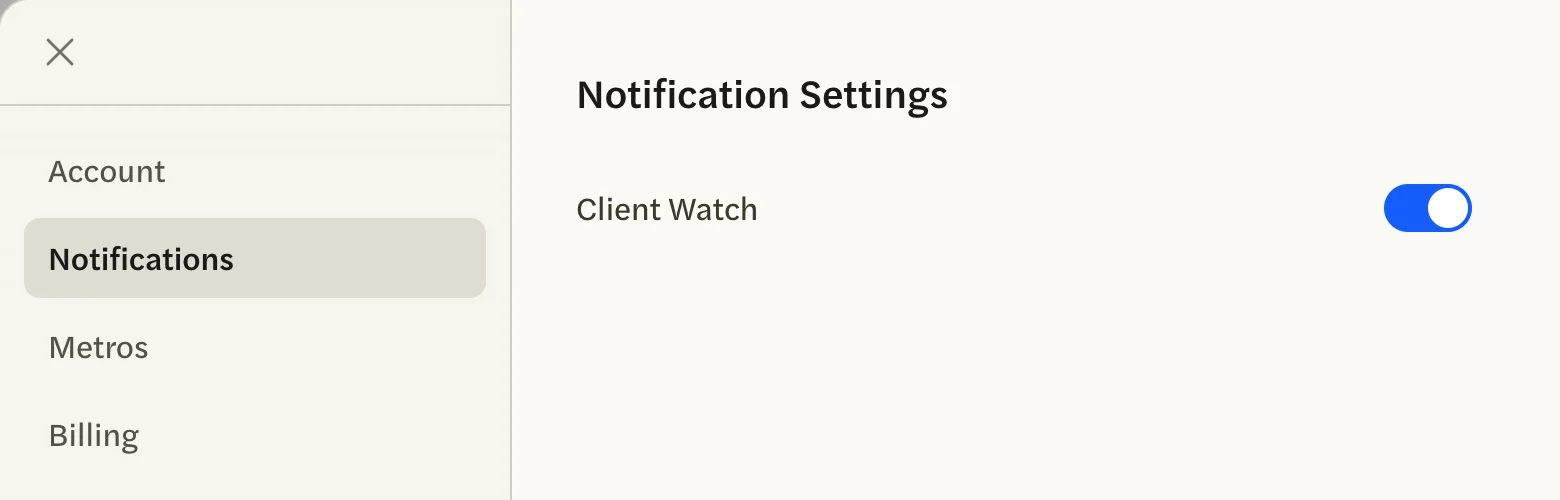
The switch saves as soon as you select it. There is no Save button and no message; the switch stays where you left it.
The switch is on every account, but Client Watch is only sent to subscribers with an MLS Connection. See Connect your MLS.
Stop marketing email
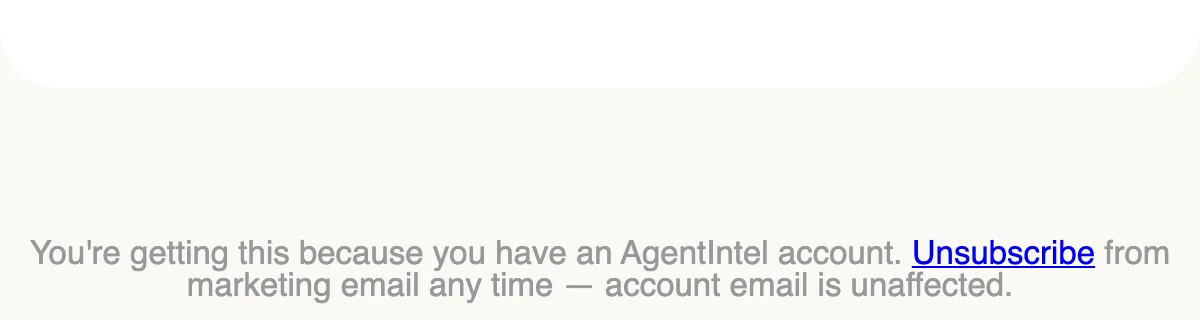
Our marketing emails are the tips we send during a free trial, the emails we send after a subscription ends, and news about AgentIntel. Each one ends with “You’re getting this because you have an AgentIntel account.” and an Unsubscribe link.
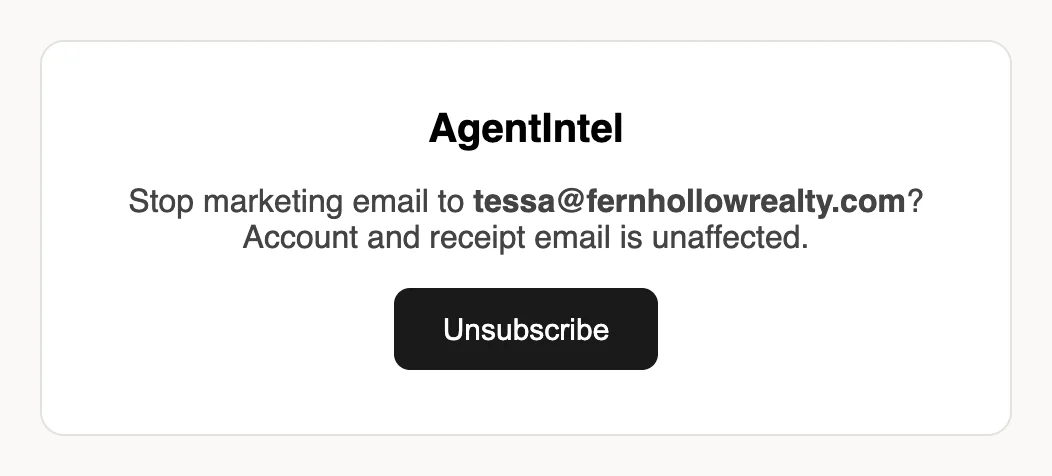
At the bottom of any of our marketing emails, select Unsubscribe. A page opens asking whether to stop marketing email to your address. You don’t need to sign in.
If AgentIntel opens one of its own screens instead, such as Payment failed or Welcome back. Your markets are ready., you are still signed in on that browser while your subscription isn’t active. Log out at app.agentintel.co/signout, then select Unsubscribe in the email again. Or use your email app’s own unsubscribe button, below.
You can’t turn marketing email back on yourself afterwards, so check the address, then select Unsubscribe.
The page confirms that your address won’t receive marketing email from us. This covers every marketing email to that address, not only the one you unsubscribed from.
If your email app offers its own unsubscribe button at the top of one of our marketing emails, it does the same thing.
Unsubscribing doesn’t stop the emails below.
Emails you can’t turn off
These come with your account and have no unsubscribe link:
- Sign-in links, and the email that confirms a new email address. See Sign in and Change your name or email.
- “Your … Market Report is Ready”, each time you generate a report in AgentIntel. Reports made through Claude or ChatGPT don’t send it. See Generate a report.
- “Your … Post is Ready to Share”, each time a social post is ready, including every post a schedule makes for you. See Set up a monthly schedule.
- MLS emails: “MLS Agent Verification Request”, sent when you connect your MLS, and “MLS Agent Verified — MLS Features Unlocked” once it’s connected. See Connect your MLS.
- Notices about your free trial and subscription, such as “Your trial ends soon”.
Received a market report from us without having an account? See I was emailed a report and don’t have an account.