You can switch between monthly and annual billing from your billing settings. The switch takes effect at your next renewal (right away during a free trial), and nothing is charged when you make it. Annual billing charges for a year at a time, at a lower monthly rate.
Switch your billing
Sign in at app.agentintel.co.
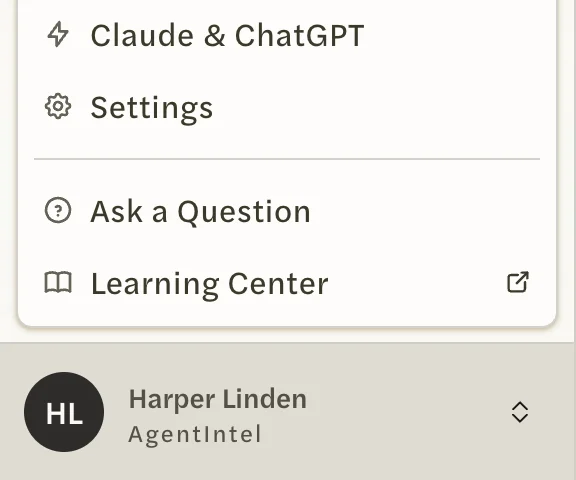
Select your name at the bottom of the left menu, then Settings.
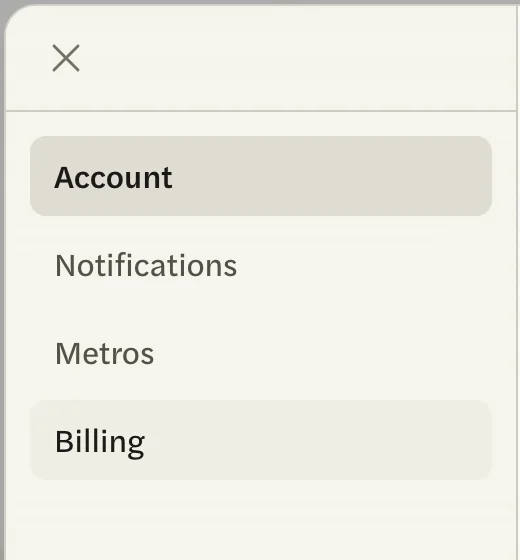
Open the Billing tab.
At the top of the tab, select Annual or Monthly, whichever you want to switch to. A box appears asking Switch to annual billing? or Switch to monthly billing?

Outside a free trial, a saved switch can’t be undone from the Billing tab, so check your choice, then select Save.
Outside a free trial, the switch waits for your next renewal. Until then you stay on your current billing, and the Billing tab keeps showing it. During a free trial it applies right away, and you can switch back the same way.
On a team or brokerage account, only the account owner has a Billing tab. If you have canceled, the switch is hidden until you reactivate; see Undo a cancellation or resubscribe.
When the switch takes effect
- Monthly to annual: at the end of the month you have paid for. Your first annual charge is on that day, and your plan renews yearly after that.
- Annual to monthly: at the end of the year you have paid for. Monthly charges start on that day.
- During a free trial: right away. Your first charge, when the trial ends, is on the billing you chose.
- Nothing is charged when you save. You keep the time you have already paid for.
- An MLS Connection switches with your plan. If you have one, it moves to the same billing.