You can enter a discount code in AgentIntel when you sign up, when you subscribe again after your access has ended, or in your billing settings while you’re subscribed. Stripe’s checkout page has no place for a code, so always apply it in AgentIntel first.
When you sign up or subscribe again
When you first sign in after signing up, and whenever you sign in after your access has ended, AgentIntel opens a screen where you choose Monthly or Annual before going to checkout.
If you came from a discount link in one of our emails, the code is already applied when this screen opens. Check it as in step 3, then go on to step 4. If the code can’t be used, the reason shows under the code box instead.
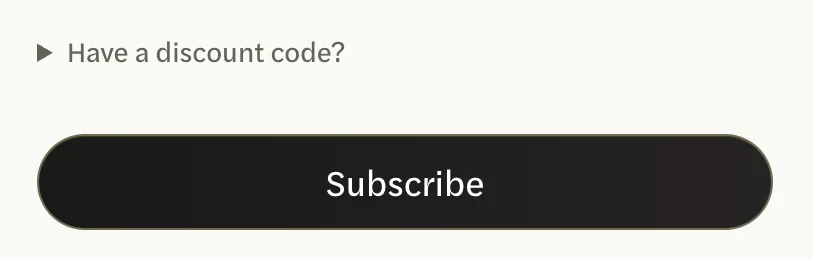
On that screen, select Have a discount code? A code box opens.
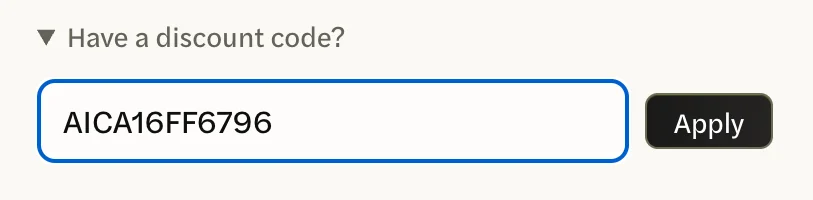
Enter the code, then select Apply.
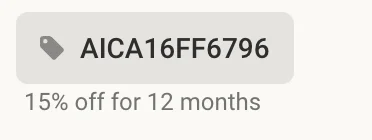
- Check that it was accepted. The regular price is crossed out next to your new price, and a line under it names the code, what it takes off and for how long. To take it off again, select Remove on that line.
Select Start your free trial, or Subscribe if you’re subscribing again. Stripe’s checkout page opens and shows the discount in its summary.
While you’re subscribed
You can add a code at any time while your subscription is active, including during a free trial. Check the code before you apply it: once a code is on your subscription, you can’t take it off, swap it for another or add a second one.
Sign in at app.agentintel.co.
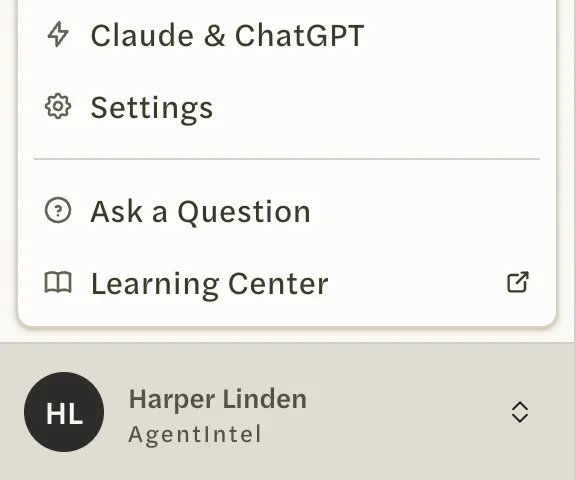
Select your name at the bottom of the left menu, then Settings.
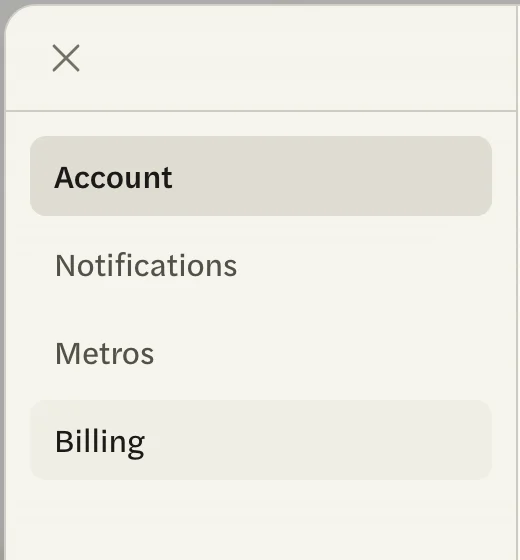
Open the Billing tab.
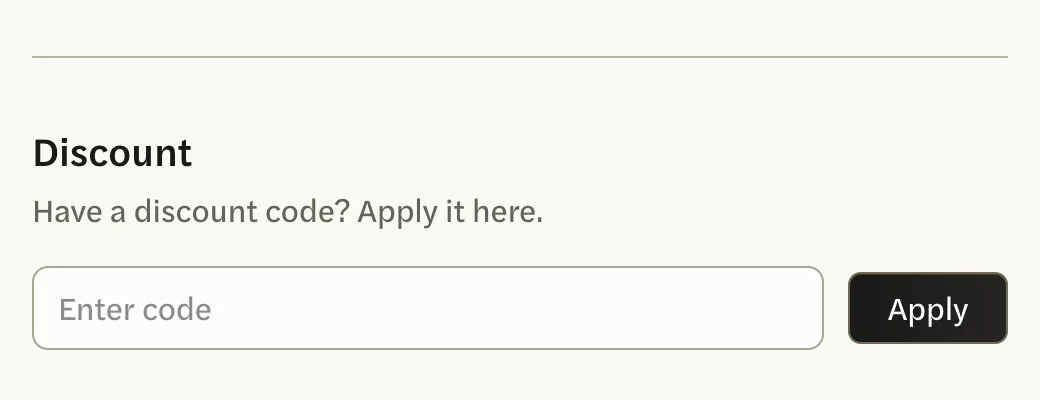
Under Discount, enter the code, then select Apply.
Select your browser’s back button. Then select your name at the bottom of the left menu, Settings, and open the Billing tab again.
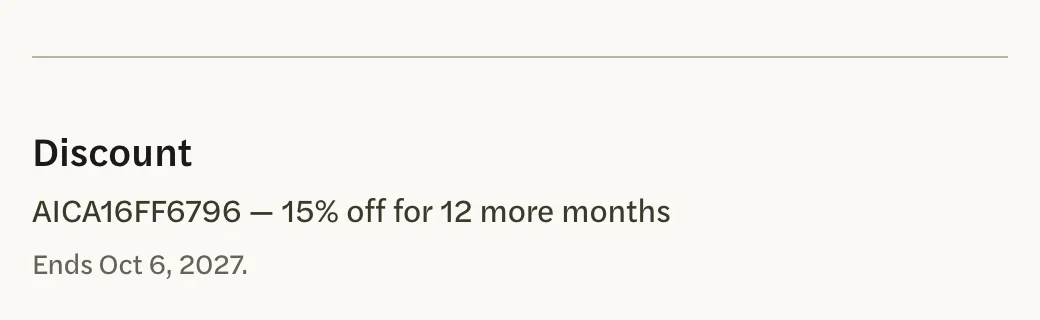
If the code was accepted, Discount now shows the code, what it takes off and for how long, and when it ends. If the code box is still there and empty, the code wasn’t accepted.
Nothing is charged when you apply a code. The discount starts with your next charge.
On a team or brokerage account, only the account owner can enter a code. If you have canceled, the Discount section is hidden until you reactivate; see Undo a cancellation or resubscribe.
If a code is refused
On the screen before checkout, the reason shows under the code box:
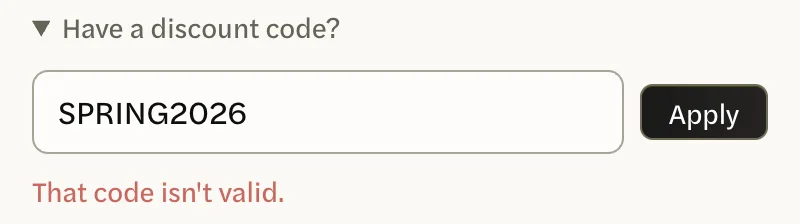
- That code isn’t valid. AgentIntel doesn’t recognize the code, or it is no longer active. Check it for typing mistakes.
- This code is for new customers only. The code is only for people subscribing for the first time.
- This code doesn’t apply to your plan. The code is for a different plan.
In Billing, a refused code leaves the code box under Discount empty. Check the code for typing mistakes and try again.
What a code doesn’t do
- It isn’t used until you select Apply. A code typed into the box and left there is ignored when you check out.
- It doesn’t last longer than it says. A code’s months are counted from the day it’s applied: the day you subscribe, free trial included, or the day you apply it in Billing.