If you canceled and your access hasn’t ended yet, reactivate. Your subscription carries on as if you never canceled, and you aren’t charged today. If your access has already ended, sign in and subscribe again.
Reactivate before your access ends
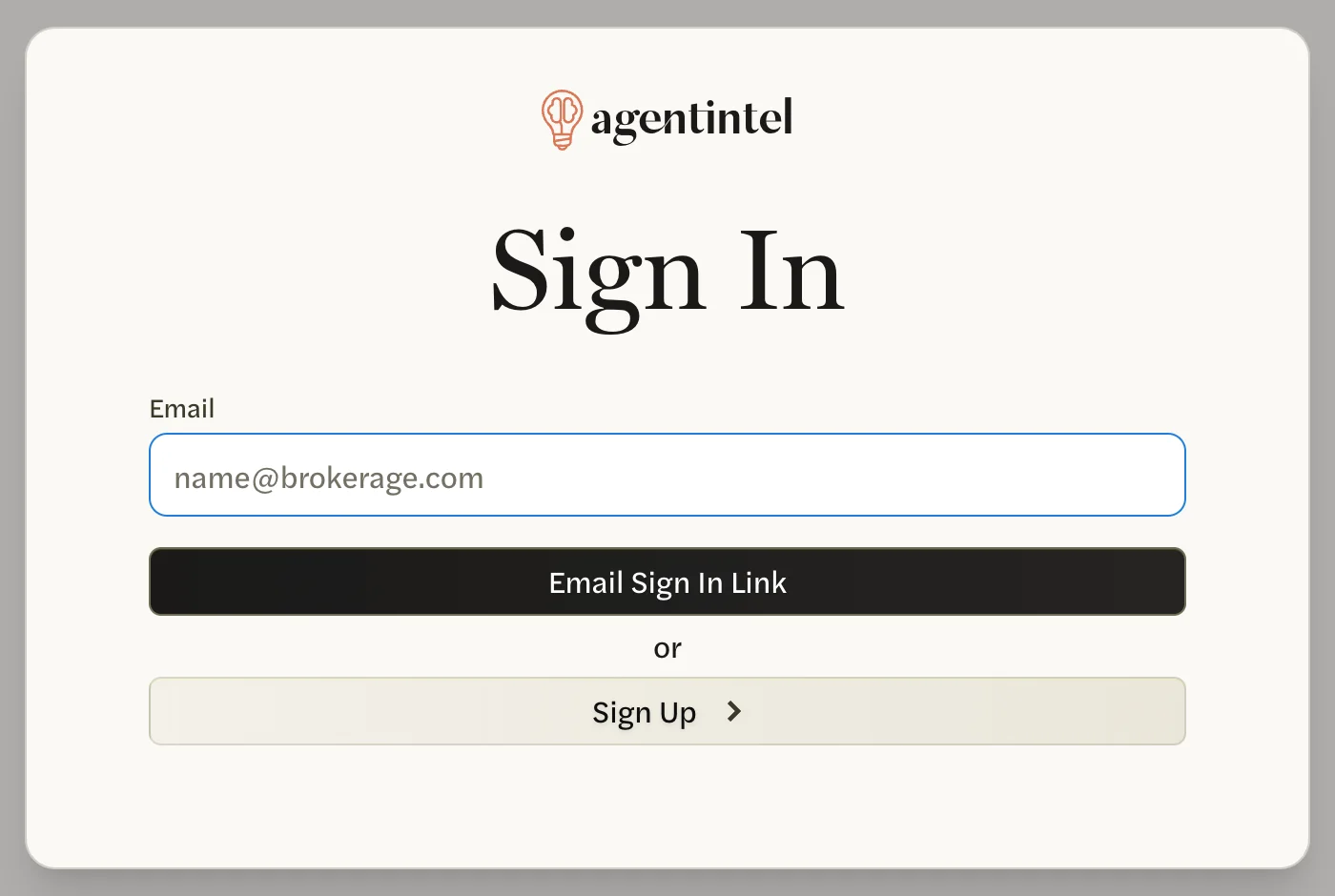
Sign in at app.agentintel.co.
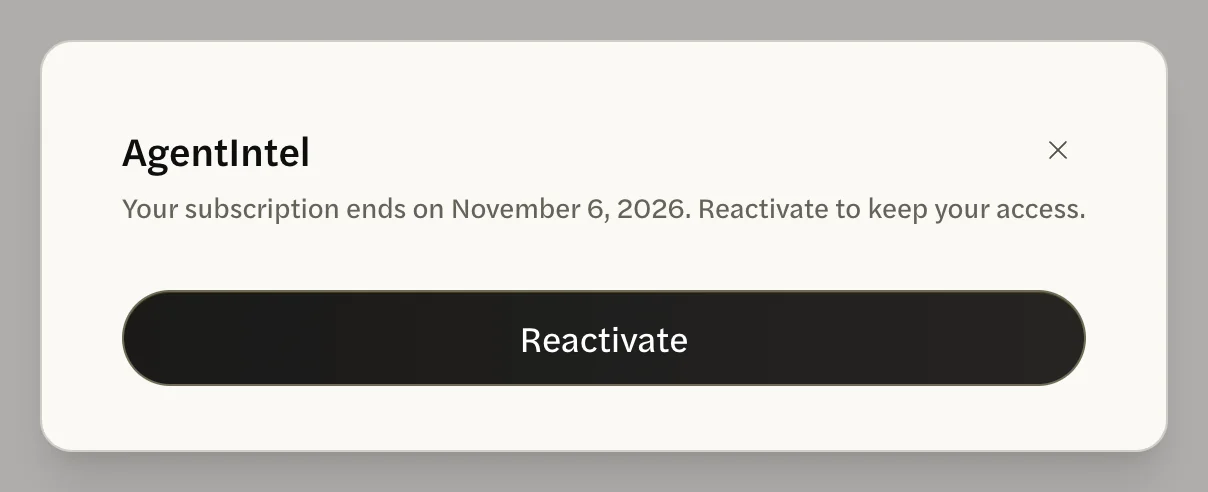
In the banner at the top of the page, select Reactivate.

On the screen that opens, select Reactivate.
You land on your Dashboard with the message Your subscription has been reactivated. The banner is gone.
The same button is in your settings: select your name at the bottom of the left menu, then Settings, open the Billing tab and select Reactivate under Plan Cancelled.
Your plan, your billing and your renewal date stay as they were. Your next charge is on your usual renewal date. To cancel again later, see Cancel your subscription.
Subscribe again after your access ends
Once your end date has passed, AgentIntel shows a welcome-back screen in place of your pages until you subscribe again.
Sign in at app.agentintel.co. A screen opens that says Welcome back. Your markets are ready.

Choose Monthly or Annual.

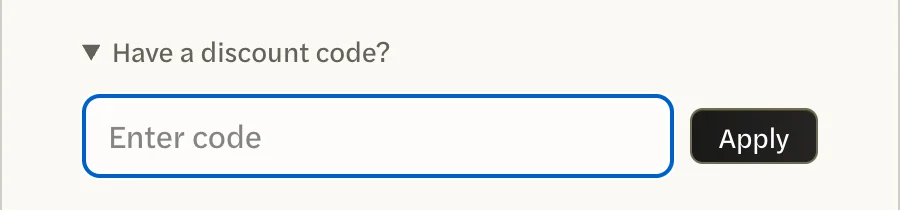
If you have a discount code, select Have a discount code?, enter the code, then select Apply. Stripe’s checkout page has no place to enter a code, so apply it here. See Use a promo code.
Select Subscribe. A checkout page from Stripe, our payment processor, opens.
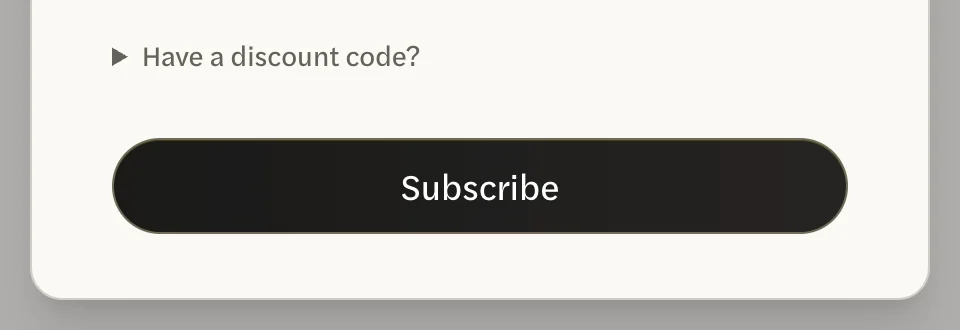
Enter your card details, then select Subscribe.
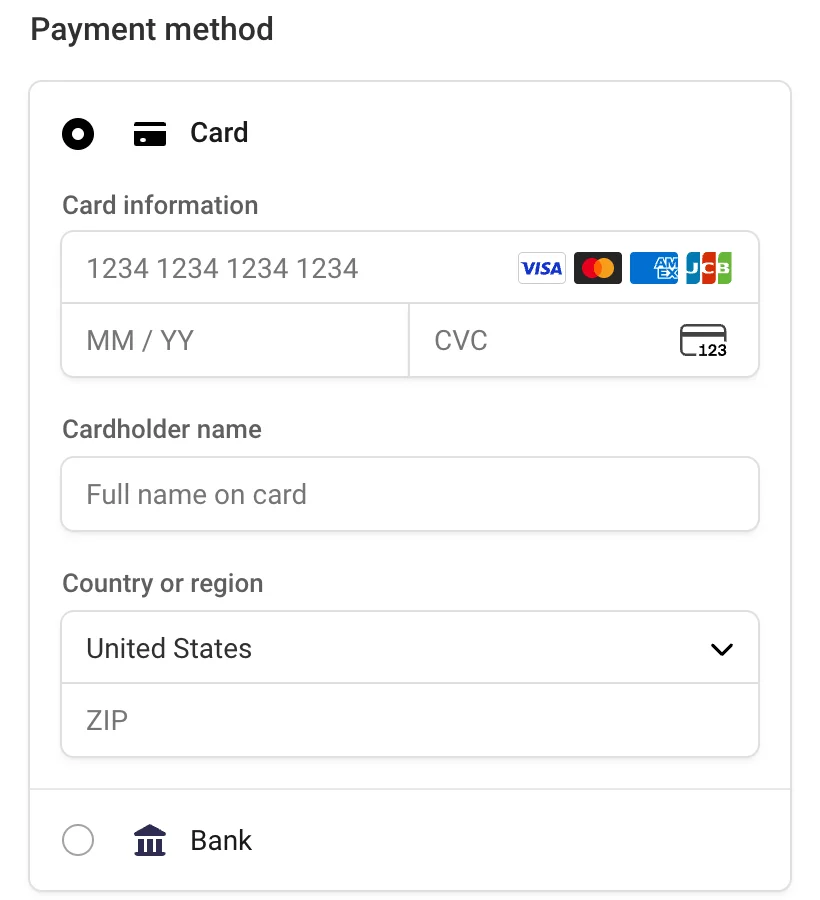
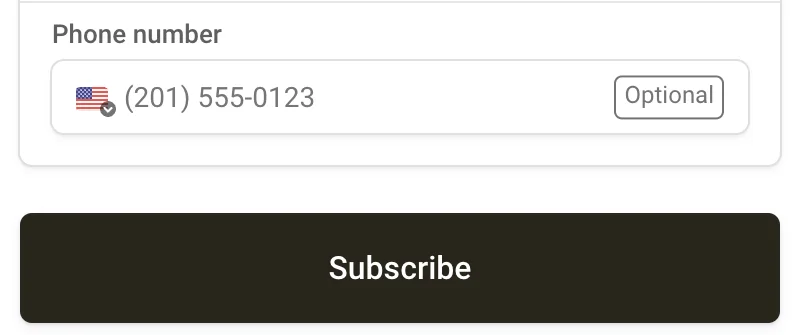
You land on your Dashboard with full access again.
- There’s no free trial this time. You’re charged when you subscribe, and your plan renews a month or a year from that day.
- Your work is still there. Your markets, reports, branding and settings are waiting where you left them.
- One MLS Connection is included if your MLS profile is verified.
On a team or brokerage account, only the account owner can reactivate or subscribe again. If you see Account Deactivated, ask your account owner.