AgentIntel doesn’t use passwords. You enter your email address, we email you a sign-in link, and selecting it signs you in.
Sign in
Go to app.agentintel.co. The Sign In page opens.
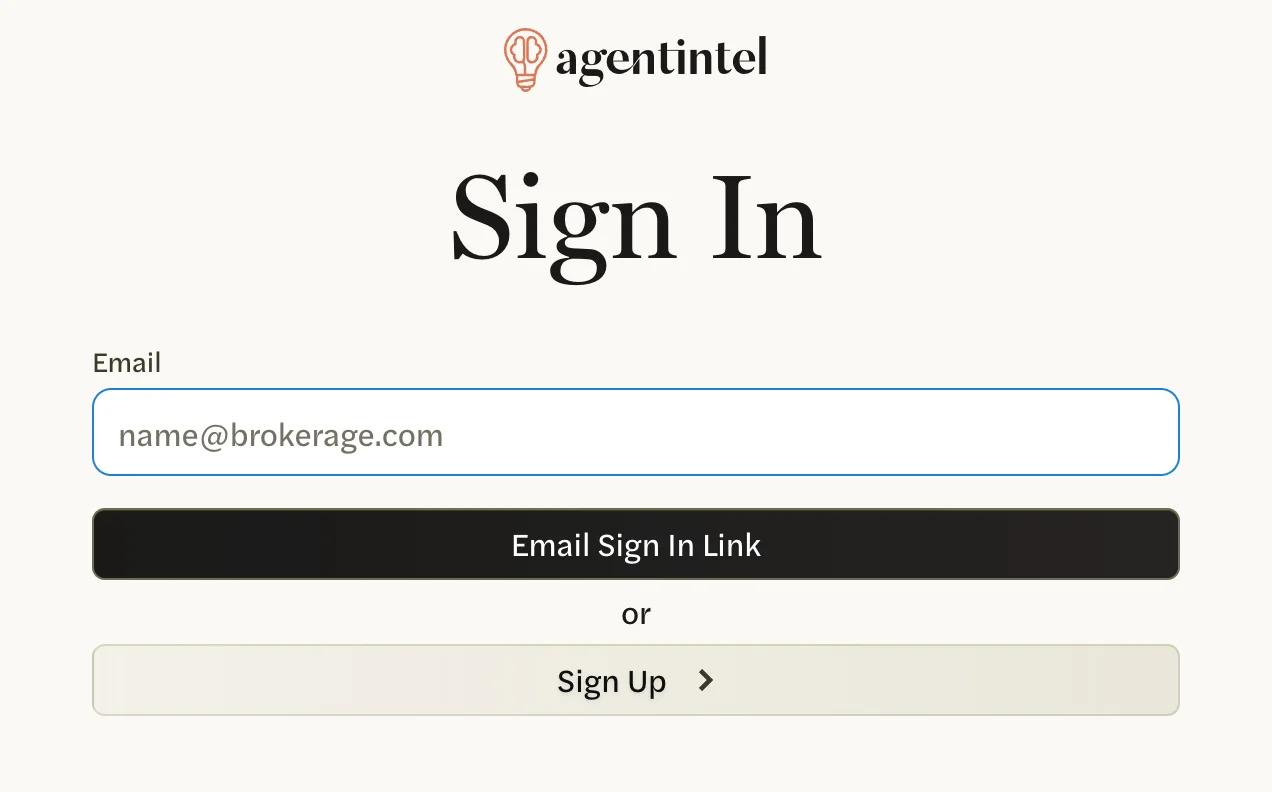
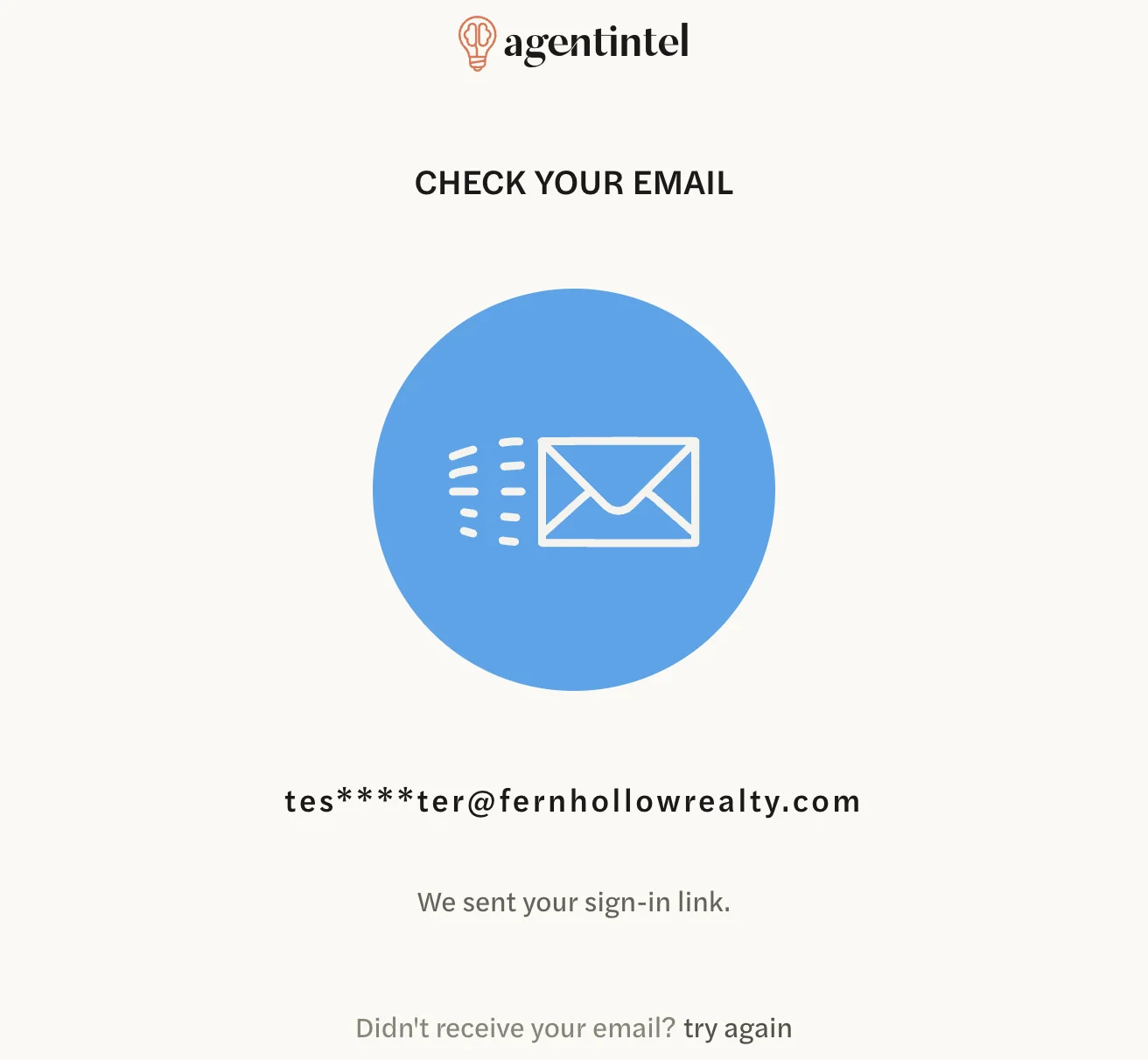
Under Email, enter the email address you use for AgentIntel, then select Email Sign In Link. The page changes to “Check your email” and shows the address the link went to, with part of it hidden.
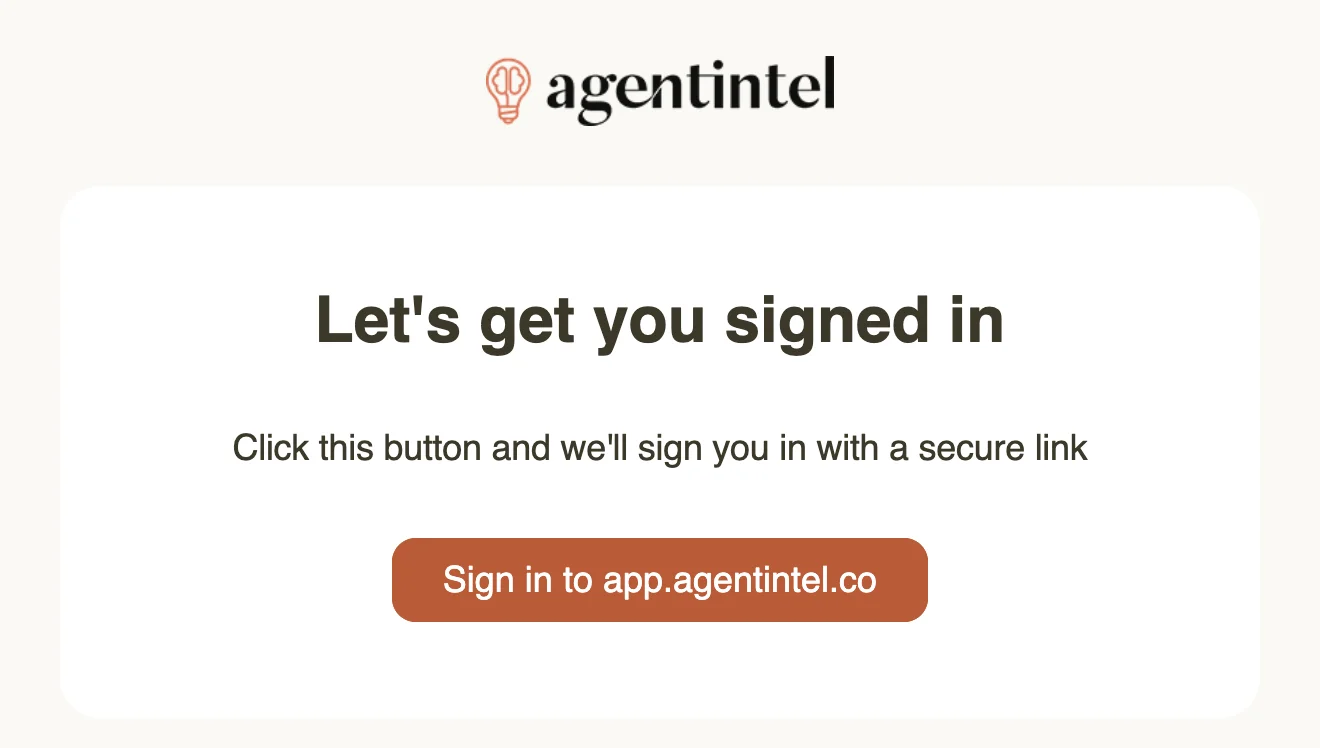
Open the email from AgentIntel with the subject “Secure link to log in to agentintel.” and select Sign in to app.agentintel.co.
AgentIntel opens on your Dashboard, or on the page you were trying to open when you were asked to sign in. The link keeps working for 24 hours, so selecting it again is fine. If the email doesn’t come, see Didn’t get the email.
The very first time, sign in with the GET STARTED button in the welcome or invitation email we sent you. After that, use the Sign In page.
On another device or browser
You are signed in only where you open the link. To use AgentIntel on both your phone and your computer, sign in on each, and open the link on the device you want to use. If your email app opens links in its own built-in browser, copy the link into the browser you want instead.
Connecting Claude or ChatGPT needs the link opened in the same browser you started from. See Connect Claude or ChatGPT.
How long you stay signed in
You stay signed in for two weeks on each browser, even if you close it in between. Using AgentIntel doesn’t extend the two weeks, so expect to sign in again about every two weeks. When you do, the Sign In page may already have your email address filled in.
Log out
Select your name at the bottom of the left menu, then Settings.
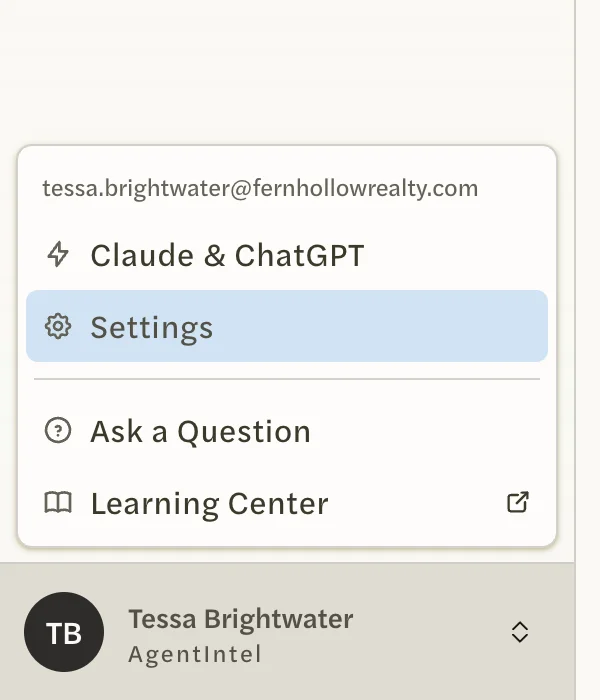
On the Account tab, select Logout.
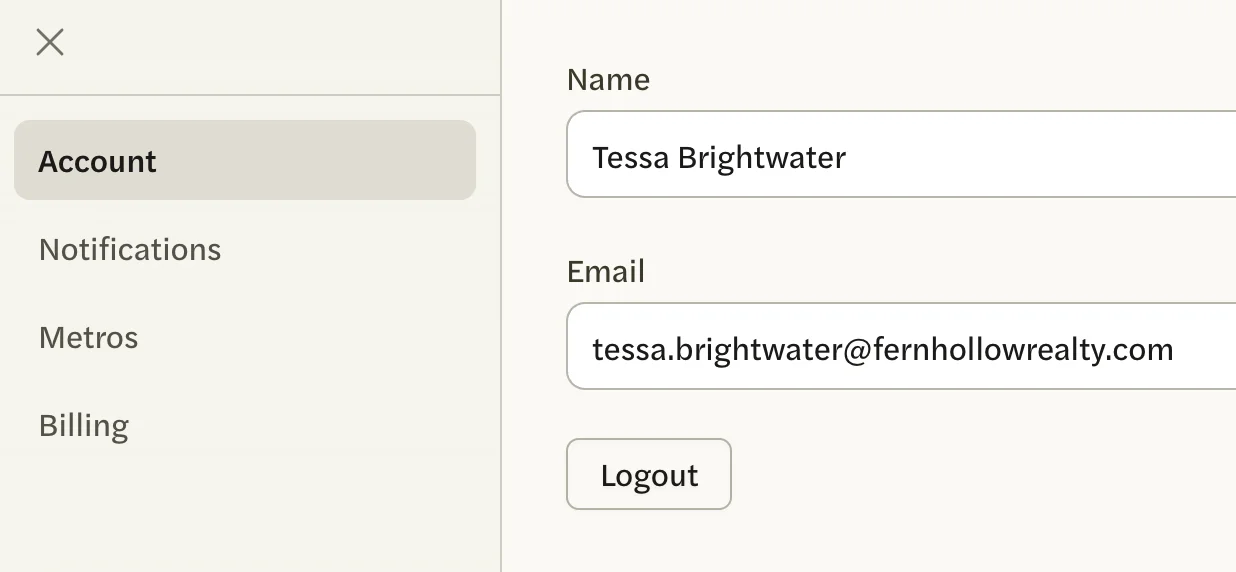
The Sign In page opens. You can also log out from any screen by going to app.agentintel.co/signout.
Logging out also ends the two-week sign-in on your other devices and browsers. One that is open at the time stays signed in until its browser is closed.