AgentIntel gives you statistics for real estate markets and turns them into reports and social posts you can share. This page shows how the parts fit together, in the order you’ll meet them. When a word on screen is new to you, look it up in the Glossary.
Markets and their statistics
Everything starts with a market, such as a neighborhood, zip code, city, county or metro, each with its own page of statistics. Find a market by name, or browse the ones for your area on the Markets page, then read its page.
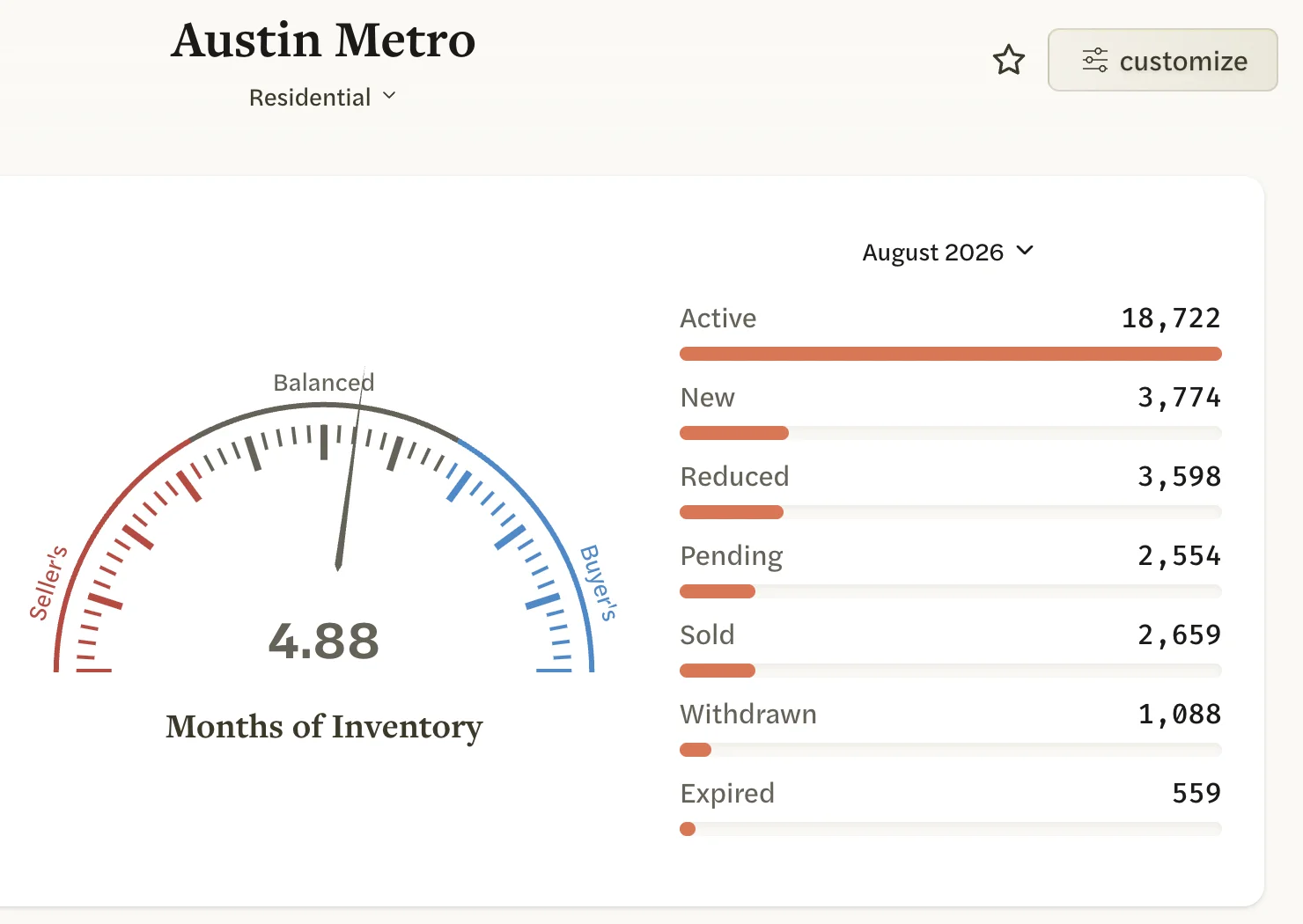
Markets come in two kinds. National markets cover the whole country, use Redfin’s public data and come with your subscription. MLS markets are calculated from your own MLS’s listings, are updated overnight and come with an MLS Connection. Their numbers for the same place differ; MLS and national data explains why.
What you make from a market
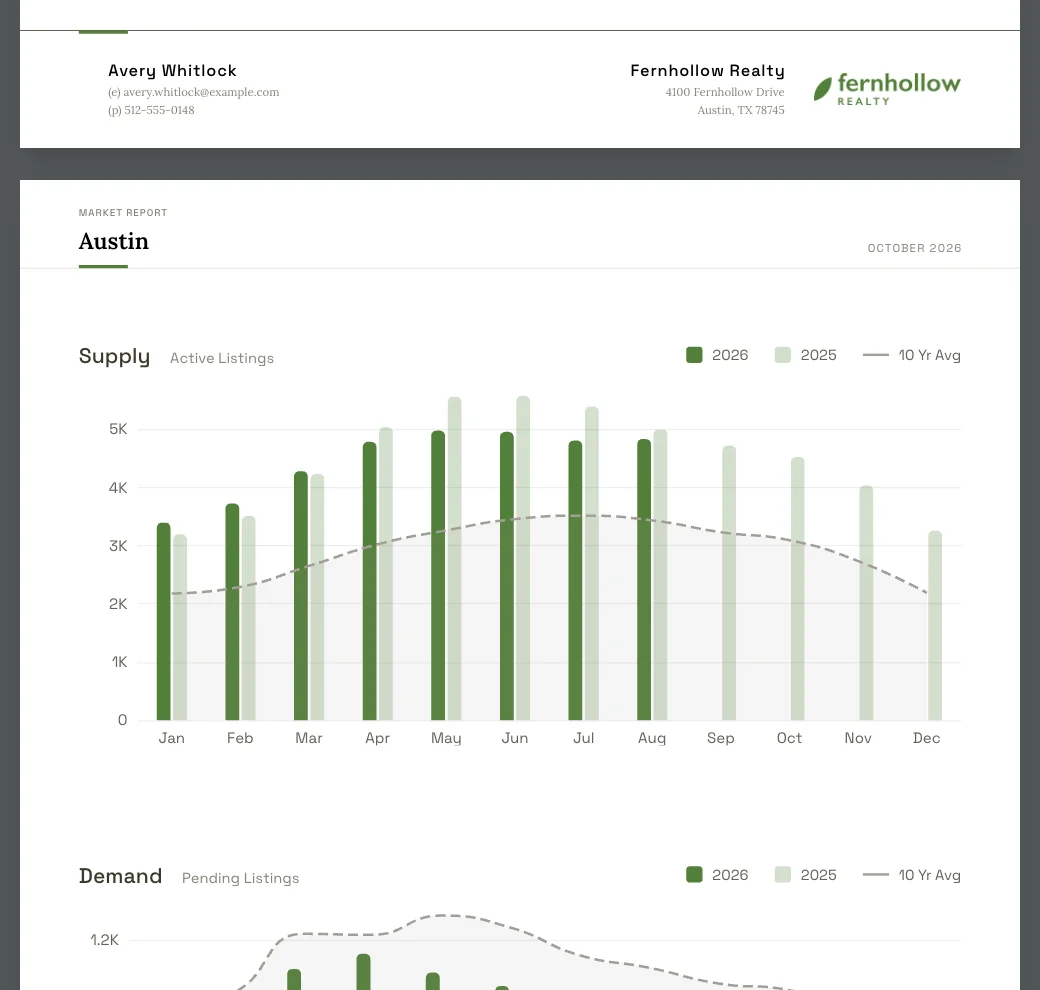
- Reports. Pick a market and AgentIntel makes a report of it with your branding, ready to share. See Make your first report and Set up your branding.
- Social posts. AgentIntel turns your markets’ statistics into branded images with a caption for social media, and you share them yourself. Your first monthly schedules are set up for you. See How social posts work.
What an MLS Connection adds
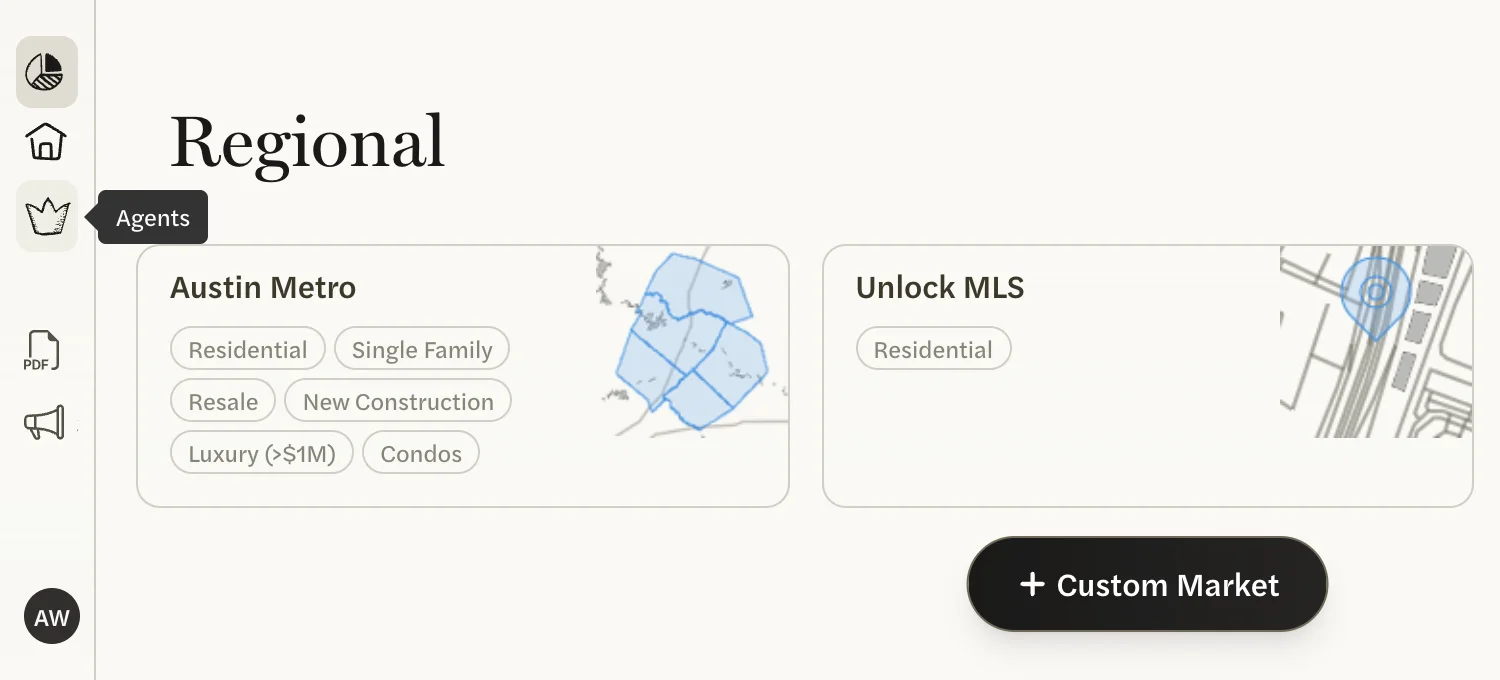
If you signed up with your MLS profile, you already have one. If you didn’t, you can connect your MLS at any time. Besides your MLS’s own markets, it adds:
- Custom markets, built from filters you choose. See Create a custom market.
- Agents, where agent data is available for your MLS, to look up agents and rank their production. See Rank agents in a market.
- Your listings under My Listings and My Buyers, added for you as your MLS updates. See My Listings, My Buyers and Pre-MLS.
- Client Watch, a weekly email about your listings and past buyers. See The Client Watch email.
Ask Claude or ChatGPT
Connect Claude or ChatGPT to AgentIntel and you can ask your assistant how a market is doing, or have it make a branded report for you. With an MLS Connection, it can also answer questions about listings and agents in your MLS. See Connect Claude or ChatGPT.
Teams and brokerages
On a team or brokerage account, the account owner’s subscription covers everyone. Admins invite agents, who are matched to their MLS profile and have no card or billing of their own. Admins can also set the team’s branding for reports and social posts. See Roles on a team.
Where to start
Not signed up yet? Start your free trial. Already in? Make your first report.