Find what you’re seeing below. Each section says what causes it and what you can do.
I signed in, but I’m not back in Claude or ChatGPT
The sign-in link was opened in a different browser, or on a different device, from the one your assistant sent to AgentIntel. That signs you in where you opened it and shows your AgentIntel Dashboard, but the browser your assistant opened is still waiting. Requesting another link and opening it the same way repeats the loop.
Start again, and keep every step in one browser:
Start connecting again from your assistant.
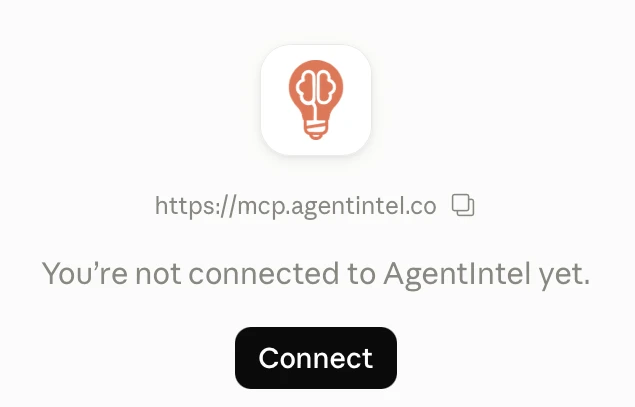
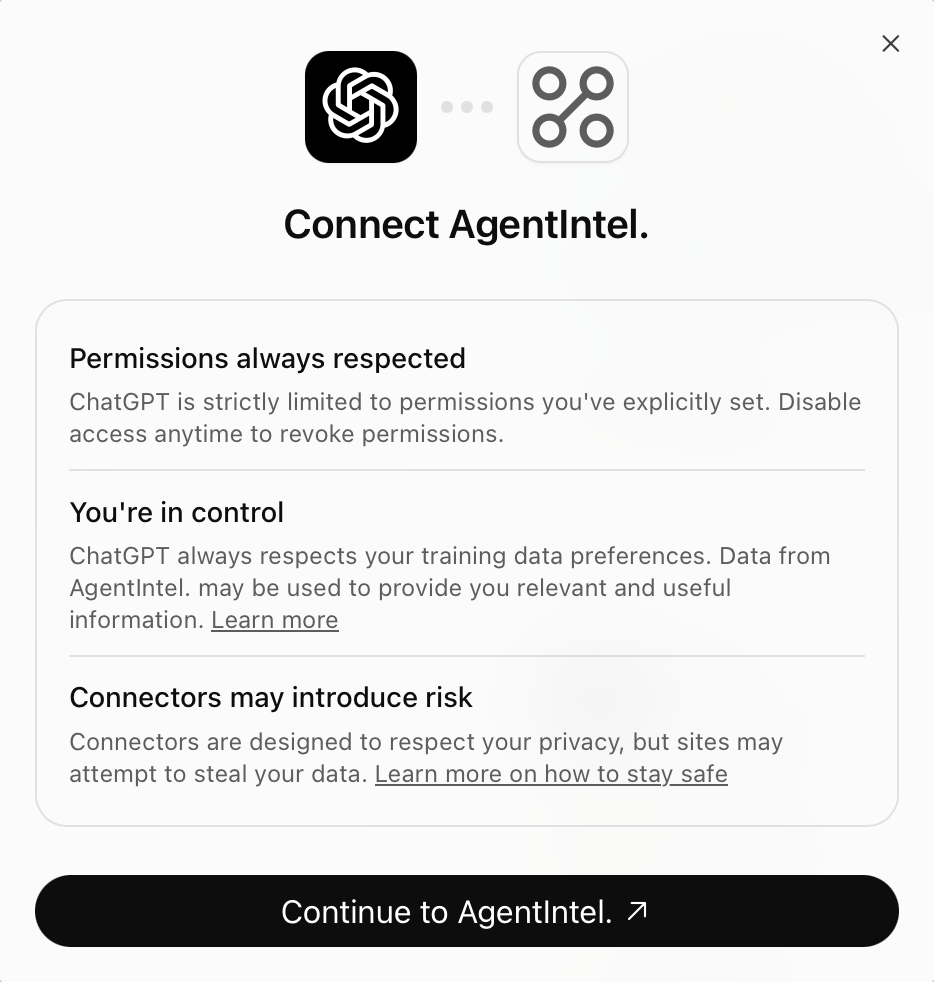
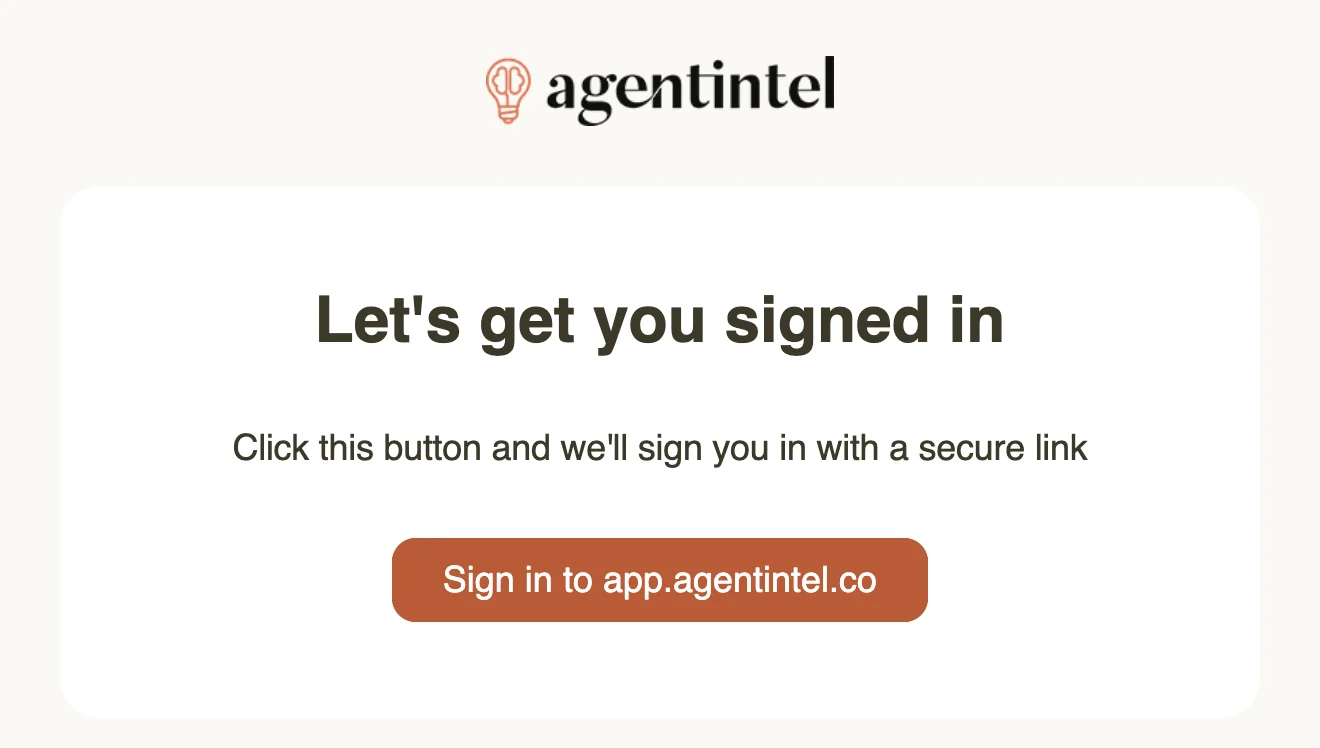
When AgentIntel’s Sign In page opens, enter your email and select Email Sign In Link.
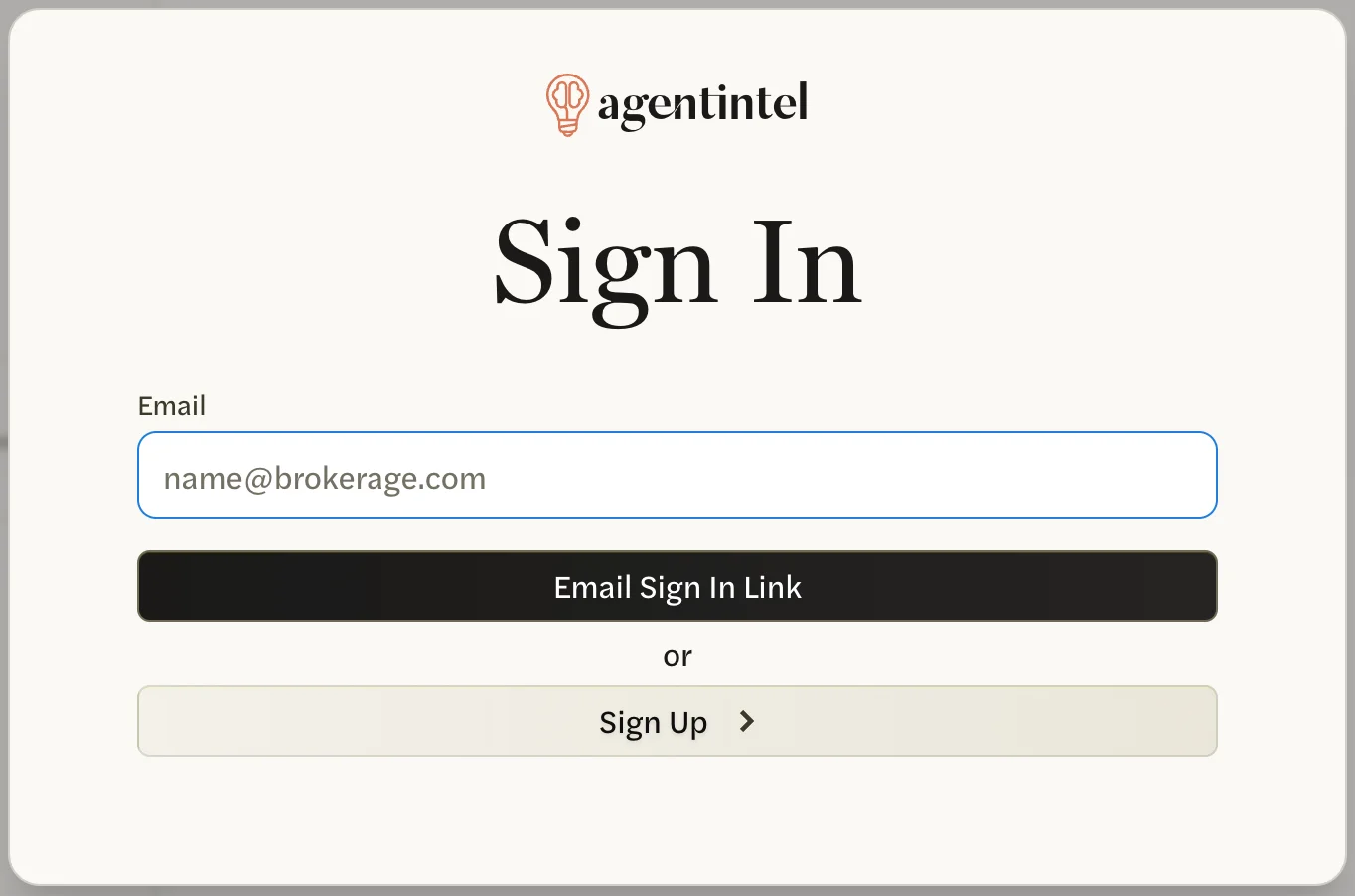
Open the link from the email in that same browser. If your email opens links somewhere else, copy the link into that browser’s address bar.
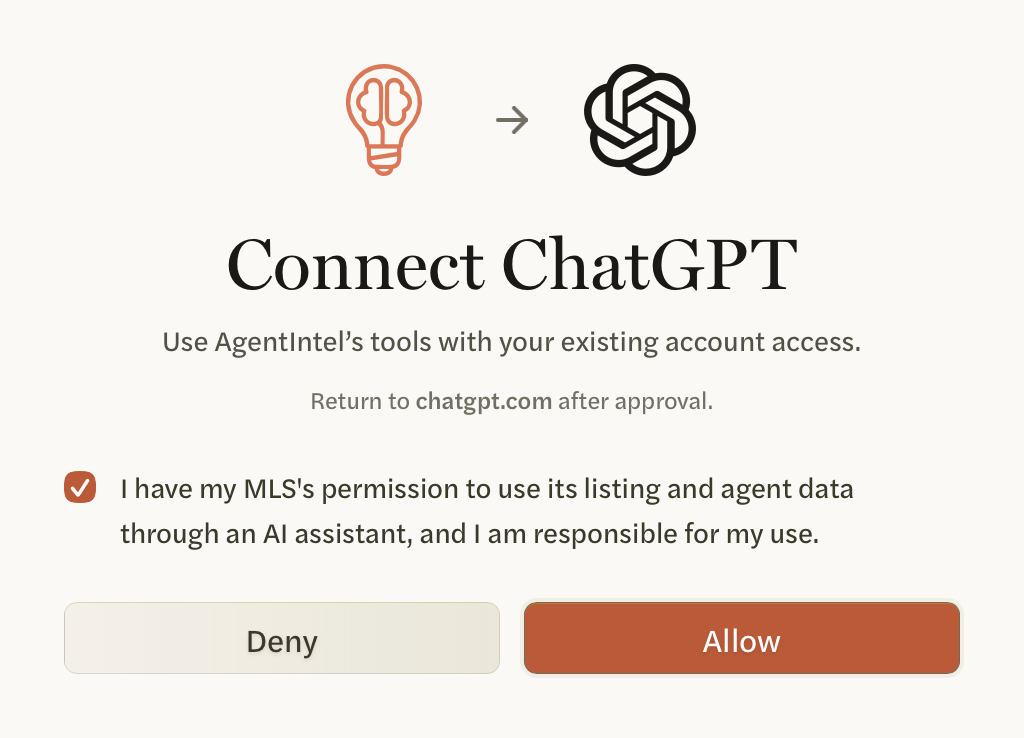
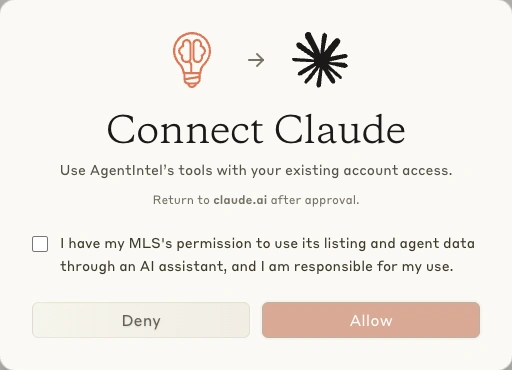
The approval screen opens. Select the checkbox if its statement is true for you, then select Allow.
If you are already signed in to AgentIntel in that browser, step 1 takes you straight to the approval screen.
If you sign in to AgentIntel in that browser on its own, it may open an approval screen left over from your earlier attempt. Don’t rely on it: close it and start again from your assistant.
If the email doesn’t arrive, see Didn’t get the email.
I can’t select Allow
Allow stays unavailable until you select the checkbox above it. Read the statement beside the checkbox and select it only if it is true for you, then select Allow.
AgentIntel isn’t in my conversation
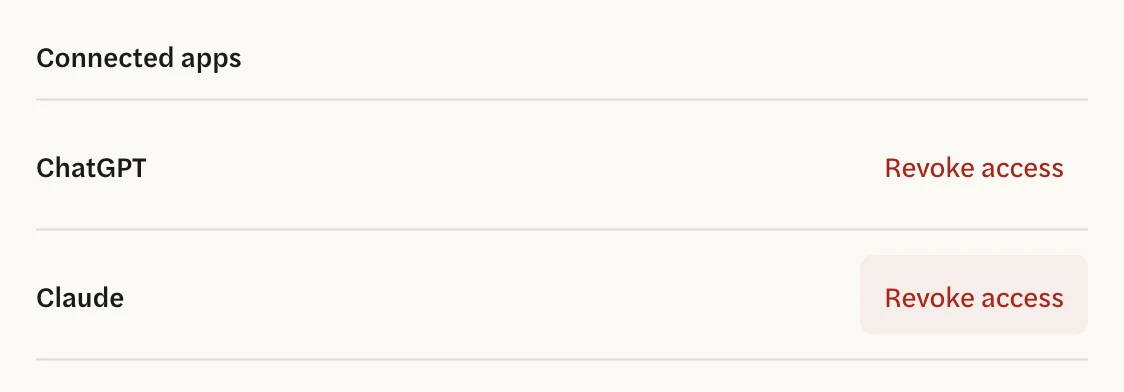
First check that connecting finished. In AgentIntel, select your name at the bottom of the left menu, then Claude & ChatGPT, and look under Connected apps.

- Your assistant isn’t listed: connecting didn’t finish, for example because Deny was selected. Start again with Connect Claude or ChatGPT.
- Your assistant is listed: the connection is in place. Use the same Claude or ChatGPT account you connected with, start a new conversation and turn AgentIntel on in it, as the last step of the setup guide shows: Claude or ChatGPT.
My assistant stopped getting AgentIntel data, or says my subscription is inactive
Your subscription or free trial has ended, or a payment didn’t go through. Until your account is active again, AgentIntel answers every request from your assistant with “Your subscription is inactive” instead of data.
Sign in at app.agentintel.co and subscribe again: see Undo a cancellation or resubscribe. If a payment failed, see Payment failed.
AgentIntel keeps your connection while your subscription is inactive and answers it again once your subscription is active.
My assistant can’t find a home, or answers about a different one
Listing questions need an MLS Connection, and only your MLS’s residential listings can be looked up, so a rental, land or commercial listing isn’t found.
AgentIntel looks up the street address as your MLS writes it and returns one home. It finds nothing when the city, state or zip code is added, or when a street type is spelled out, such as “Drive” for “Dr”. Give just the house number and street name, written the way your MLS writes them, such as “123 Main St”.
Check the address in every answer. A lookup can come back with a different home from the one you asked about, and for a home that has sold it often does, even when you give the exact address or the home’s MLS number. The home that comes back isn’t picked by how closely it matches.
To look up a home that has sold, use the search in AgentIntel instead, where you choose the home from a list: see Look up a listing or address.
Asking for “my production” returns nothing
AgentIntel looks agents up by name. A request for an agent with no name, or with words such as “my production” in place of a name, returns nothing.
Name yourself, as your MLS lists you: “How many homes did Jordan Avery close last year?” How production is counted explains the figures. If your own numbers look low, see Troubleshooting agent data.
My assistant can’t find an agent by email
AgentIntel looks agents up by name. A search by email address comes back empty.
Ask with the agent’s full name, as your MLS lists it. The answer includes the agent’s office and email, so you can check it is the person you meant, especially for a common name. You can also find the agent in AgentIntel: see Look up an agent.
My assistant says it can’t look up agents
There are two reasons:
- You don’t have an MLS Connection. Agent and listing lookups need one. See Connect your MLS. Once your account has one, AgentIntel offers agent and listing lookups on the connection you already have.
- Your MLS’s agent data isn’t available through assistants. That is the case for some MLSs. Your assistant can still answer market and listing questions. If Agents is in your AgentIntel menu, look agents up there: see Look up an agent. If it isn’t, see Troubleshooting agent data.
The answer is about the wrong place, or the whole U.S.
AgentIntel looks up the place your assistant names and uses one match.
- A name that fits several places can match the wrong one. Sent just “Round Rock”, AgentIntel matches the Round Rock West neighborhood, not the city. Sent just “Travis”, it matches the Travis Heights neighborhood, not Travis County.
- A name that matches nothing gets figures for the whole U.S. instead. That includes a misspelling, and a name with words added to it, such as “the 78704 zip code” or “the city of Round Rock”.
- With an MLS Connection, a place your MLS doesn’t cover gets national figures from Redfin. That is expected; see MLS and national data.
Use the place’s own name, such as “Travis County” or “Barton Hills”, and give a zip code as its five digits alone, such as “78704”. Then check the market named in the answer. If it is the wrong place, open the market in AgentIntel instead: see Find a market. A report made from a name that matched nothing covers the whole U.S., so check the place in the report’s name before you send it.
The same assistant is listed twice
An assistant you connected more than once can appear more than once under Connected apps, with the same name, and nothing shows which entry is which.
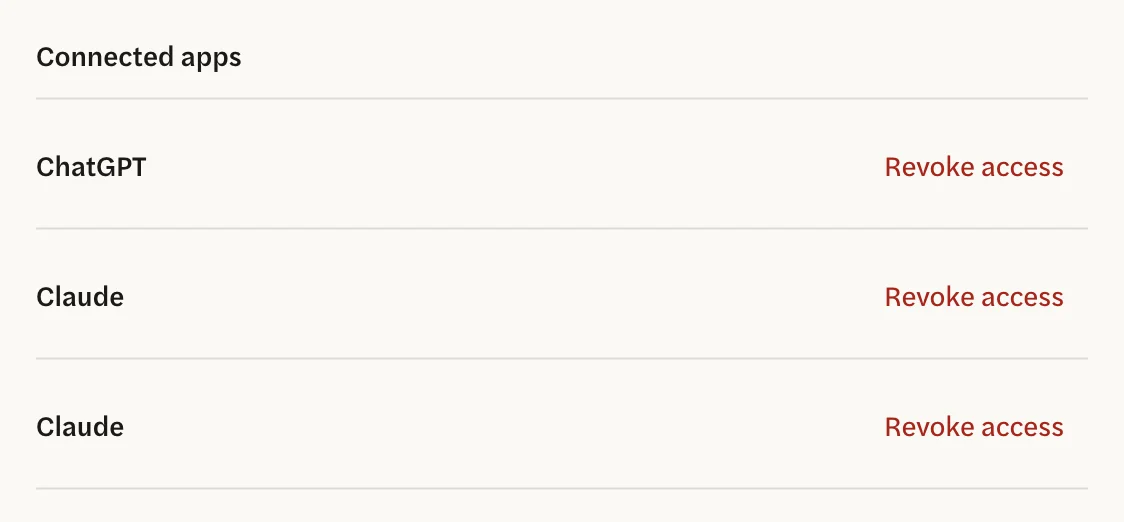
To tidy the list, select Revoke access on each entry with that name, then connect the assistant again. See Manage connected apps.
I disconnected AgentIntel in one place, but it still shows in the other
AgentIntel’s Connected apps list and your assistant’s own settings are separate. Revoking access in AgentIntel doesn’t remove AgentIntel from Claude or ChatGPT, so remove it there too if you no longer want it.
To end an assistant’s access to your AgentIntel account, select Revoke access beside it under Connected apps. That takes effect straight away.